


Part Number: TMS320F28379D
Hello,
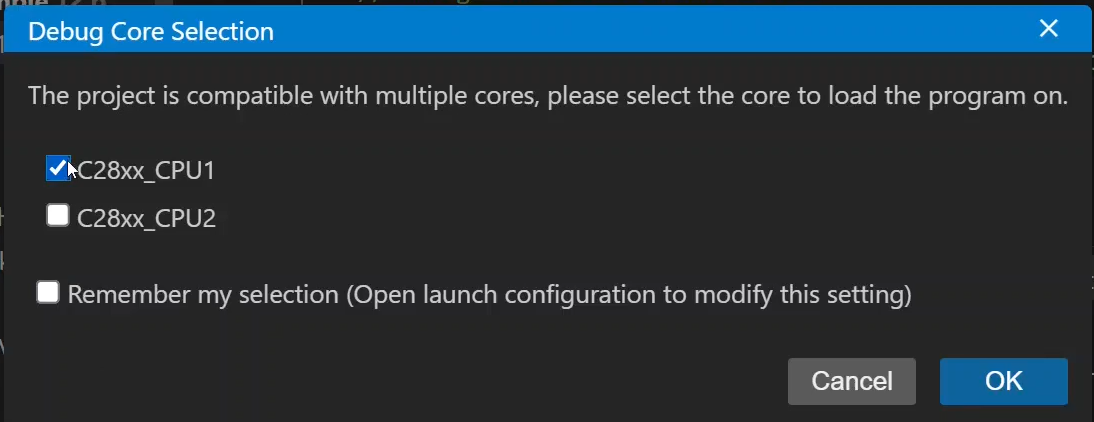
When uploading code, I clicked the "Remember My Selection" button while choosing the core, so now I'm not asked which core to upload the code to. How to open launch configuration to disable this again?
Thanks
Part Number: TMS320F28379D
Hello,
When uploading code, I clicked the "Remember My Selection" button while choosing the core, so now I'm not asked which core to upload the code to. How to open launch configuration to disable this again?
Thanks


