This thread has been locked.

If you have a related question, please click the "Ask a related question" button in the top right corner. The newly created question will be automatically linked to this question.

TMDSEMU110-U: TMDSEMU110-U: nonfunctional

Part Number: TMDSEMU110-U
Other Parts Discussed in Thread: UNIFLASH

Product name & part number: XDS110 Debug Probe / TMDSEMU110-U

Description of the issue: The unit stopped working. It is unable to program the target device. When attempting to push the code, received "Error -267 @ 0x0." We are lucky to have purchased two XDS110, the second unit is working fine.

Purchase details: 

  • Order number: T06402857
  • Date of purchase April 30, 2026

Environment:

  • Operating System (OS): macOS
  • IDE / Software Version: UniFlash v8.x / Emulation Package 20.5.0.3900
  • Connection Method: USB via a multi-port USB-C Hub.

failed device front.jpegfailed device back.jpeg

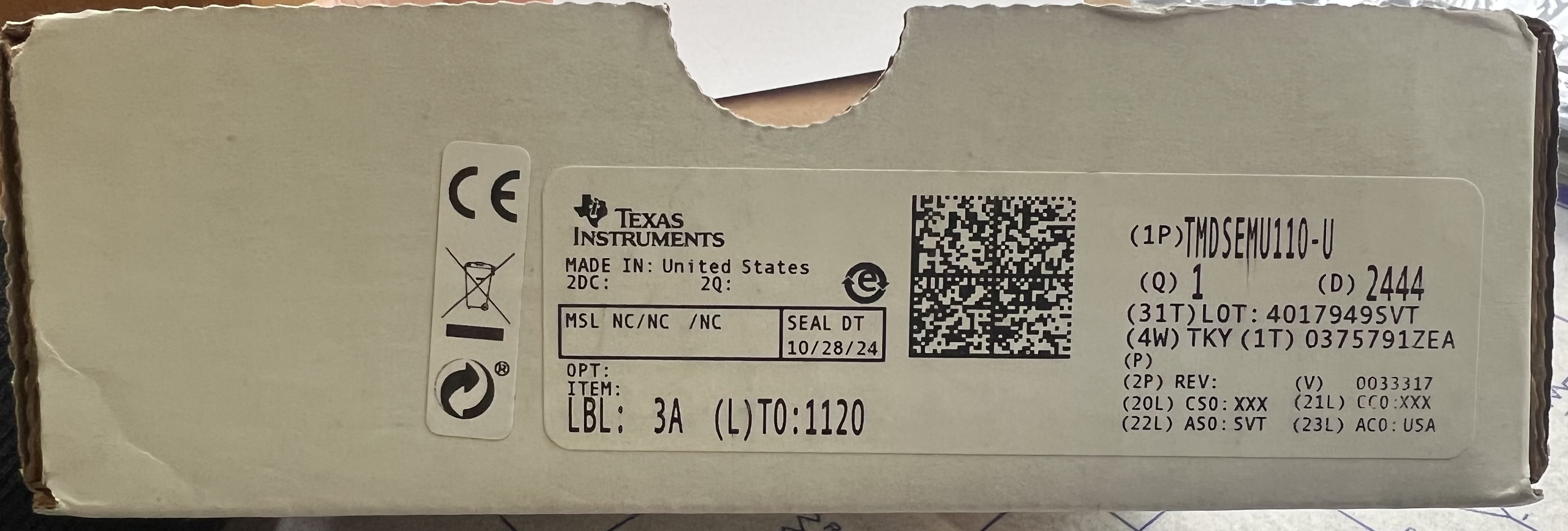
dysfunctional prob label.jpeg


  • Hi Saad,

    A few follow up questions:

    1. Have you tried without the USB Hub to rule out any hub-related issues?
    2. If you check, "Apple menu → About This Mac → System Report…" does the probe populate on the list of connected hardware?
    3. What version of Code Composer Studio are you running?
    4. What versions of the XDS FW are running on both debug probe devices?
    5. When the error occurs, does UniFlash recognize and detect the XDS110 probe, or does it fail to detect it altogether?

    Please let me know the answers to the questions above to help further address your issue.

    Best Regards,

    Zackary Fleenor

  • Hi Zackary,

    Thank you for your response.

    To save everyone time, we had purchased two units. One of them works perfectly, while the other does not function at all. Both units are being tested on the same system and laptop, using the exact same versions and setup by the same person.

    Given this, it appears the issue is isolated to the specific hardware unit rather than the system configuration or software.


    I hope this makes sense, let me know if you have other questions.

  • Hi Saad,

    Yes, this information does help. However, getting more information about the setup will help us with further debug.

    If you could provide answers for the questions below, we can continue to move forward towards a resolution.

    1. If you check, "Apple menu → About This Mac → System Report…" does the probe populate on the list of connected hardware?
    2. What version of Code Composer Studio are you running?
    3. What versions of the XDS FW are running on both debug probe devices?
    4. When the error occurs, does UniFlash recognize and detect the XDS110 probe, or does it fail to detect it altogether?

    Best Regards,

    Zackary Fleenor

  • Thank you Fleenor, please see below

    1. Have you tried without the USB Hub to rule out any hub-related issues? We did not use USB HUB
    2. If you check, "Apple menu → About This Mac → System Report…" does the probe populate on the list of connected hardware? We don't see in the list
    3. What version of Code Composer Studio are you running? We use Web based UniFlash
    4. What versions of the XDS FW are running on both debug probe devices? 
    5. When the error occurs, does UniFlash recognize and detect the XDS110 probe, or does it fail to detect it altogether? fail to detect
  • HiSaad,

    Thanks for confirming.

    TI has a Customer Returns page that handles RMA (Return Merchandise Authorization) requests. The general process involves:

    1. Determine your purchase channel — The return process differs based on where you bought the part:

      • Purchased from TI directly (TI.com): Use TI's Customer Returns page to initiate an RMA.
      • Purchased from a distributor: You must go through the original distributor (e.g., Mouser, Digi-Key) for the RMA process 1.
    2. For direct TI purchases, the recommended steps are:

      • Visit TI's Customer Returns page (accessible from TI.com support) Customer returns | TI.com
      • Contact TI Customer Support or your local TI Field Application Engineer (FAE) / sales representative 2
      • Provide your order number, part details, and description of the defect
    3. Technical forums (E2E) cannot process RMAs — TI engineers on E2E can confirm a part is defective and provide RMA approval documentation, but the actual return logistics are handled through TI's sales/support organization 1.

    For the most direct path, go to ti.com → Support → Customer Returns or contact TI customer support directly to initiate your RMA request. Have your order confirmation and a description of the failure ready.

    Best Regards,

    Zackary Fleenor