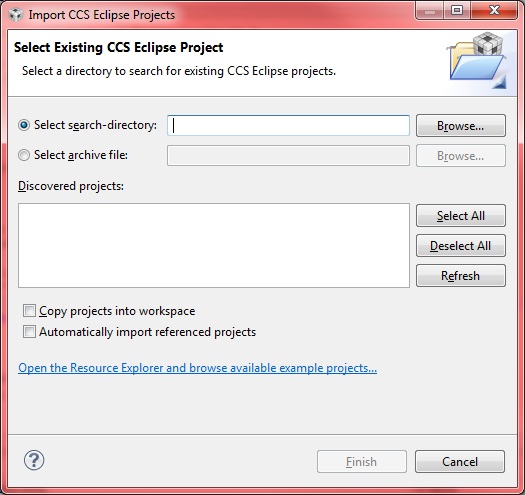
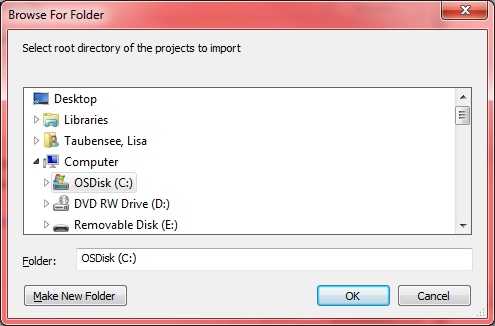
I'm using CCS 5.1.0 on Windows XP. When I go to import an existing Eclipse Project, I'd expect the Browse button to bring up an Windows Explorer type window, so I could "browse" to the right spot. Instead it starts "searching" from specified location. For example, I know the project is somewhere under c:\ but I cannot remember the exact directory name. I type in c:\ and hit browse and the search begins. It should bring up a directory structure window so I can browse to the right location. Also the search cannot be halted, so I have to kill CCS because I don't want to wait for 10+ minutes for the search to end.
I know if I don't type anything and just hit browse it works as expected, but I don't think the button should change functionality based on user input. Maybe have a second button.
Todd