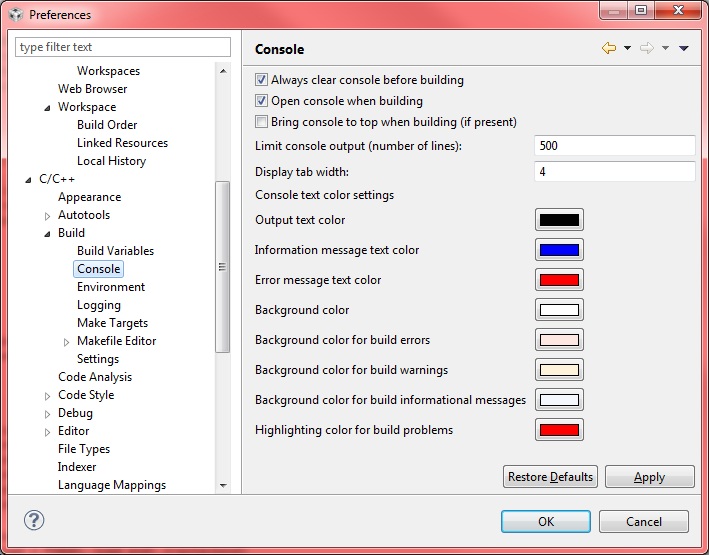
I've moved recently to CCS v5.2 and have 3 basic questions:
1. Is there any way to stop current build? In CCS v3.3 there was menu Project -> Stop Build.
2. The project build properties dialog in Build -> C5500 Compiler -> Include Options shows the following definitions:
"${CG_TOOL_ROOT}/include"
"${XDAIS_CG_ROOT}/packages/ti/xdais"
"${SRC_ROOT}/c55xx_csl/inc"
Where can I find definitions for ${CG_TOOL_ROOT}, ${XDAIS_CG_ROOT} and ${SRC_ROOT} variables?
3. How can I prevent opening Warnings/Errors panel near Console panel at the end of build process?
Thanks

-
Ask a related question
What is a related question?A related question is a question created from another question. When the related question is created, it will be automatically linked to the original question.