Other Parts Discussed in Thread: OMAP-L138, MSP430F5438A
I am running CCSv5 ( Version: 5.1.1.00031) attaching to a OMAP-L138 with a BlackHawk USB560M JTAG emulator.
I have an embedded processor which is wedged somehow (I believe on the ARM side), and I want to attach to it and see where it is wedged.
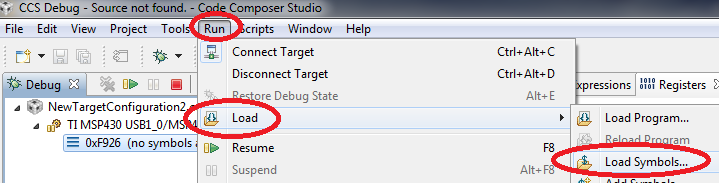
For the life of me, I cannot figure out how to do this. All of the "Debug" file options seem to want to stop the processor and load in new code, and the "Connect" menu item on the Debug perspective is greyed out.
This mystifies me, and I must be missing something obvious, because the ability to attach to a crashed processor to do forensics on where the processor is running and what the registers are seems fundamental. If someone can go through the "how-to-for-dummies" procedure for attaching to a crashed processor without disturbing it for CCSv5, I would greatly appreciate it.