This thread has been locked.

If you have a related question, please click the "Ask a related question" button in the top right corner. The newly created question will be automatically linked to this question.

CCSv5 Errors during Update

My Problem:

After re-installing CCSv5, I used the Check for Updates function to attempt to update the software, and I get the errors below when installing:

Error 1:
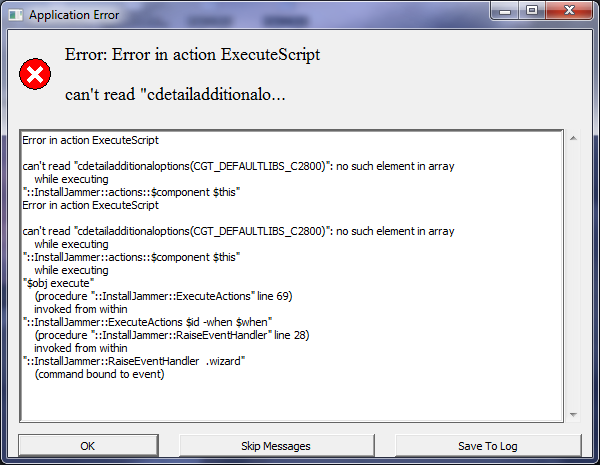
Then I skip and get the following error:

Error 2:
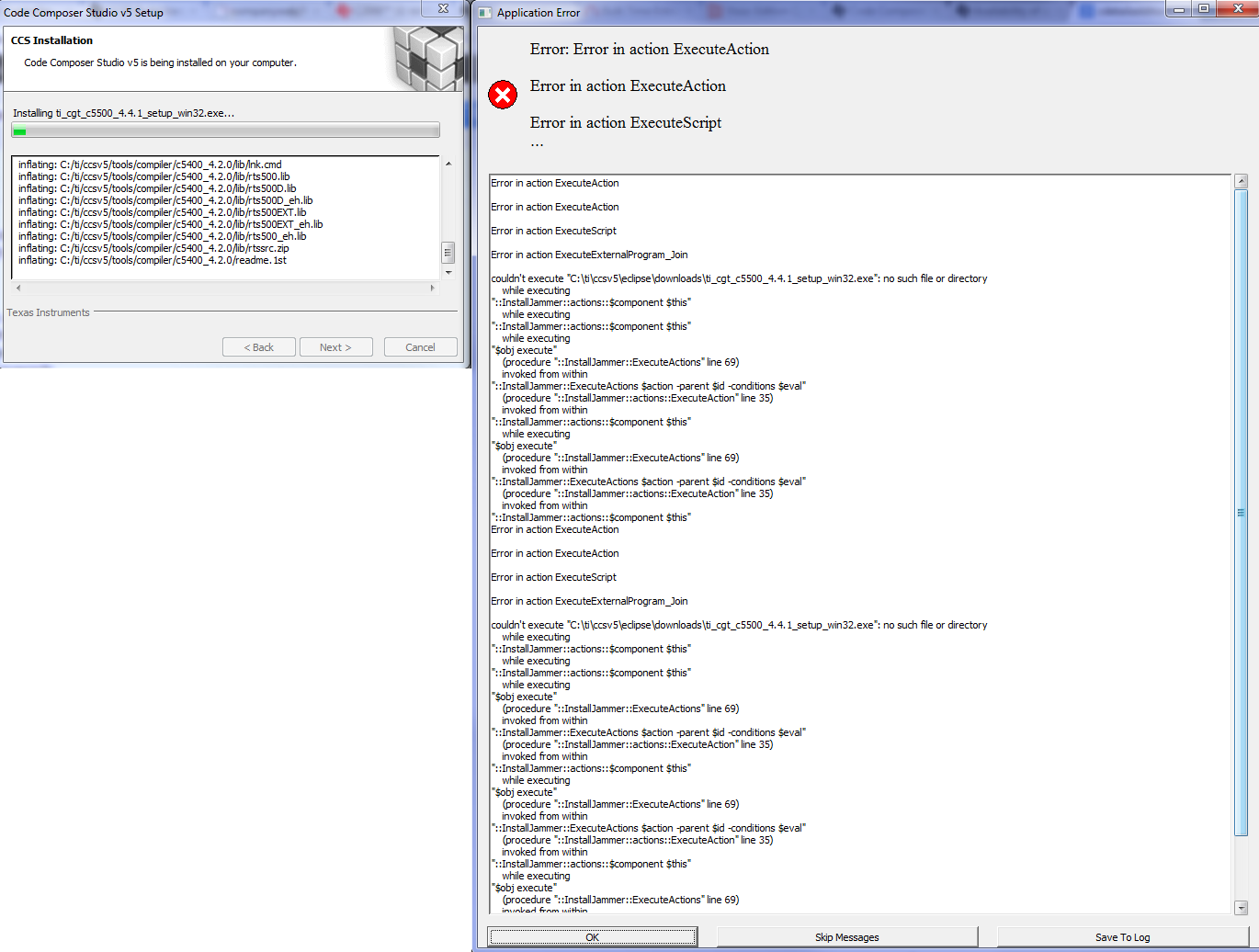
Full log from this error:

Error in action ExecuteAction

Error in action ExecuteAction

Error in action ExecuteScript

Error in action ExecuteExternalProgram_Join

couldn't execute "C:\ti\ccsv5\eclipse\downloads\ti_cgt_c5500_4.4.1_setup_win32.exe": no such file or directory
while executing
"::InstallJammer::actions::$component $this"
while executing
"::InstallJammer::actions::$component $this"
while executing
"$obj execute"
(procedure "::InstallJammer::ExecuteActions" line 69)
invoked from within
"::InstallJammer::ExecuteActions $action -parent $id -conditions $eval"
(procedure "::InstallJammer::actions::ExecuteAction" line 35)
invoked from within
"::InstallJammer::actions::$component $this"
while executing
"$obj execute"
(procedure "::InstallJammer::ExecuteActions" line 69)
invoked from within
"::InstallJammer::ExecuteActions $action -parent $id -conditions $eval"
(procedure "::InstallJammer::actions::ExecuteAction" line 35)
invoked from within
"::InstallJammer::actions::$component $this"
Error in action ExecuteAction

Error in action ExecuteAction

Error in action ExecuteScript

Error in action ExecuteExternalProgram_Join

couldn't execute "C:\ti\ccsv5\eclipse\downloads\ti_cgt_c5500_4.4.1_setup_win32.exe": no such file or directory
while executing
"::InstallJammer::actions::$component $this"
while executing
"::InstallJammer::actions::$component $this"
while executing
"$obj execute"
(procedure "::InstallJammer::ExecuteActions" line 69)
invoked from within
"::InstallJammer::ExecuteActions $action -parent $id -conditions $eval"
(procedure "::InstallJammer::actions::ExecuteAction" line 35)
invoked from within
"::InstallJammer::actions::$component $this"
while executing
"$obj execute"
(procedure "::InstallJammer::ExecuteActions" line 69)
invoked from within
"::InstallJammer::ExecuteActions $action -parent $id -conditions $eval"
(procedure "::InstallJammer::actions::ExecuteAction" line 35)
invoked from within
"::InstallJammer::actions::$component $this"
while executing
"$obj execute"
(procedure "::InstallJammer::ExecuteActions" line 69)
invoked from within
"::InstallJammer::ExecuteActions $id -when $when"
(procedure "::InstallJammer::RaiseEventHandler" line 93)
invoked from within
"::InstallJammer::RaiseEventHandler .wizard"
(command bound to event)

And then the software crashes.

History:

Recently I uninstalled CCSv4 and CCSv5 from my laptop. I'd had CCSv4 installed for about a year, and I could never understand why my brand new laptop (Intel Core i7-2720QM CPU @ 2.20GHz, 16GB RAM, Windows 7 64-bit.) ran so much slower than a lot of older laptops at work.

After uninstalling CCSv4 (and its drivers...) the laptop performance difference is like night and day. All other software runs super quick, regardless of whether CCS is open. Maybe one of the drivers had a conflict.

But I digress.

The real problem is now that the re-installed CCSv5 is having trouble installing, and I'm not sure why.

Any solutions?

  • I attempted to update a few more times, and there were a couple more errors, but now when I search for updates, it tells me that there are no new versions available.

    Is this the latest version:

    Code Composer Studio

    Version: 5.1.0.201206191800
    Build id: N201206191800

    (c) Copyright Texas Instruments, 2011. All rights reserved.
    Visit http://www.ti.com

  • Hi Rowan,

    have you tried a clean installation of 5.2?  Have you completely cleared the old installation?  Would you be willing to try the latest version into a fresh directory?  Make sure no directories with accented or special characters are used.  Also be aware of conflicts with antivirus and unzip utilities.

    Please keep us informed.


    Best Regards,
    Lisa

  • Lisa TI said:
    have you tried a clean installation of 5.2? Have you completely cleared the old installation? Would you be willing to try the latest version into a fresh directory? Make sure no directories with accented or special characters are used.

    Before reinstalling previously, I uninstalled CCSv5 and CCSv4 using the Windows 7 Control Panel\All Control Panel Items\Programs and Features uninstall utility, then deleted the c:\ti\ folder where it was installed. I reinstalled into c:\ti\ (after restarting the computer), so I haven't used any special characters.

    I will try reinstalling clean (I really wish I could nuke it from orbit and format, but I don't have access).

    Lisa TI said:
    Also be aware of conflicts with antivirus and unzip utilities.

    Good point. Symantec seems to break everything else, so I'll try disabling it before doing a fresh install.

  • Hi Rowan,

    ok plese keep us informed.

    Best Regards,
    Lisa

  • Sorry for the delay Lisa; I was caught up with other projects.

    I'm currently uninstalling every CCS piece of software and downloading the latest version (CCS5.2.1.00018_win32.zip). I'll try a fresh install later today! :)

  • OK, so I've had all kinds of errors while trying to uninstall, and then the program just froze. If I try to uninstall again, it just freezes.

    Here's one of the errors:

    What is the best way to completely remove all CCS or TI software from my computer without the uninstall executable?

    Should I just delete the c:\ti\ and c:\tidcs\ folders, and then do a search for anything CCSv5 and Texas Instruments in my registry and delete them?

  • Hi Rowan,

    yes, manually removing the folders and entries etc is the best way, and in fact how we do it ourselvles a lot of the time.  Please keep us informed.

    Best Regards,
    Lisa

  • It's working now. I did the following:

    • Uninstalled as much as I could using the uninstall executables found in the c:\ti\ directory.
    • Deleted c:\ti\ and c:\tidcs\, as well as anything TI related I found in my c:\users\ directory.
    • Went through and removed every single TI CCS related reference in my registry.
    • Downloaded the latest TI CCSv5 installer from the website (instead of using the DVD we got with our license purchase).
    After installing, I was successfully able to connect with our license server and update to the latest version.
    Thanks for the help!
  • Hi Rowan,

    no problem.  Very glad to hear the issue is resolved and thanks for the update.

    All the best with development.

    Best Regards,
    Lisa

  • Did you have to remove all the blackhawk components also...

  • Tom Diehl said:
    Did you have to remove all the blackhawk components also...

    I don't recall, but I'd assume if it were something installed automatically by the installer, then I removed it.

  • I didn't have an uninstaller for blackhawk so i left it intact and the reinstall went good.  Thank you for your post, that error message you got has been plaguing me for a few days.  A quick note if anyone else ends up reading this for the same issue,   Crap Cleaner has a registry fix in the free version that cleaned all the left over registry files for me saving me a bit of time.