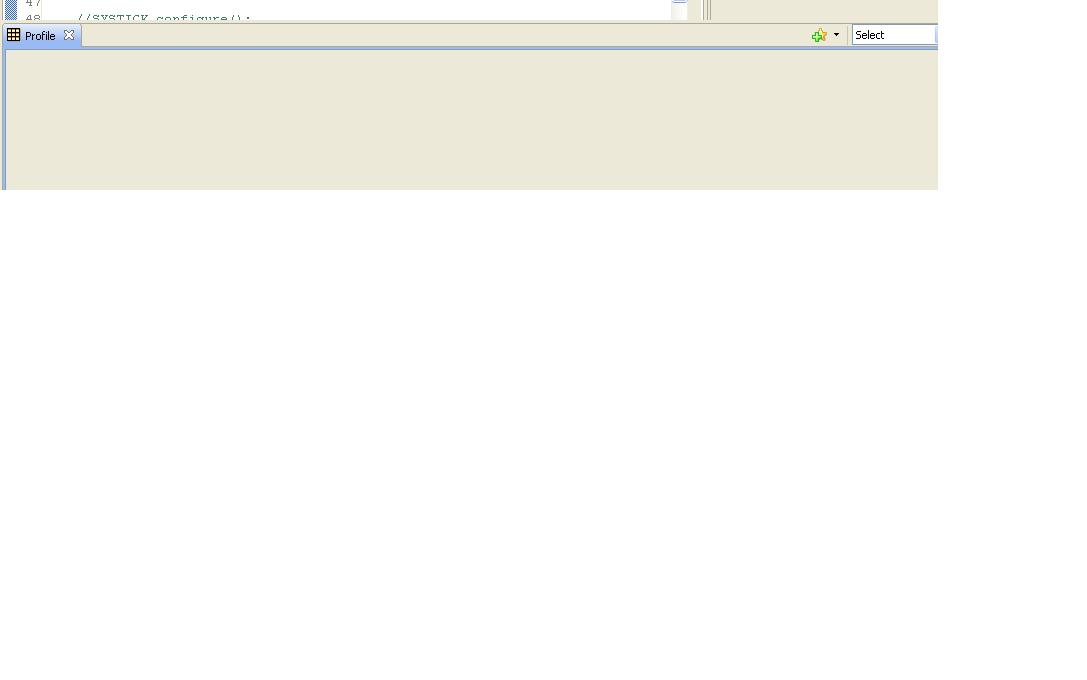
The CCS under usage is 5.3.0.00090. I want to access Profile option of simulator. Written simple code and compile with Debug Options -> Debugging model->Full symbolic debug (--symdebug:dwarf, -g).
Simulator in use is - Cortex-M3 Device Cycle Accurate Simulator, Little Endian_0/ARMxx_0. To use profile feature, Code Composer Studio -help indicates three steps:
There are 3 steps to generate and visualize Functional profiling data:
I performed above steps however in Profile Window nothing comes. As per the CCS- help, "First we activate the view via the Activate button and then turn on function profiling by checking off the Profile all Functions for CPU Cycles box".
I didn't find 'Profile all Functions for CPU Cycles box'. Attached snap shot of Setup Profile Window and View Function Profile Result Window. Please let me know if I missed any step.
Tushar