This thread has been locked.

If you have a related question, please click the "Ask a related question" button in the top right corner. The newly created question will be automatically linked to this question.

Getting error when trying to connect Blackhawk USB560-M emulator to Code Composer 5


Hi,

I'm trying get a Blackhawk USB560-M Rev. G emulator to Code Composer 5, and when I click the "Test connection" button, I get the following error:

[Start]

Execute the command:

%ccs_base%/common/uscif/dbgjtag.exe -f %boarddatafile% -rv -F inform,logfile=yes -S pathlength -S integrity

[Result]

-----[Print the reset-command software log-file]-----------------------------


This utility has selected a 560-class product.

This utility will load the program 'bh560usbm.out'.

Interface uscif not exported by C:\ti\ccsv5\ccs_base\common\uscif\uscif.out

An error occurred while soft opening the controller.


-----[An error has occurred and this utility has aborted]--------------------

 This error is generated by TI's USCIF driver or utilities.

 The value is '-250' (0xffffff06).

The title is 'SC_ERR_ECOM_EMUNAME'.

 The explanation is:

An attempt to access the named emulator via USCIF ECOM has failed.

[End]

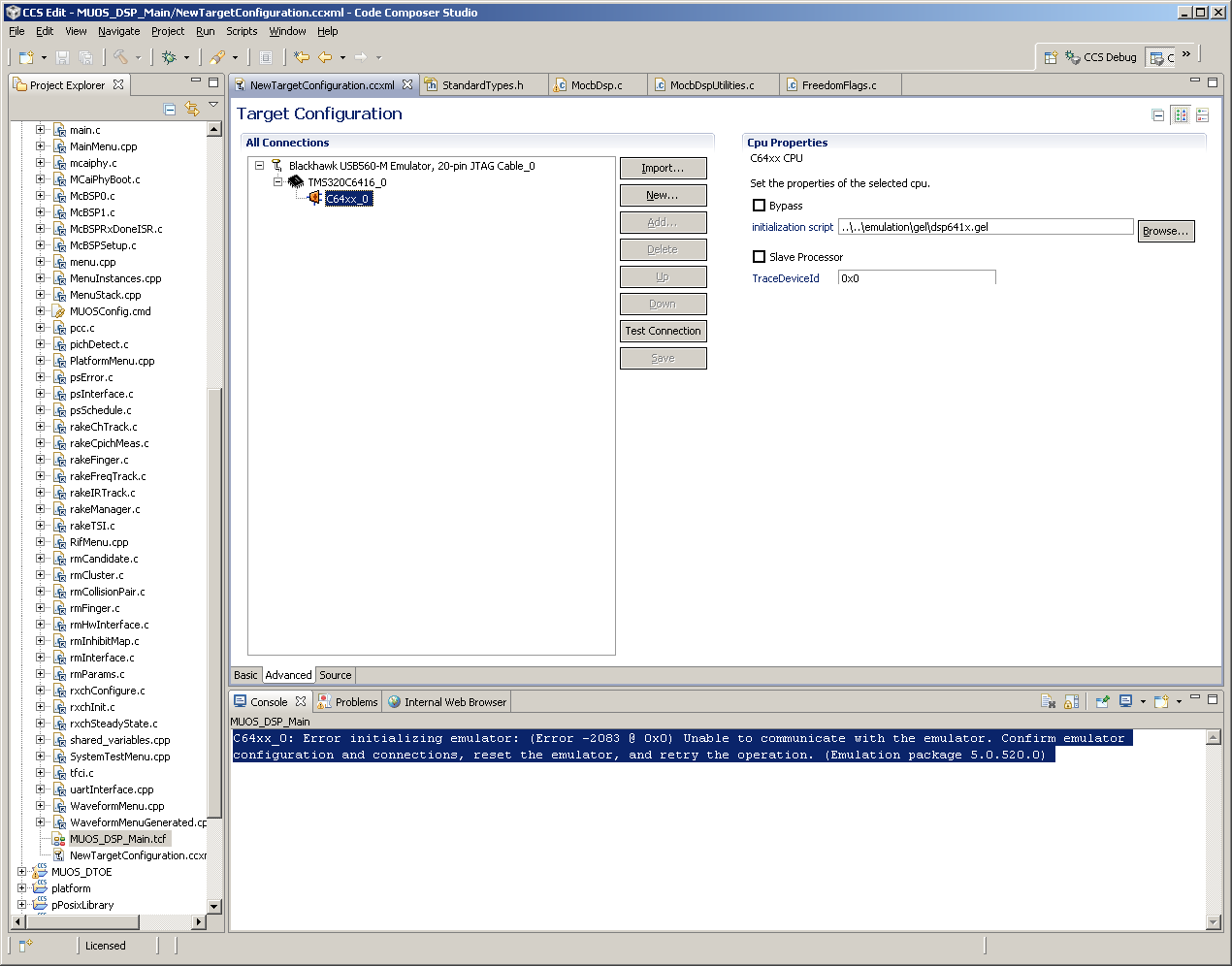
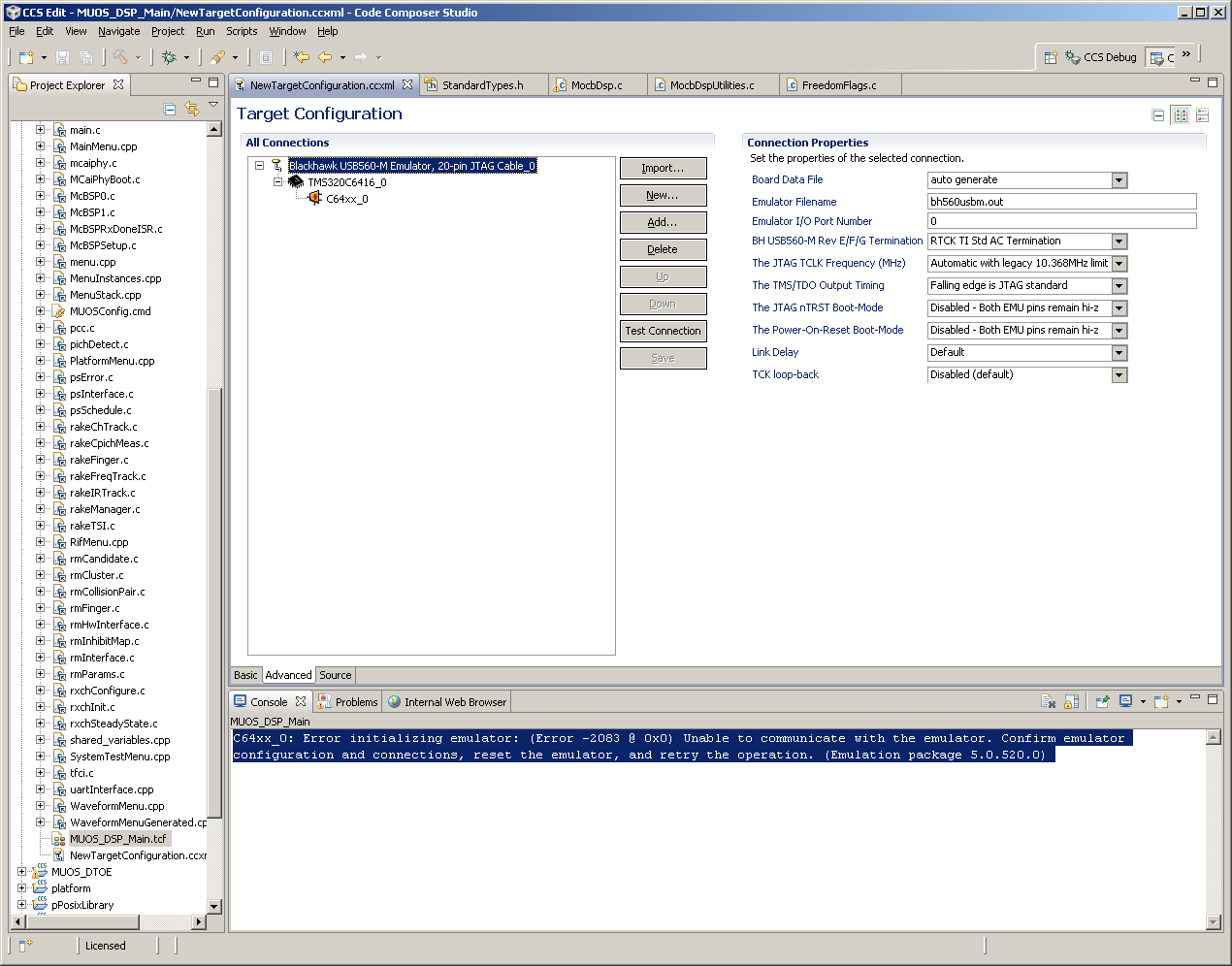
What am I doing wrong?  Heres my settings (hopefully these are visible):
  • Hi,

    What is the version of your CCS 5.? Update it to v5.4 and check for the connection.

    Regards,

    Gautam

  • Hi,

    This error usually indicates the emulator can't be recognized by CCS, therefore I suggest checking this other thread where there are several tips to further debug this.

    Hope this helps,

    Rafael

  • Its the straight install off the CD.

    When we try to run the patch install, we get the following error:


    Any ideas here?

  • Hi,

    If you already tried the tips on the thread I sent before (especially plugging in another USB port and checking the Device manager to see if drivers were properly initialized), then it is possible the Blackhawk drivers may not be properly installed, the emulator is faulty or the USB cable is somehow disconnected. I know it sounds silly, but did you power the emulator using the external power supply (I did that once, believing the emulator was USB powered)?

    There are several CD versions published, therefore you can find the release by going to menu Help --> About Code Composer Studio. Judging from the screenshots I think it is 5.1 or greater.

    Although recommended, it is not 100% mandatory to use the absolutely latest release of CCS just due for this issue (Blackhawk emulators work in all CCSv5 releases). However, you can try to update the Blackhawk component alone (menu Help --> Check for updates).

    If you plan to get the newer version anyways, I recommend downloading a copy and installing it to a separate directory instead of performing an update from CCS itself - unfortunately the update tool has varying degrees of stability depending on the version installed.

    Also, create a new workspace for the new version, so you don't risk disrupting your current work.

    Regarding the error message you got, I am not 100% sure why it can't retrieve the file. At first glance it seems to be missing an extension .exe or .zip on the link, but I am not sure if that is the root cause (the message may be truncated). If it is a network issue, sometimes a proxy server configuration must be done (for Windows systems the installer usually uses whatever is configured in Internet Explorer) - if you are able to connect to any internet URLs, then the updater itself is at fault and the direct download is the way to go.

    Hope this helps,

    Rafael

  • We have two different emulators we've been trying.  A USB560 and a LAN560.  We've tried multiple cables, verified the Blackhawk drivers are installed, and even switched the power supplies.

    We CAN get BOTH emulators to connect to our target using CCS 3.3.  So right there, I'm ruling out a faulty wire, device, etc. 

    There is something inherently wrong with the way CCS v5 is initializing this device.  In CCS 3.3, the instructions that came with the USB560 talks about renaming the "Emulator Name" in the CCS 3.3 Setup window from "XDS560 0" to "BH560USBm 0".  I see no option like this in CCS v5.  Could this be one of my issues?

    The fact we can get both these working using CCS 3.3 tells me were just not setting the thing up right in 5.

  • Hi,

    Since you mentioned your fear of setting something wrong, would you mind sending the .ccxml file?

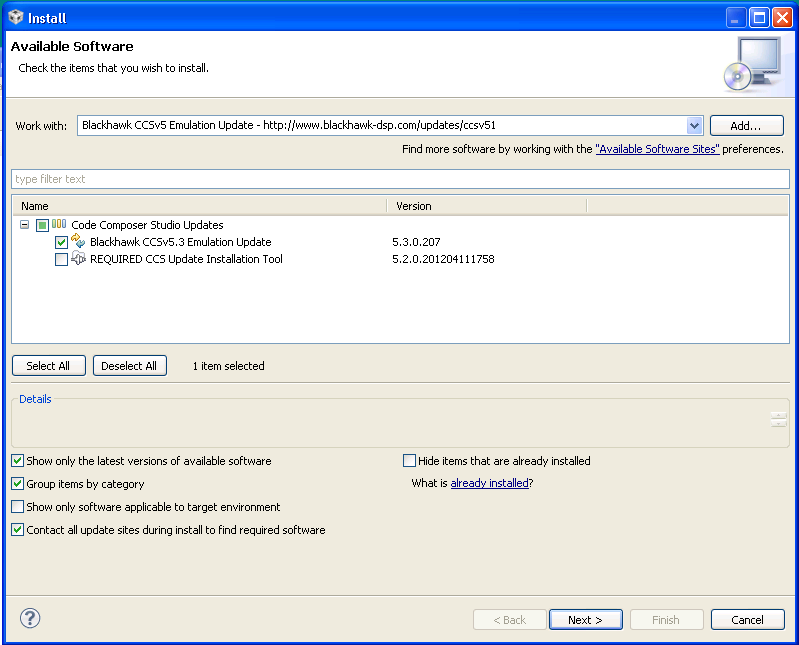
    Also, I just noticed the emulation pack version you are using (5.0.520.0) is really old and you are possibly getting the same problem regarding Blackhawk emulation drivers as shown in the thread I sent before. Can you try to update just this component and see if you are able to connect?

    To do this, go to menu Help --> Install New Software --> and then make the selections as shown below.

    Regards,

    Rafael

  • OK!  We were finally to get everything updated to 5.4 and what not, and the issue is resolved!  Seems whatever the issue was in getting the emulator to work correctly, was resolved in a later than 5.1 fix.

    Thanks for the help and the patience!