This thread has been locked.

If you have a related question, please click the "Ask a related question" button in the top right corner. The newly created question will be automatically linked to this question.

Failed to edit the ti.platforms.evmDM8168 platform

Hi all

   I use ccsv5.4,xdctools_3_23_03_53,bios_6_33_05_46,xdais_7_22_00_03
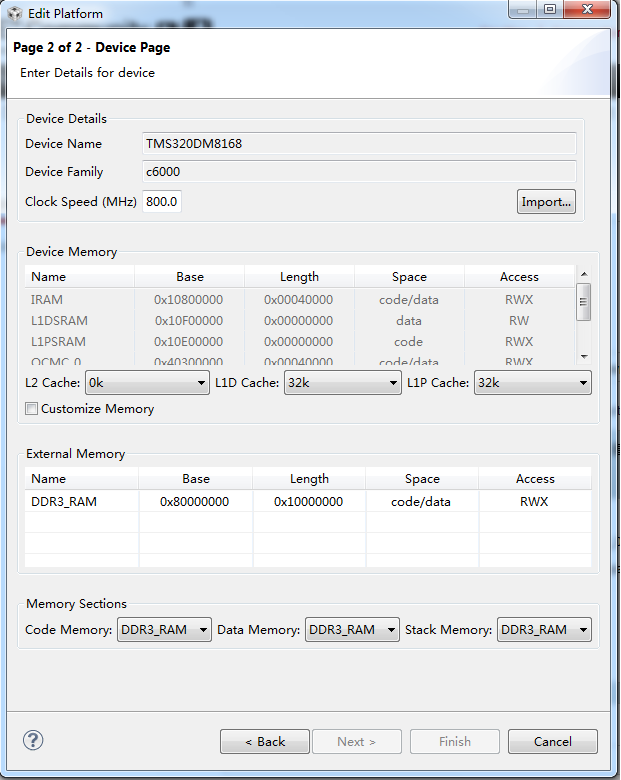
   

   This is the default ti.platforms.evmDM8168, I change the L1D cache and L1P cache size from 32K to 0K, Click Finish. The ccs then build the package, But I can't find the ti.platforms.evmDM8168  through Tools->RTSC Tools->Platform->Edit/New


  • Hi,

    Given that you modified one of the default built-in RTSC platforms that is supplied with XDC, from the menu you mentioned you must browse to its directory (typically C:\ti\xdctools_3_23_03_53\packages) to find it.

    That said, it is always recommended to create your own, since any updates to the XDC tool may overwrite the custom platform you created.

    Hope this helps,

    Rafael