Hi
CCSv6.0.0.00190, ti.platforms.evm6472, stairstep example, System Analyzer 1.4.0.6, CGT 7.4.8, XDX 3.25.5.94, SYS/BIOS 6.37.2.27, XDS560v2 spectrum digital.
The .cfg is unmodified and states that its defaulted to the UploadMode_JTAGSTOPMODE mode. I built the project and loaded it on core 0, ran it, set breakpoints, and I believe its doing example code is stated to do in
http://processors.wiki.ti.com/images/7/7b/MCSA1.1_Getting_Started_Guide.pdf
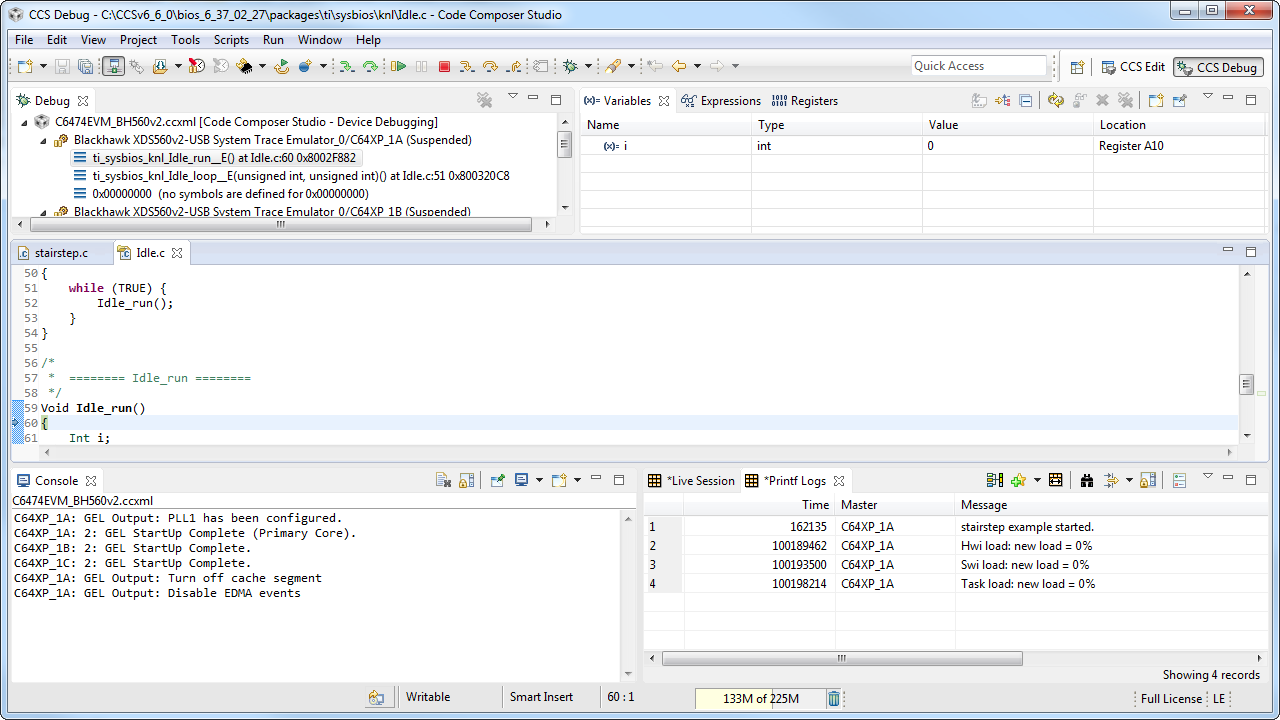
I've stopped the core and go to Tools -> RTOS Analyzer -> Print and Error Logs and then the window pops up saying it "Cannot Determine" the instrumentation status

I clicked on the "Cannot Determine" and got the following

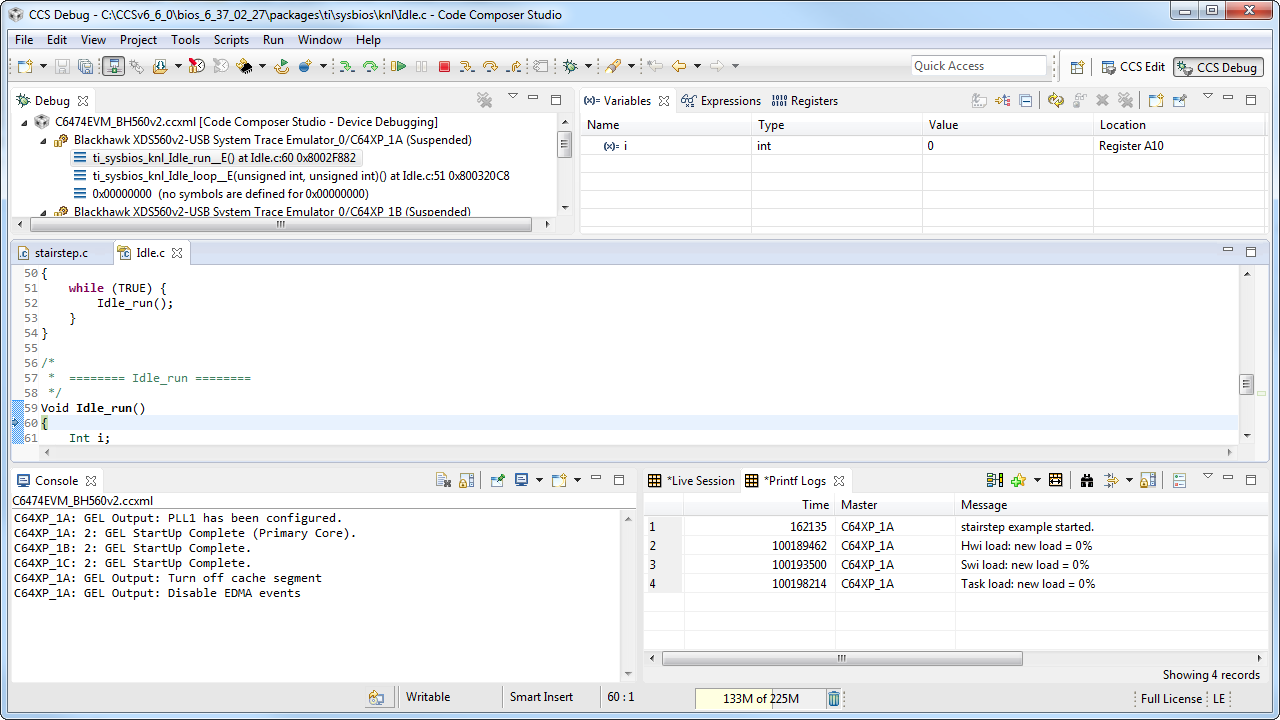
I selected OK and then Start. I then get
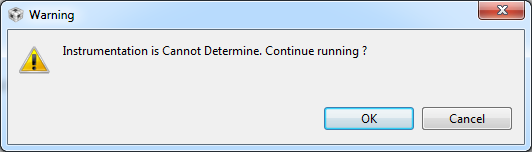
After clicking OK, CCS opens up a new window with Live Session and Printf Logs tabs. Both do not contain any data.
The .cfg is attached.1581.stairstep_JTAGStopMode.cfg
Complete project attached.
7418.CCSv6_stairstepJtagStopMode.zip
So what am I doing wrong? Its an example project straight from TI's example repository loaded via the wizard.
Is there something I must do to my ccxml emulator configuration file to make this work?
In CCSv4, the messageQue example output print logs straight out of the box. I tried CCSv6's messageQue example also but get the same "Cannot Determine" error.
Cheers2u