


Dear All,
At one of my customer PC (I5, Windows server 2008R2, 64 bit) I tried to configure it as the server for CCS V5.3 Floating License. I followed the procedures as per the below link
http://processors.wiki.ti.com/index.php/License_Server_Administration_for_CCS
I am experiencing the following problem
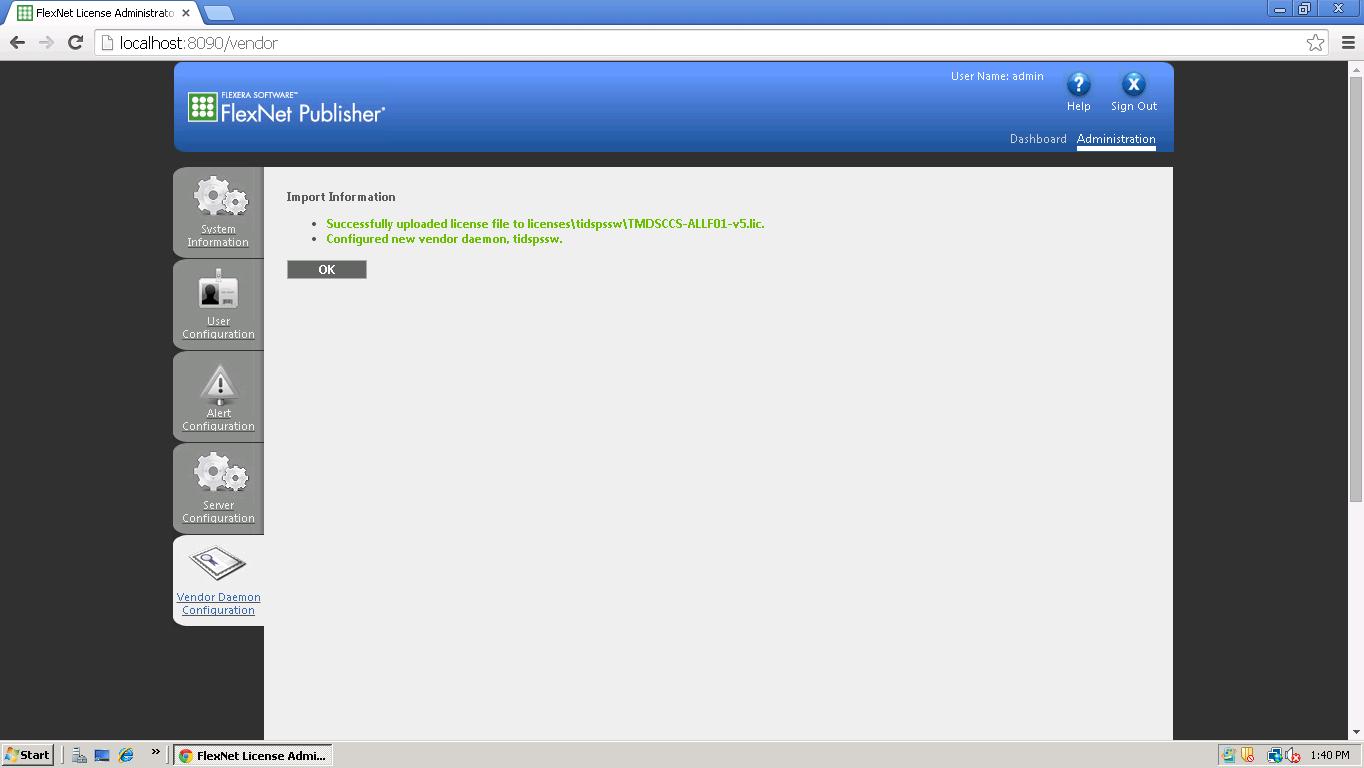
Reference to the below screen, I successfully configured the License server
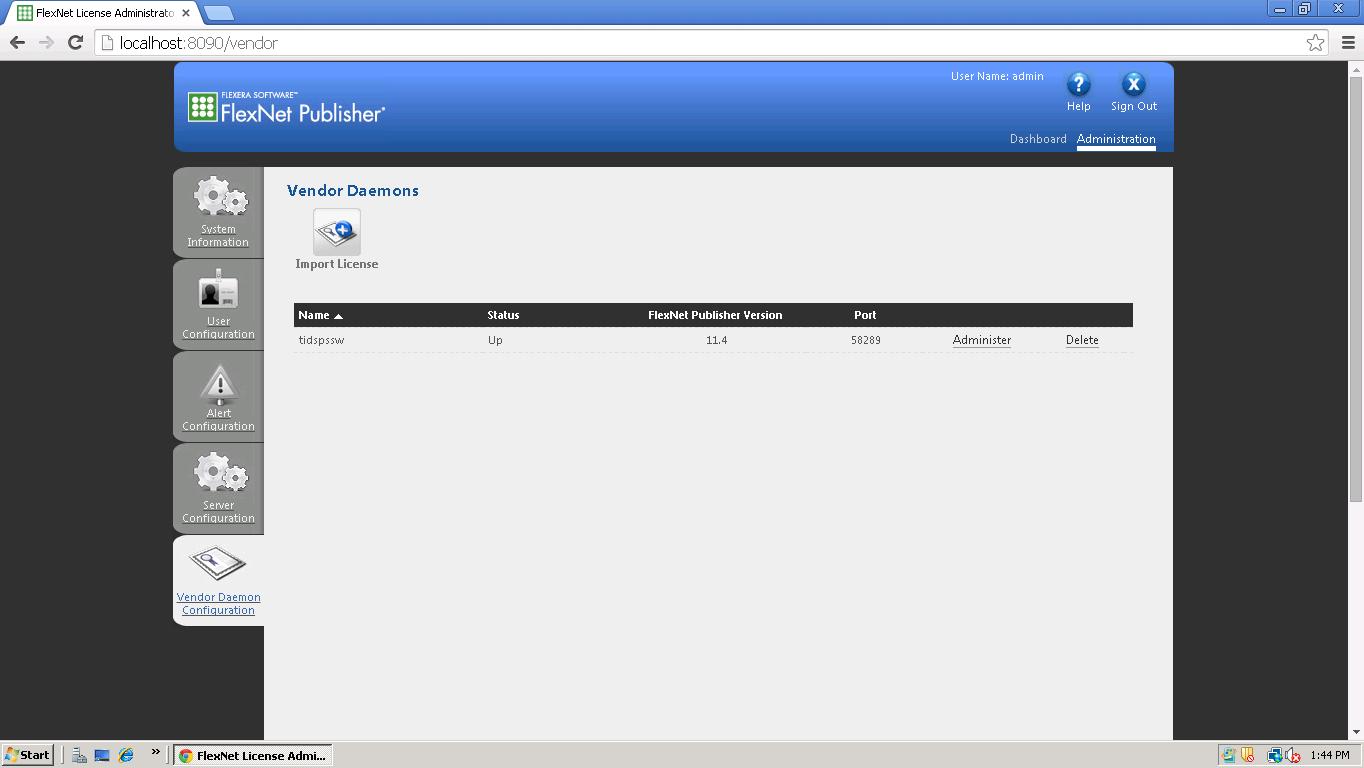
Reference to the attachment 2 The status is up(active)
As per below two slides I am just selecting another option say System Information and coming back to
Vendor daemon configuration, now it shows down(inactive)


Not only System configuration, It turns down if I select any other options or I logout from flexnet publisher.
The error log is as follows

Even I tried rehosting and adding the new license file and repeating the whole procedure but the problem is persisting.
Kindly note we have done these procedures for windows 32 bit systems successfully in many other customer places and this is the first time trying with 64 bit windows system
Kindly help.

