Other Parts Discussed in Thread: TMS320C5505
I'm experiencing problems JTAG debugging with a Blackhawk USB560M from Code Composer Studio 6.
When the debug option is selected from the run menu, I get the following message:
Error initializing emulator:
(Error -2083 @ 0x0)
Unable to communicate with the debug probe. Confirm debug probe configuration and connections, reset the debug probe, and retry the operation.
(Emulation package 5.1.636.0)
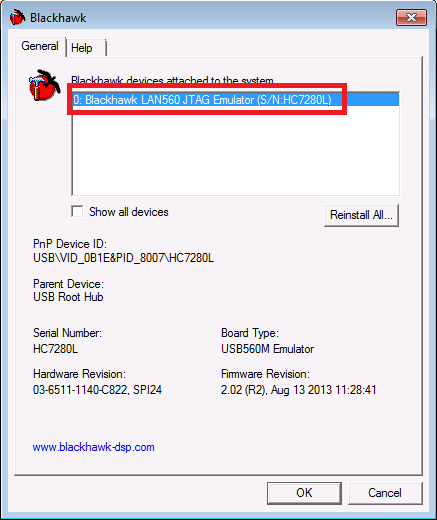
I have verified that the USB560M is connected to the computer and is properly registered in Device Manager, swapped USB ports used, reinstalled the drivers for the USB560M, restarted the USB560M, CCS, and my computer. When the USB560M is replaced with another USB560M, the error persists. When the USB560M is used on a different computer running the same version of CCS, it executes properly and produces no errors.
I am running CCS Version: 6.0.1.00040 on Windows 7 64-bit and connecting to a TMS320C5505.
Has anyone run into this problem before?
Any help is greatly appreciated.
Regards, Jake