This thread has been locked.

If you have a related question, please click the "Ask a related question" button in the top right corner. The newly created question will be automatically linked to this question.

Data transfer methods for UIA (load analysis)

Hi,


I am using TM4C123G LaunchPad and I would like to use UIA in order to get Load and CPU analysis for simple benchmarking. Is it possible to do that through ICDI (in-circuit debug interface) or should I need an external JTAG adaptor for event/message transfer (I think I am not sure about the differences of ICDI and JTAG so this may be a newbie question)? Also, what are the alternatives for this job?

  • Hello Deniz,

    Moving it to the Code Composer Forum.

    Regards
    Amit
  • Yes, you can do RTOS analysis with the Stellaris ICDI configuration. Please take a look at this training module that has some hands-on lab to help you get started.

    http://processors.wiki.ti.com/index.php/CCS_Modules_Library#RTOS_Analyzer_.28RTA.29

  • Thank you AartiG, you are right. May be its better to elaborate my problem, because I believe that its a software/configuration problem.

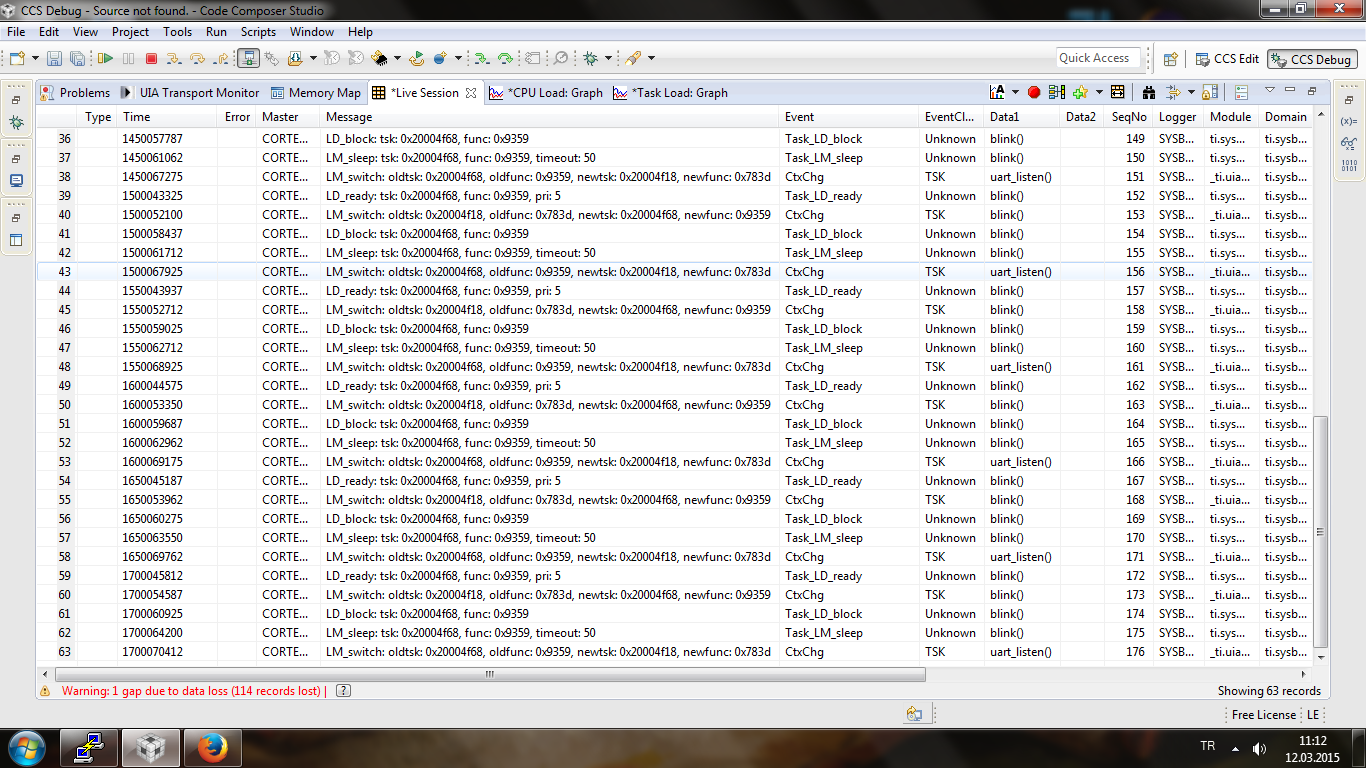
    * I can get data from UIA, but not everything I need. In live session there is no Event/EventClass about "Load", which should be there I think in order to make CPU/Task load analysis, right? I have a screenshot here [1].

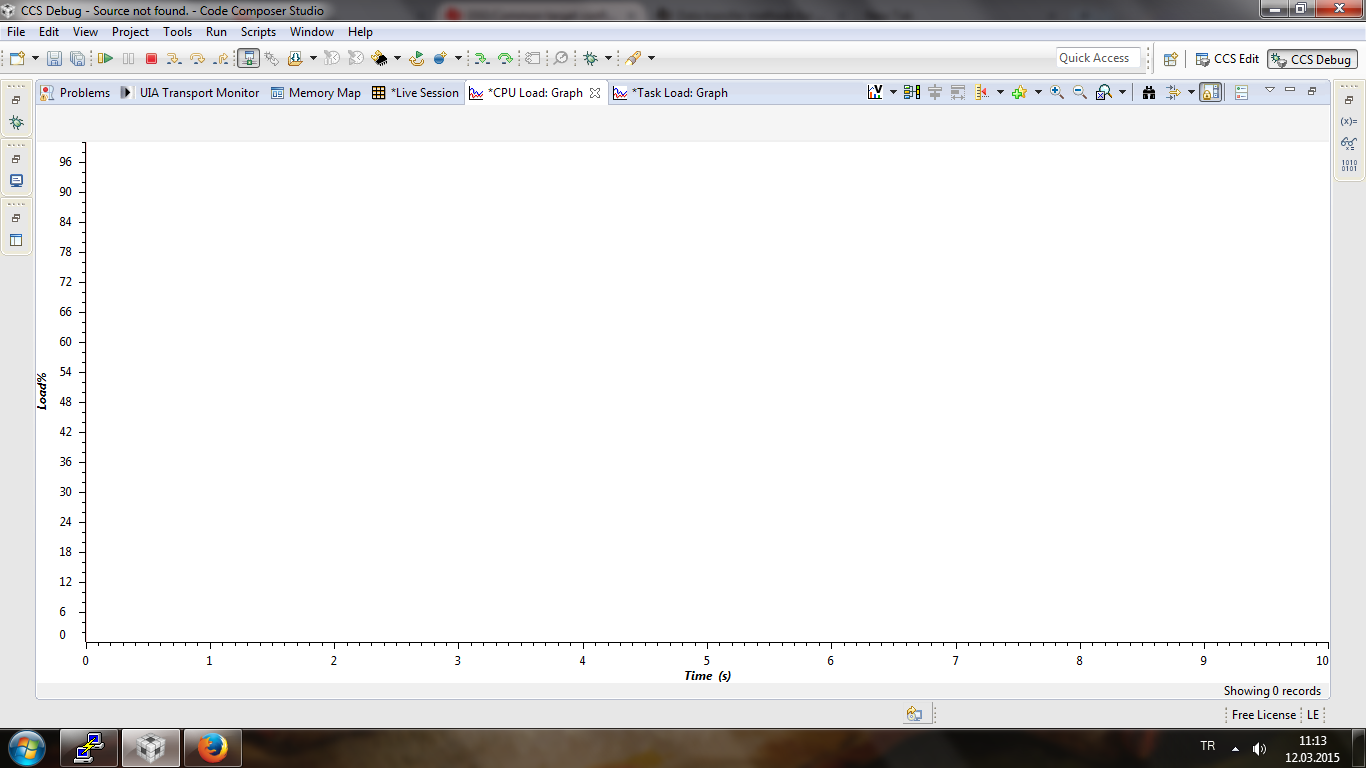
    * I could not see anything on CPU load graph, because there is 0 records according to CCS. This is a result of the item above I think. Another screenshot here [2].

    I would like to briefly express what I have done and also what I intended to do up to that point.

    * I am using CCS 6.1.0.00104 with TIRTOS 2.10.1.38 with ARM Compiler v5.2.2 on windows 7 64 bit (SP1). I have a TM4C123GXL launchpad and naturally I connect it to the host via ICDI. However, I upgraded the project from CCS 5.4 to 6.1 (first created with CCS 5.4).

    * I have been using TivaWare for peripherals (UART and GPIO) and add it to the ARM linker search path as "E:\ti\TivaWare_C_Series-2.1.0.12573\driverlib\ccs\Debug\driverlib.lib".

    * I have some third party C code (source code I have added to the project) and compile them without any problem.

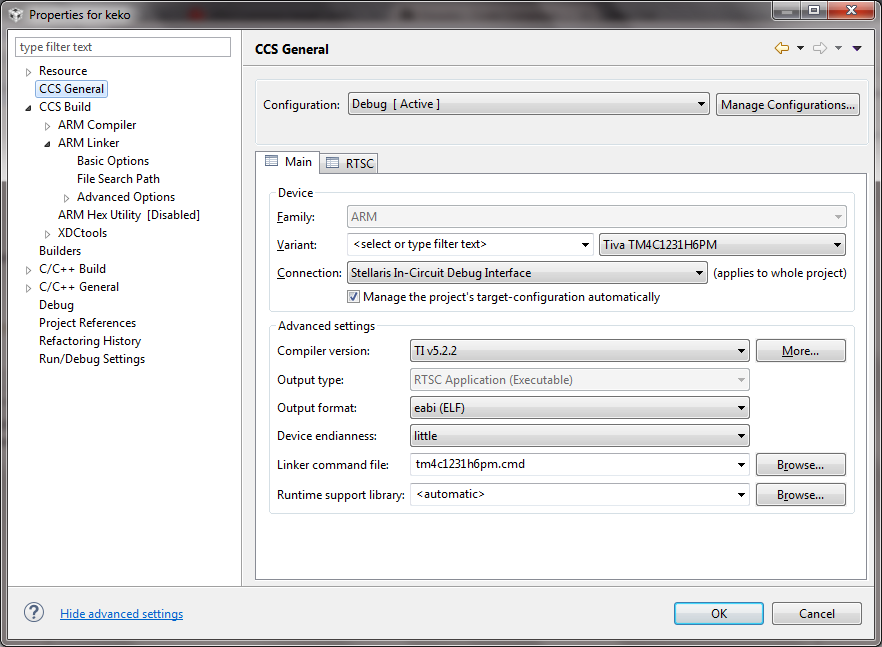
    * I have configured the project as shown in the screenshot here [3]

    * I attached the cfg file that I use in the project.

    Without creating a new project and copying everything to this new one, how can I analyze the problem with the current one? May be I missed something very basic and crucial.

    app.cfg

    [1] 

    [2]

    [3]

  • Deniz Kocak said:

    * I can get data from UIA, but not everything I need. In live session there is no Event/EventClass about "Load", which should be there I think in order to make CPU/Task load analysis, right? I have a screenshot here [1].

    * I could not see anything on CPU load graph, because there is 0 records according to CCS. This is a result of the item above I think. Another screenshot here [2].

    Can you check if you have RTOS Load Analysis enabled in your UIA Logging Configuration? This needs to be enabled to get CPU Load graph. You can get to this view by opening your .cfg file, and clicking on LoggingSetup in your Outline view.

  • AartiG, I did what you mentioned up to now. However, the problem seems to be different and unfortunately I could not notice it until now.

    Definition of the problem:

    I have two tasks, first one just use the RGB Leds on Launchpad and the other reads data from UART which cause the problem. I use UARTCharGet from TivaWare and it seems that (as far as in the code) it is just a while loop which blocks the task (it has a higher priority of course and it is the cause of the problem).

    What I want to learn:

    Documentation says that Idle task cpu time gives an idea about overall cpu usage and in my case I don't think that it could find a chance to run. However, in such a case (blocking task) system should send Load events in order to give a %100 ratio which clears the situation, at least this is my opinion. I would be glad if you can clarify that point.

    Thank you for your effort and suggestions, I think they are quite useful.
  • Deniz Kocak said:
    What I want to learn:

    Documentation says that Idle task cpu time gives an idea about overall cpu usage and in my case I don't think that it could find a chance to run. However, in such a case (blocking task) system should send Load events in order to give a %100 ratio which clears the situation, at least this is my opinion. I would be glad if you can clarify that point.

    I would suggest posting this specific question to the TI-RTOS forum to get more expert advice. Be sure to include some of the background information you provided here about your program.