This thread has been locked.

If you have a related question, please click the "Ask a related question" button in the top right corner. The newly created question will be automatically linked to this question.

Cannot use Tools/Graph in ccsv6

Other Parts Discussed in Thread: CCSTUDIO

Hi,

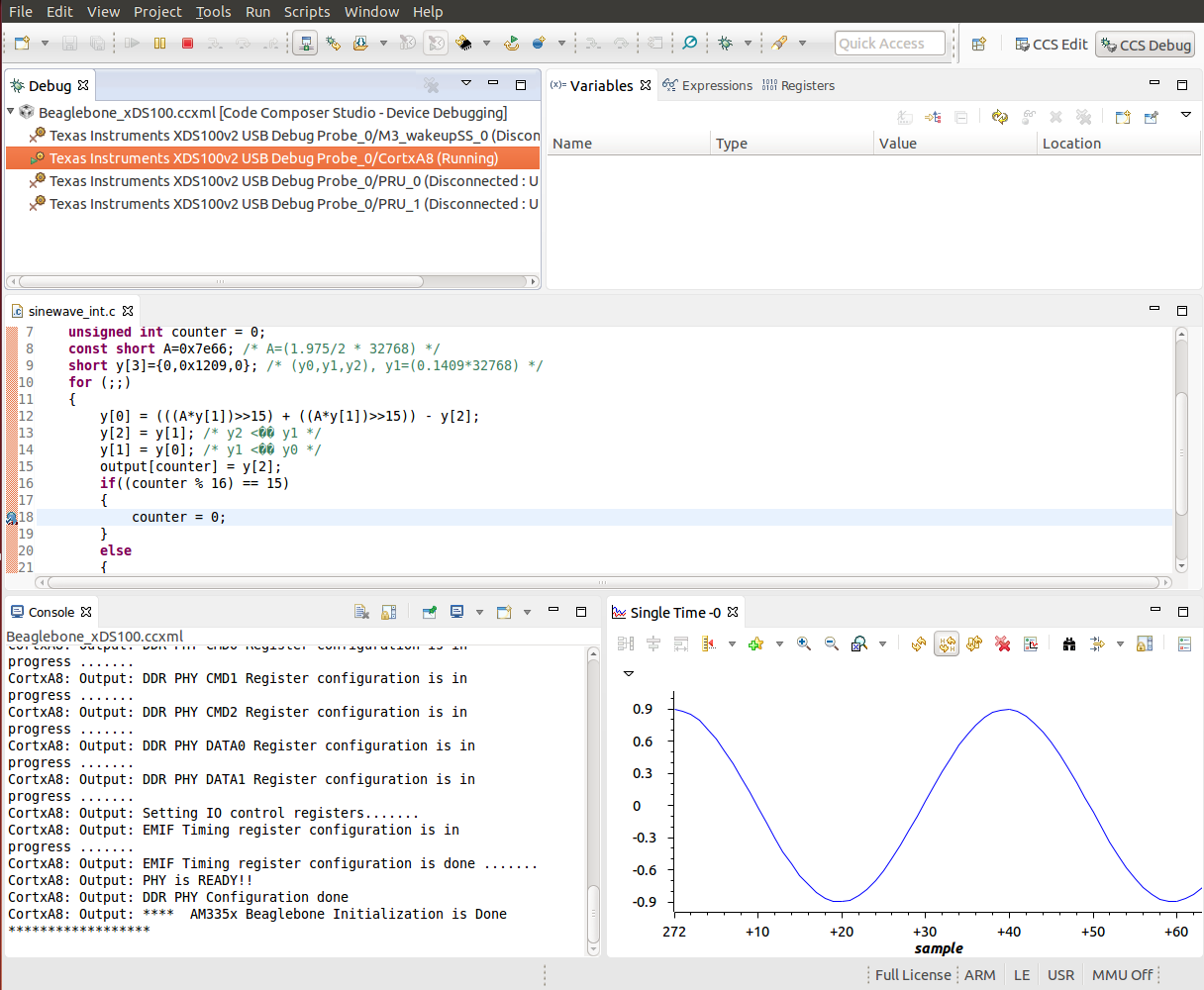
I am trying to use the Tools/Graph feature for sanity-checking my data.
When i select Tools/Graph/Single time in the menu, I get a very brief (say 0.2s)
glimpse of the "pie" busy cursor before it reverts to the regular arrow and ccs freezes.

The same actions in ccsv5,5 brings up a dialog asking for format, address etc of data to
display and brings up a graph window.

I am currently using CCS 6.1.0.00104 on a fully updated Ubuntu 14.10 machine.
Target is an EVMK2H rev 3.0

I did note a line on the Linux console from which the ccstudio was started saying
"dvtLogOptions.xml DOES NOT exist".

Tried the same Tools/Graph thing with a colleague using a similar target (including FFTC) with same result.

Suggestions?

br
/Anders 

  • Anders,

    Graphs work well in both my Ubuntu 12.04/64 and 14.04/64, thus it may be something related to your distro.

    Unfortunately we only support/test CCS on LTS releases, as it is impossible to cover all variants and distros available in the marketplace.

    I suggest you double check the troubleshooting suggestions of the sections General IDE and Debugger at the page below:

    http://processors.wiki.ti.com/index.php/Troubleshooting_CCSv6

    Apart from this I can't tell for sure what is happening in this case.

    Regards,

    Rafael

  • Rafael,

    Thanks for looking into this. Your reply made me look further into this and it turns out to be
    an issue with my environment, not with CCS.

    For the benefit of others struggling with this, here is the root cause and my workaround.

    I work on a Macbook pro running Yosemite and using two external monitors. I have the feature
    "Displays have separate Spaces" enabled, i.e. each display has its own set of virtual screens.
    For displaying windows from our Linux machine running X11, I use XQuartz 2.7.7 which seem
    to be the standard way of doing this on a Mac.

    When trying to use the Graph feature in CCS v6, the (modal) popup window got displayed way
    off-screen, thus both being invisible AND giving the appearance of a frozen CCS. 

    Disconnecting the external monitors gathered all windows on the internal screen.
    This behaviour appears to be a known but hard to solve problem between Apple and XQuartz.
    Disconnecting the monitors is not an option, but my immediate problem was solved by disabling
    the "Displays have separate Spaces" feature (done under "Mission Conrol" part of System Preferences.
    This makes all three displays change virtual screen ("Space") together, but that I can live with,
    and it DOES show the Graph popup on-screen :-)

    Regards,
    /Anders

  • Anders,

    Thanks a lot for reporting back your findings; this will surely help others that are using a similar configuration as you.

    I just wanted to let you know that we have a CCS for MAC OS in ß testing. Despite it still does not support C66x devices, its support is definitely on the horizon.

    http://e2e.ti.com/support/development_tools/code_composer_studio/f/81/p/58827/1453575#1453575

    Thank you,

    Rafael