This thread has been locked.

If you have a related question, please click the "Ask a related question" button in the top right corner. The newly created question will be automatically linked to this question.

CCS6 scripting console not working

I'm trying to get started using the ccs6 scripting console, but every command I type just times-out after about 30 seconds:

Initializing .. (Completed)

js:> buildProject "coyote"
Wait condition time out. (C:\ti\ccsv6\eclipse\configuration\org.eclipse.osgi\604\0\.cp\resources\javascript\project.js#17)
js:> buildProject "coyote"
Wait condition time out. (C:\ti\ccsv6\eclipse\configuration\org.eclipse.osgi\604\0\.cp\resources\javascript\project.js#17)
js:> setActiveBuildConfig "Main_Flash"
Wait condition time out. (C:\ti\ccsv6\eclipse\configuration\org.eclipse.osgi\604\0\.cp\resources\javascript\project.js#44)
js:>

I looked at the offending lines in the script files and they are just trying to invoke a function from the 'projectView', e.g., 

#16 projectView = activeWB.openView("org.eclipse.ui.navigator.ProjectExplorer");
#17 return projectView.buildProject(project);

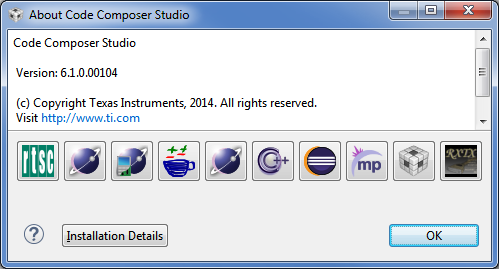
I'm using ccs version 6.1.0.00104 on Windows 7:
Any idea what could be wrong?

  • Hi,

    Interesting. I get the same issue when I type the name of a non-existing project in my workspace, and I tried with both copied or linked projects of my workspace

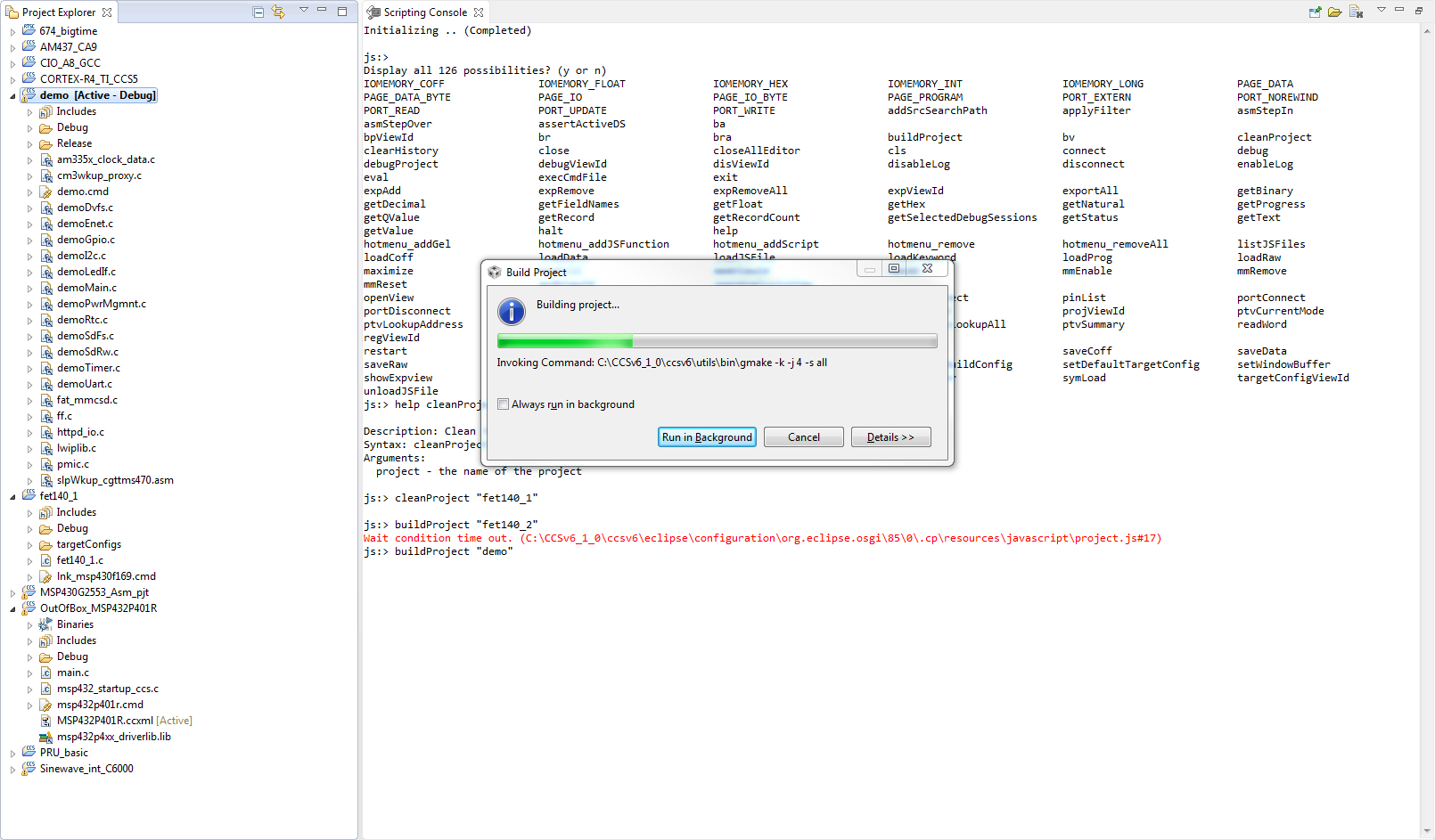
    In the picture below (click to expand), the "demo" project is linked, while the "fet140_1" (used by cleanProject) is copied.

    Therefore, I am unsure what may be happening. A long shot would be, perhaps, if the projects are located in remote drives or are version controlled (some folks have experienced some strange issues under these scenarios).

    Sorry for not being of much help,

    Rafael

    P.S. unfortunately the error messages in the scripting console are, to say the least, unhelpful in many cases...

  • Actually, this was very helpful - the problem turned out to be related to revision control. If the project is under revision control (in my case, 'git'), and has some sort of 'modification', the system flags the project in the Project Explorer by putting a ">" character (and a space) in front of the project name. Turns out, you have to put these extra characters in the command - so for me, what worked was:

    buildProject "> coyote"

    Strange but true!
  • Absolutely astonishing! Thank you for reporting back the solution.
  • Just wanted to say that I ran into this exact same problem (buildProject in script not working with Git), and so thanks for following up with the answer.

    Robert