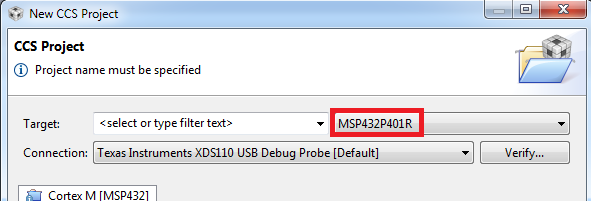
Hi all,
I've just updated CCS from v.6.0 to v.6.1 on my Windows 8.1 workstation. I now need to download the MSP432 compiler tools in order to use the MSP-EXP432P401R LaunchPad. Since I experienced some issues with the repositories under the /eclipse/p2 folders (by clicking on "Check for updates",
the GUI shows some updates I don't need and then a message box pops up saying some repositories could not be found), I used the "Install new software" utility. Thus I selected the
Code Generation Tools Updates - software-dl.ti.com/.../p2win32
which shows a list of compiler tools, included the ones related to MSP432, whom I selected as the following picture shows:
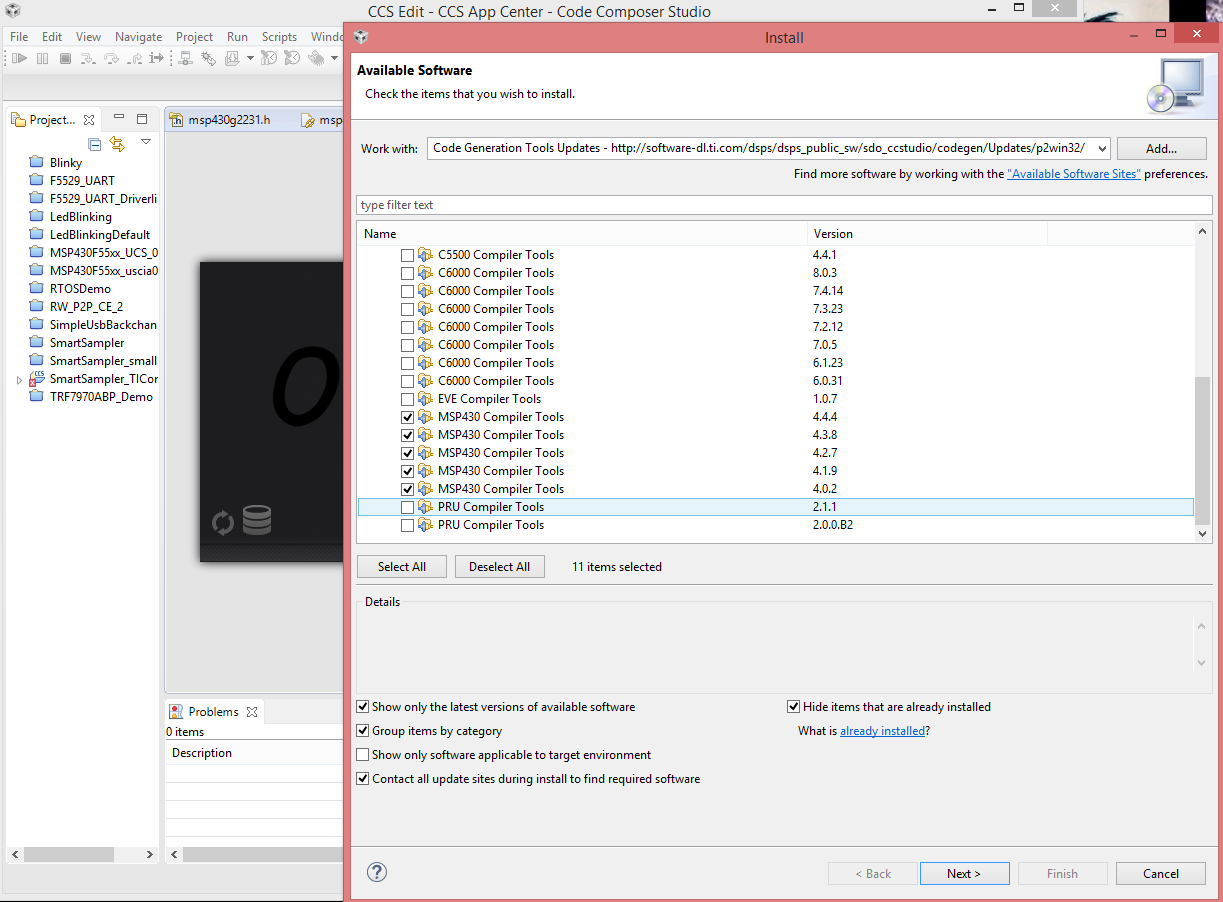
Anyway, a few minutes trying to download and install the compiler tools later, an error seems to occur and the details are shown in the following picture:
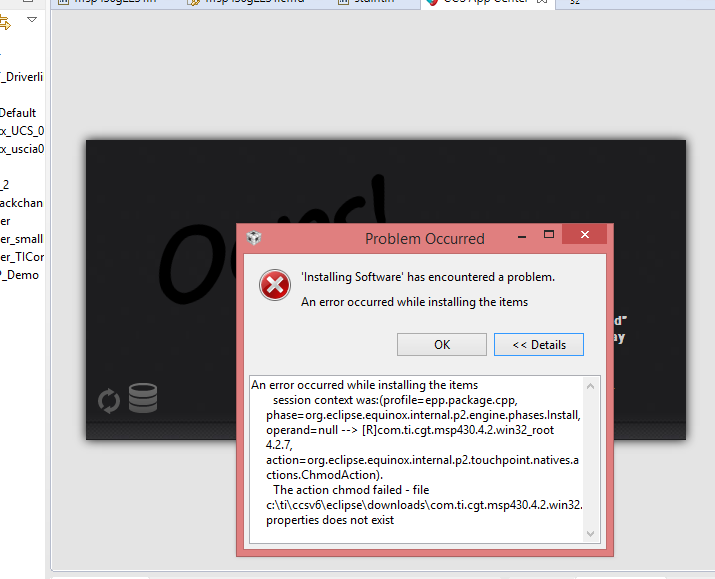
Is there anything I can do to fix this issue? And is this the correct way to install the MSP432 compiler tools? I'm making the assumption, probably in a wrong way, that those are included in the MSP430 compiler tools updates I'm trying to download, since I couldn't find them listed in any of the sites available under the "Install new software" utility.
Thanks in advance for any help.