This thread has been locked.

If you have a related question, please click the "Ask a related question" button in the top right corner. The newly created question will be automatically linked to this question.

Floating License Server Installation Problem


we have bought 2 floating licenses for Code Composer Studio 6.01

When our IT tried to install the floating licenses on our license server they received this message
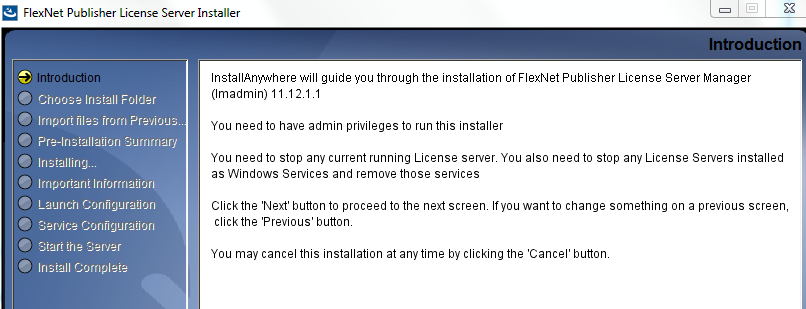
Our It would not continue as this would interrupt other people. and Our IT suggested

to contact TI support to understand why this is necessary, whether you can proceed without disrupting all these other license servers and whether it is only necessary to run the TI installation and the other license servers can be restored afterward. Either way, I think more information is required.?


Please help as soon as possible.


Regards

Hatem

  • Hatem,

    First of all, thanks for purchasing Code Composer Studio.

    Code Composer Studio, as with many other software solutions around on the marketplace, is composed of several components either created by us or adapted from third parties. The licensing component is one of them - a company called Flexera is the one responsible for the installer and specifies its install requirements.

    Fortunately there is an alternative to configure the license server via command line in Windows using lmgrd. Reference to it is shown in chapter 10 of the License Administration Guide:

    software-dl.ti.com/.../fnp_LicAdmin.pdf

    This method does not require install and therefore may be a lot less disruptive than the graphical method.

    Hopefully this will help integrating the new licenses on the server.

    Regards,
    Rafael