Version of the host OS: Windows 10 Pro 64-bit
Exact version of CCS: 6.1.0.00104
Reference board: AM335x Starter Kit
Current board: Custom version of the AM335x Starter Kit
Debug Probe: XDS100v2 REV 3.0, Part No: BH-USB-100v2, S/N: ND9533
Following the steps outlined here: (processors.wiki.ti.com/.../XDS100) for reprogramming the XDS100v2 EEPROM
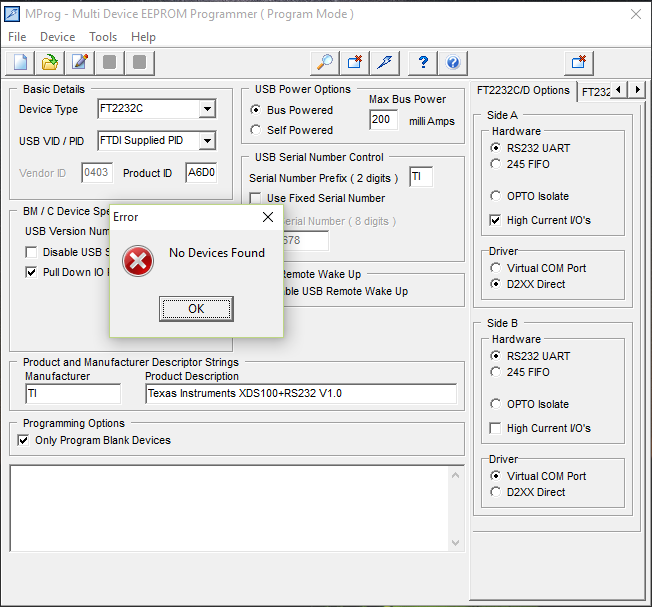
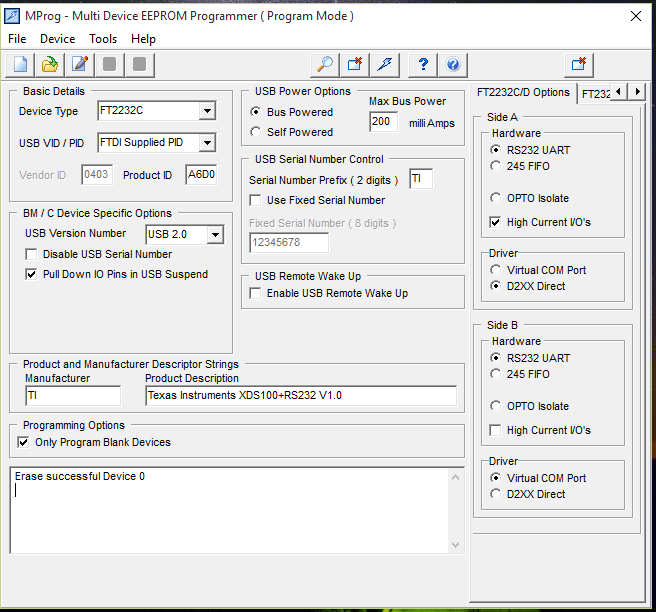
Current Problem: When following the steps to re-program the EEPROM on the XDS100v2, the re-program fails. This occurs after the initial open of the XDS100_wUART.ept file, the scan and the erase. If I read the device after the erase the device shows FF for all locations. When I try to re-program it fails and outputs an error message stating no devices found. Below are screenshots from the initial scan, the erase, the read to show FF and the failure to re-program.
Open XDS100_wUART.ept file:
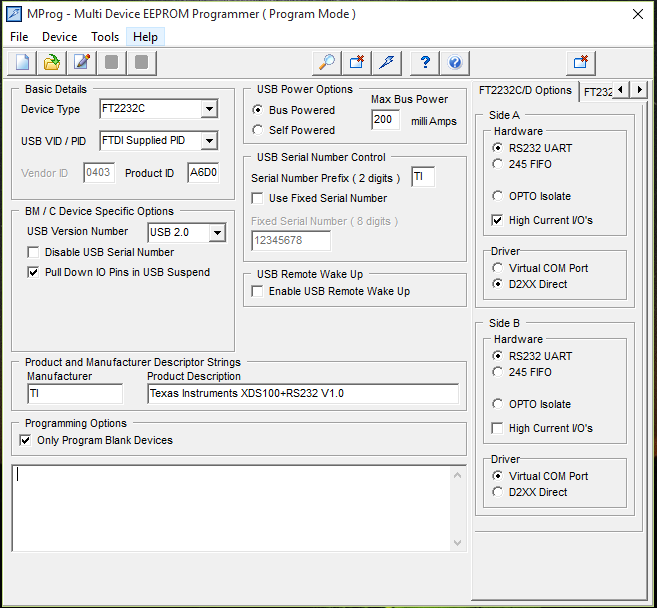
Scan:

Erase:
Read of erased device for verification:

Program: