This thread has been locked.

If you have a related question, please click the "Ask a related question" button in the top right corner. The newly created question will be automatically linked to this question.

Cannot install add-ons: "Failed to install the selected add-ons."


CSS Version: 6.1.0.00104

OS: Windows 10 Pro x64

I am attempting to setup a development environment by following the instructions in section 2.5.3 found in the Software Developers Guide for BLE-Stack.  I am attempting to install TI-RTOS and (eventually) the ARM compiler.
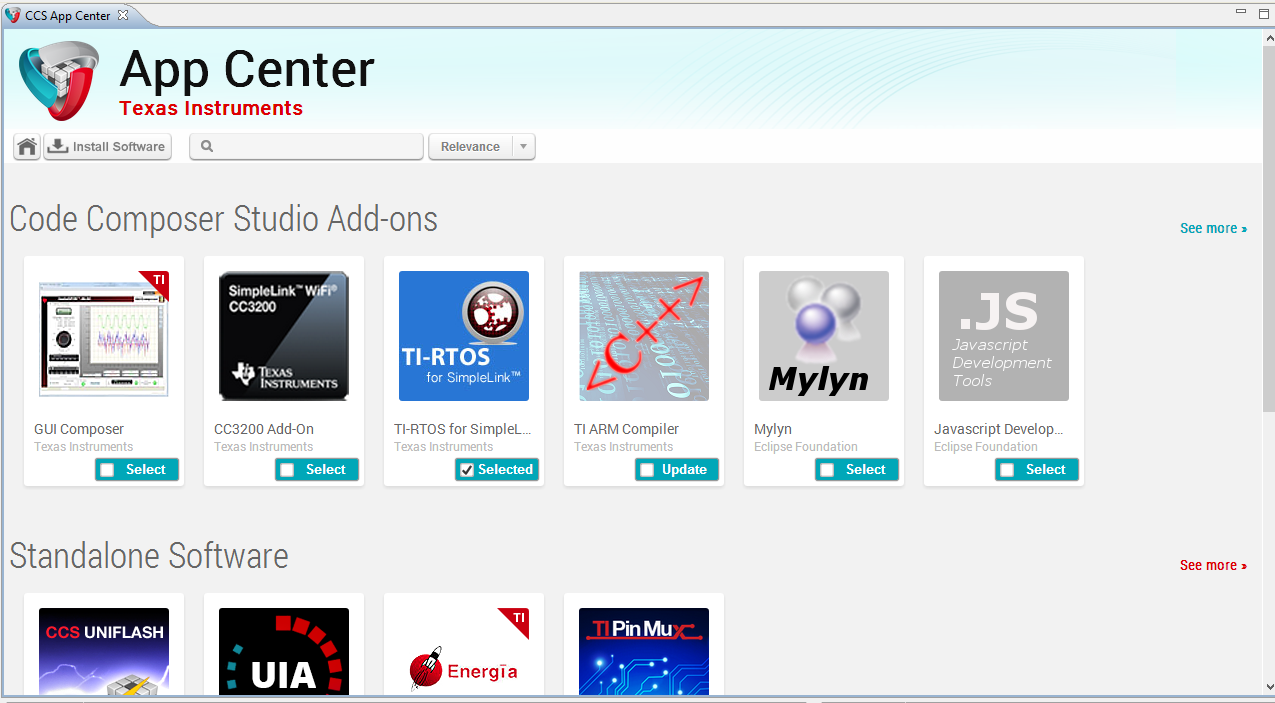
I clicked on "Install Software" and accepted the license agreement that came up.  The "Installing Add-on" pop up showed up, and the progress bar made it about 1/3 of the way through before this error showed up:
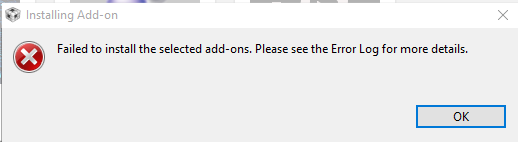
(it would be just fantastic if this error message would tell the user which error log it is and where to find said error log.....)

The Eclipse error log just has 2 entries in it:

!ENTRY com.ti.ccstudio.p2app 4 0 2015-09-11 09:46:24.477
!MESSAGE The installable unit com.ti.cgt.tms470..*.win32.feature.group.* has not been found.

The timestamp matches when the error dialog pops up.

What do I need to do to fix this problem?

  • Curtis,

    This issue has been reported before and we have identified the root cause and will be fixing it for future release.

    This post describes the root cause which could be triggering your issue. If that is the case, you can use the workaround mentioned in that same post
    as well as in this post (where another user confirmed that it worked).

    Another possibility is to by-pass the App Center and manually install TI-RTOS using the procedure described in this post.

    I would suggest reading through the entire thread that I have referenced and trying the json file workaround first and let us know if that works.

    Sorry about the inconvenience.

  • Fixed it by completely uninstalling CCS, deleting the C:\ti\ccsv6 folder, and re-downloading and installing CCS....