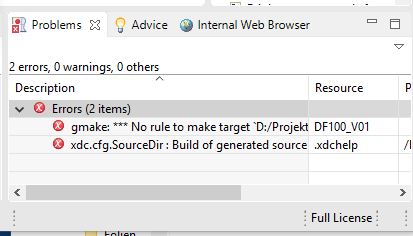
HI.
I am using CCS6.1.1.022 on Windows 10. I have a problem to create new projects in a new folder, not the default folder. When I switch to the button "new project", give a project name, deactivate "use default location", add a new location with the "browse button" and add a new folder to the choosen location, everything seems to work fine. The folder is generated including subfolders "configs, settings, Debug, src, target configs) as well as .ccsproject, .csproject, link_msp430247.cmd etc.
As soon as I try to work with the new project, I get the failure:
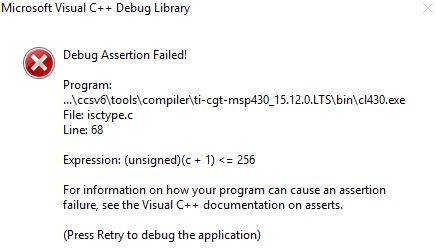
I have tried it many times and always when I generate a new folder I have this problem.
When ignore it, I get following
-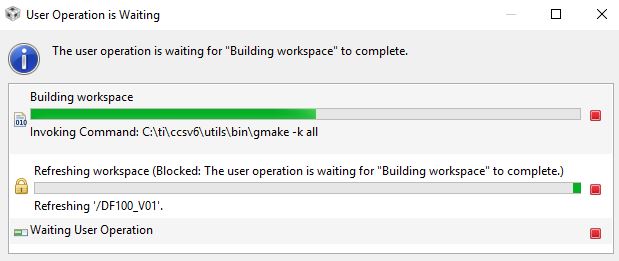
No user operation can be done by me, I just can wait endless or stop the compiler
When I use the default workspace_v6_1, which was automatical during the installation of CCS, everything works fine.
For my work it is essential, to generate new workspace folders. So I am very unhappy for the moment.
Can anybody help me, please.
Helmut.