This thread has been locked.

If you have a related question, please click the "Ask a related question" button in the top right corner. The newly created question will be automatically linked to this question.

CCSv6.1: How to add a source file for debugging .obj code outside of project

I am debugging object code outside of a project environment on a c6748 DSP and want to associate the source code symbols for the .obj code loaded, so I can single step though the source code to find my problem.  Once in debug perspective I can load the .obj code but when I Run->load->load Symbols (and specify the starting address) for the .obj file it load symbols correctly but does not load the source code that was used to generated the .obj file.  How can I tell the debugger where the source code is located so the debugger will load it as well and I can step through the source code when I am debugging outside of the project environment? (optimizations are turned off to help with debugging).

  • Hello,
    If the loaded symbol files have the source code information, when halted at a location, the debugger should inform you that it is unable to find the associated source code and you have the option to browse for it. There are other options to tell the debugger where the source code is. For more information, please see the below presentation (slides 53-58):
    software-dl.ti.com/ccs/esd/training/CCSv6-TipsAndTricks.pptx

    Thanks
    ki
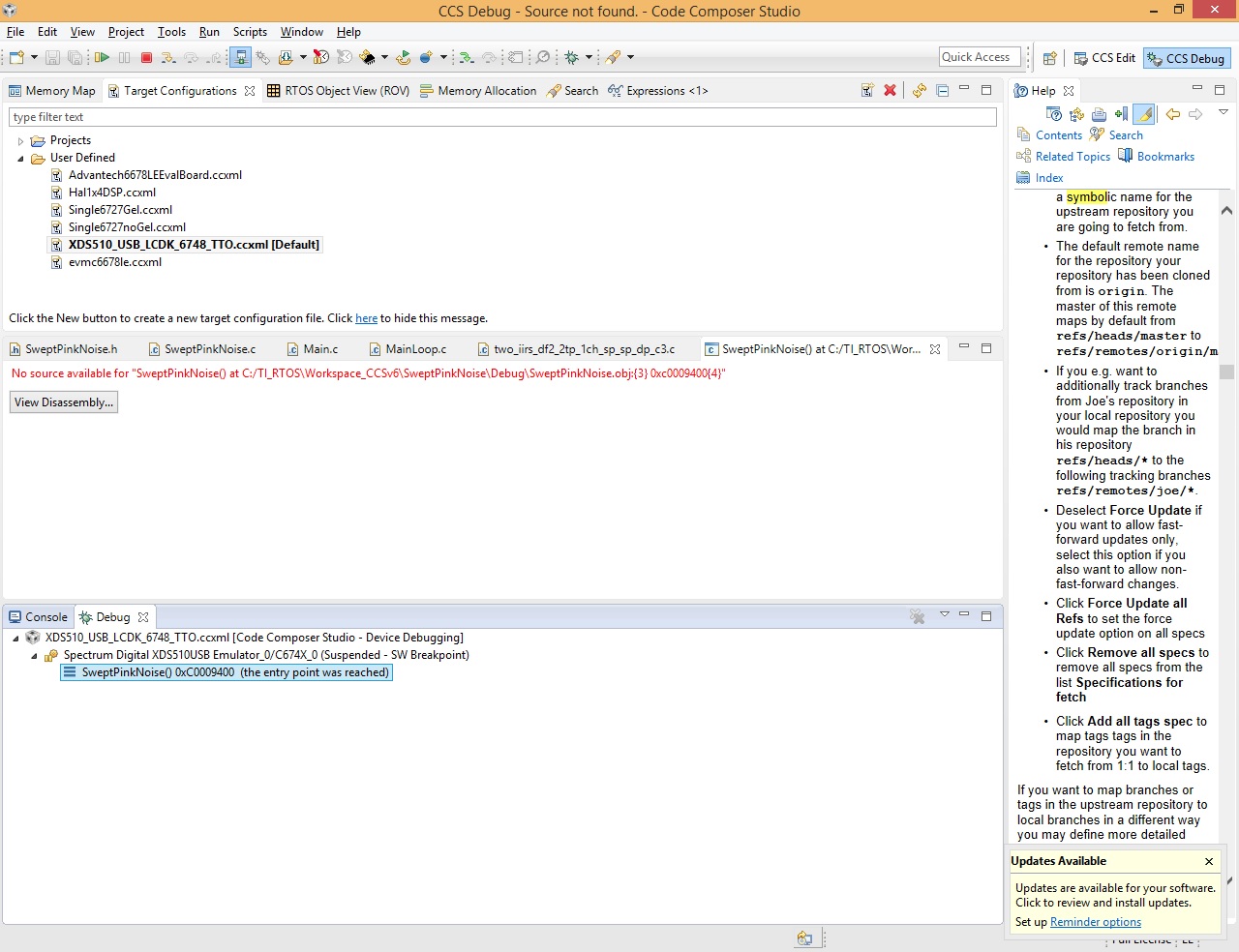
  • For some reason, CCS is not giving me the option to load the source code. It simply says no source available when I hit a break point in the code.  I have attached the screen shot.  Any ideas on how to force it to load for a given address?

  • If there is no option to search for the source file, then CCS is unable to find the source code correlation in the loaded symbol file. It could be that the code was compiled without the option to generate full debug symbols? You can try using the Modules view to see what source files are associated with the symbols.

    Thanks

    ki

  • Yes, the modules view does not list any c source files for that obj file,  SweptPinkNoise.obj.

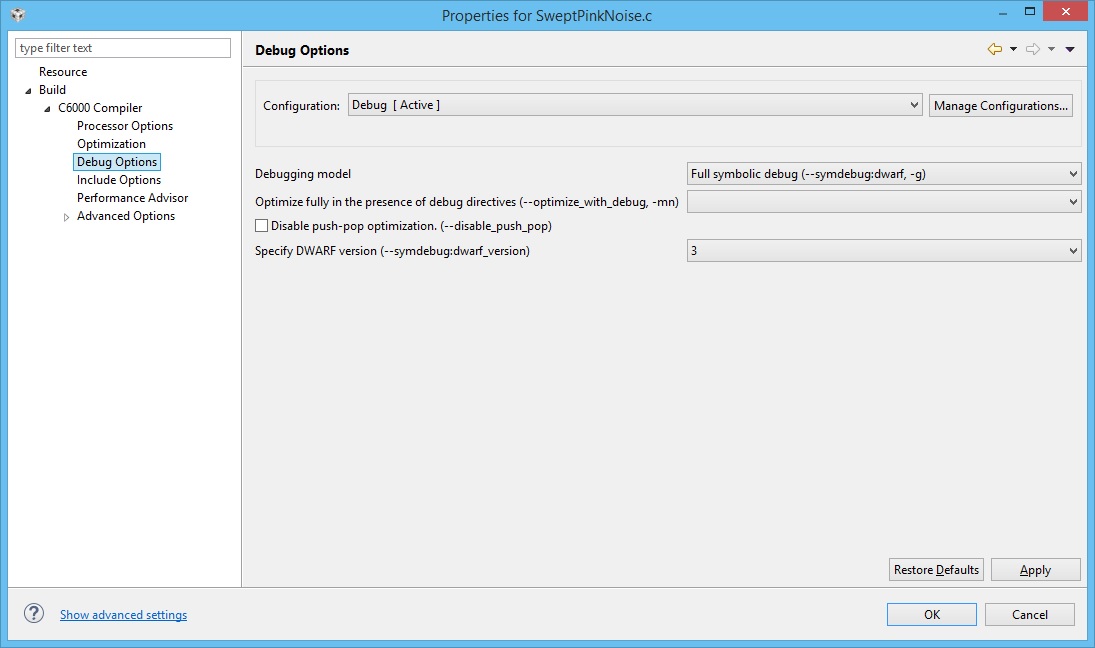
    However, the Debug Options for that source file shows full symbolic debug for that file in the project. (I have attached screen shot).  How do I tell it to include the source code for that module?

    Thanks for your help.

  • Is it possible that "C" source files are only included in final program .out files and not with the .obj files for CCSv6.1? So far all of the .obj files that I load do not list any .c files associated with them. However when I load the symbols for the .out files they all include .c files. The problem that I have is that I am trying to load the symbols for a location in the DSP that is not the same as the .out file. When I load symbols for the .obj file it lets me specify an address for the code and the data which is what I need to do, however it does not have and .c source associated with those symbols. I used to do this symbol source load process for debugging all of the time with a previous version of CCS (version 3) and the source would load fine for a location that I would specify. Any ideas?
  • It appears to me that source code is never included in the .obj files.  

    However, I need (and there used to be in ccs) a mechanism to associate source code with low level object code, loaded to and address of my choosing.  Does this not exist in CCS any more?

    Dana