This thread has been locked.

If you have a related question, please click the "Ask a related question" button in the top right corner. The newly created question will be automatically linked to this question.

DRV8412 GUI connection Issue

Other Parts Discussed in Thread: DRV8412, CONTROLSUITE

Hello all,

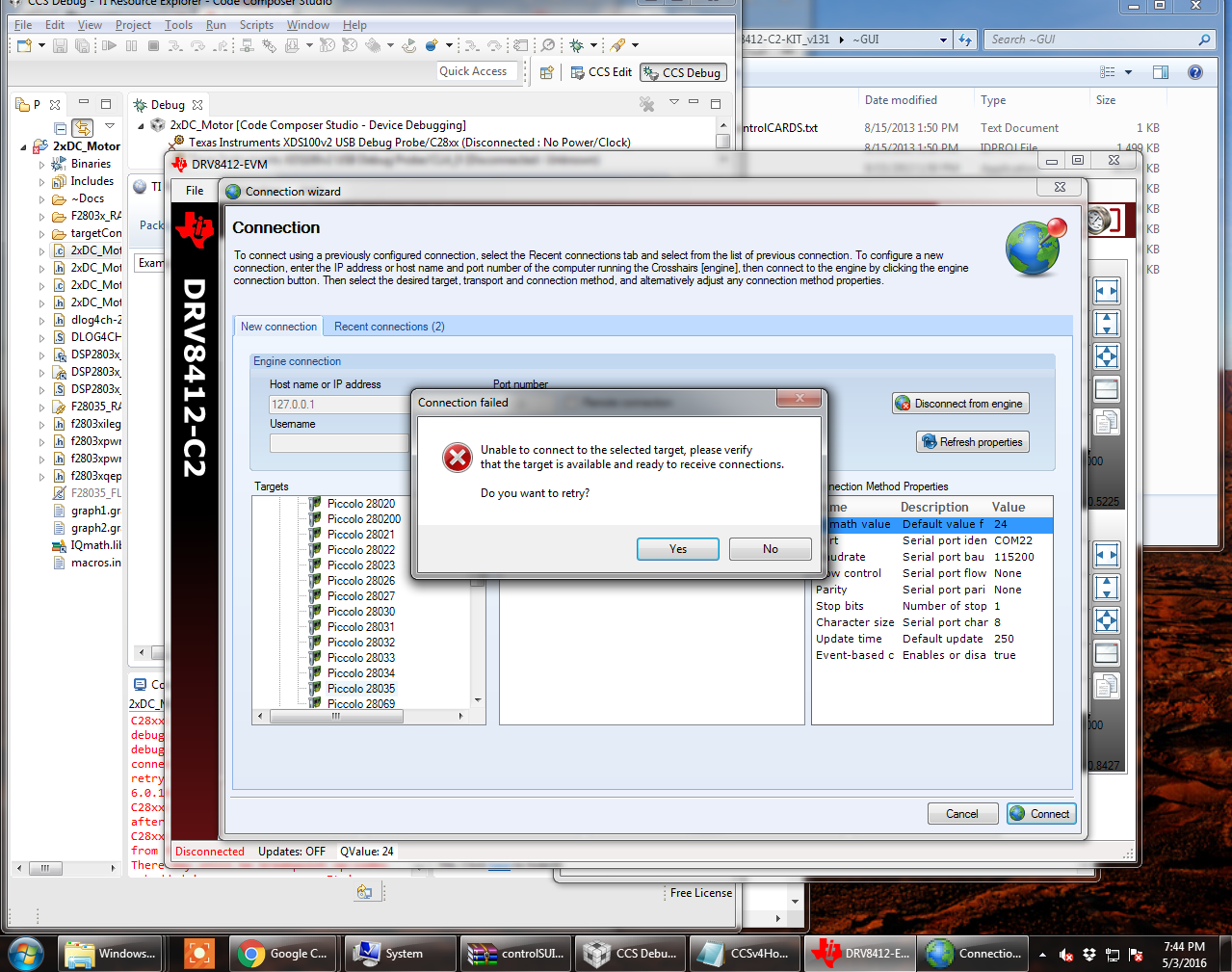
I am using a DRV8412  C2 Kit, and I am having issues with the GUI. I keep getting a connection issue with the TI board, I am able to connect the F28035 through CCS, I ran a couple of codes in CCS for motor control and one gave a fault on the DRV8412 Board. Ever since I can't make a connection to the GUI.

Here is what pops up. I even reflashed the ControlCard  Any help would be appreciated. 

Location of DRV8412 PDF and GUI : 

C:\ti\controlSUITE\development_kits\DRV8412-C2-KIT_v131\~GUI

I made sure the .out is in the same folder with the GUI. (both .out for both GUI are stored there). I even reinstalled Controlsuite just to make sure.

What should I see when I reflash the F28035? I used  I used CCSV6 to reflash the F28035, should I have used CCSv4?
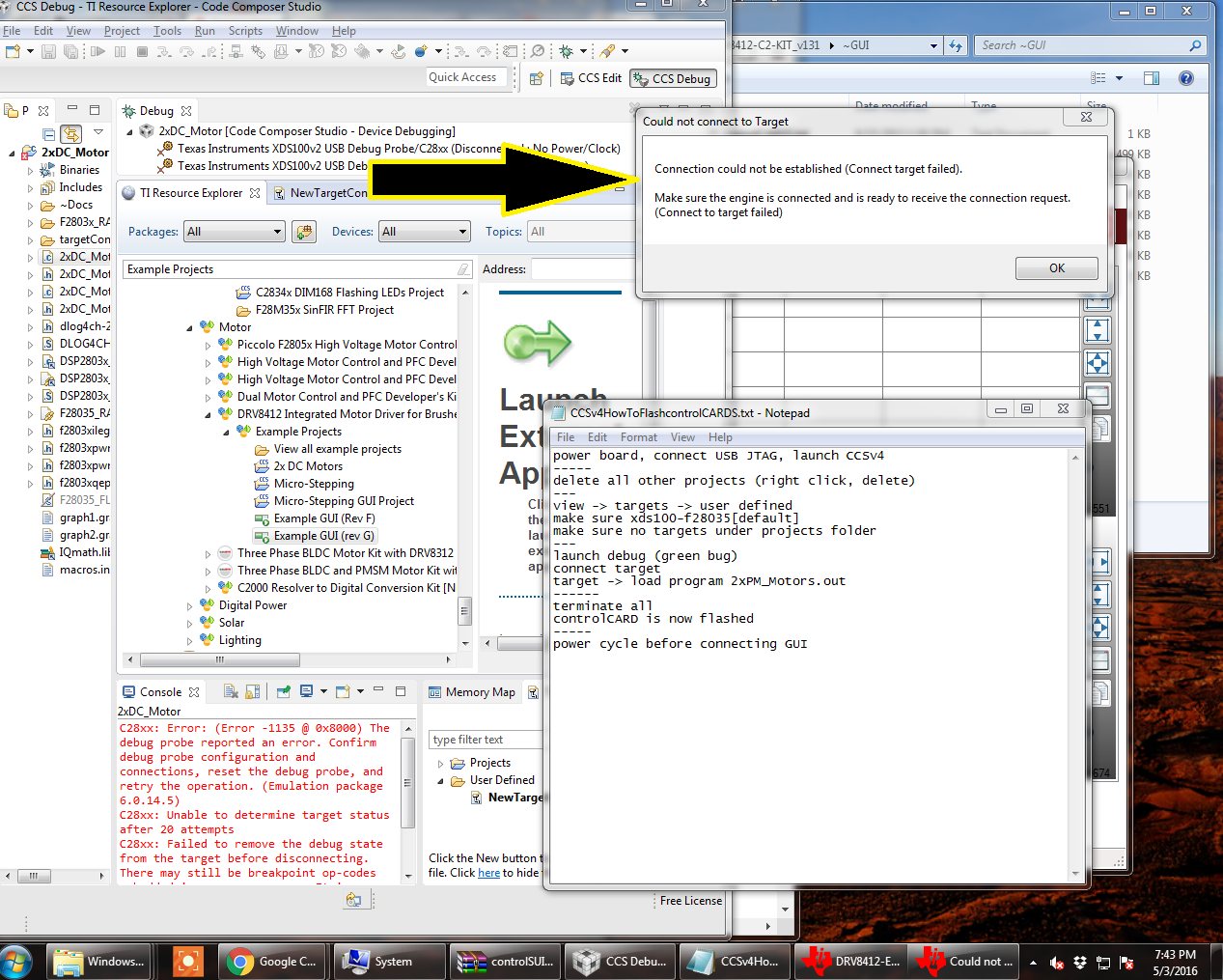
  • the error shows that you weren't even able to connect to the target (MCU) in CCS.
    you first need to see if you can connect or if the controlCARD was damaged due to something in the system.

    check all the controlCARD switch settings and DRV8412 board settings

    then in CCS right click on the Target Configuration (xds100-f28035) and Launch Configuration.
    Once launched into the debug view use the menu to Connect To Target

    if you can connect then the JTAG and MCU are at least talking.

    You can then try to load the appropriate .out from C:\ti\controlSUITE\development_kits\DRV8412-C2-KIT_v131\~GUI\

    if it loads successfully you should click the Red Square terminate button and then power cycle the board.

    Restore power and launch the GUI .exe