


Other Parts Discussed in Thread: CODECOMPOSER, CCSTUDIO
Hi,
I have some problem with CodeComposer Studio v5.5.0 and v6.1.1.
I am working with Concerto f28m35.
I can not use project properties windows of any project properly . When I open the project properties from project explorer, two windows are opened with the name of "Properties for **projectname**". I closed one properties window. The other one is still open. After I click any of properties steps, I meet some errors.
For example, after I click "Build" step, I meet the following window:
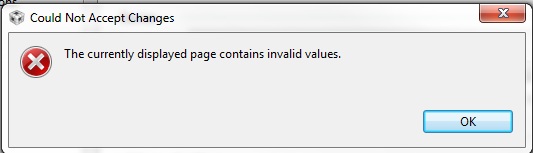
After closing this window, click "ARM Complier" step and the same error occured. After click OK button on this window, the following window is showed:
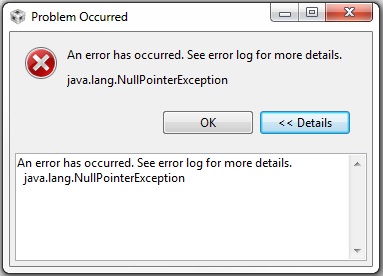
To solve this problem, I uninstalled the CCS software. After that, I reinstalled the CCS, but there is no change.
I updated the java, but the problem is same.
While adding an watch expression, two expression windows are opened same time. I write the variable name in the field and close the first window.
The second window is still open.
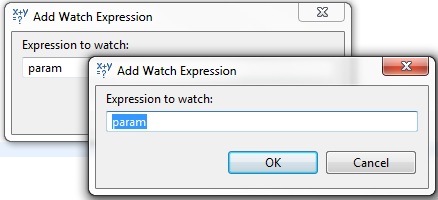
I can not change optimization level or heap size, stack size, etc. In brief, I can not change any properties of project.
How can I solve this problem?
Regards,
Ahmet Bakır

