This thread has been locked.

If you have a related question, please click the "Ask a related question" button in the top right corner. The newly created question will be automatically linked to this question.

linux version of CCS creates bogus C:\\nppdf32Log\\debuglog.txt file


When I run CCS it creates a file called  C:\\nppdf32Log\\debuglog.txt file instead of using a valid linux path name.

It would be nice it it created this someplace in the TI directory tree or in a temp file.

something like /tmp/nppdf32log/debuglog.txt

My config

ubuntu 14.04 32 bit and ubuntu 15.10 64 bit

CCS 6.1.3

  • Hi,

    Where exactly is this file created? Also, did you install CCS as user or root?

    The reason is that I can't seem to find this file anywhere in my system.

    Regards,
    Rafael
  • [Edit] .. fixed info

    It is created in the installation directory.  

    I installed this as a user

    You might also use strace to see where it is created

    $ strace -o /tmp/tracelog.txt ~/ti/ccsv6/eclipse/ccstudio
    $ less /tmp/tracelog.txt
    ...
    stat64("/home/kimballr/ti/C:\\nppdf32Log\\debuglog.txt", {st_mode=S_IFREG|0664, st_size=50, ...}) = 0
    ..

    It seems to be created when you open the welcome center, and select the "Browse Examples" then navigate around in the projects.

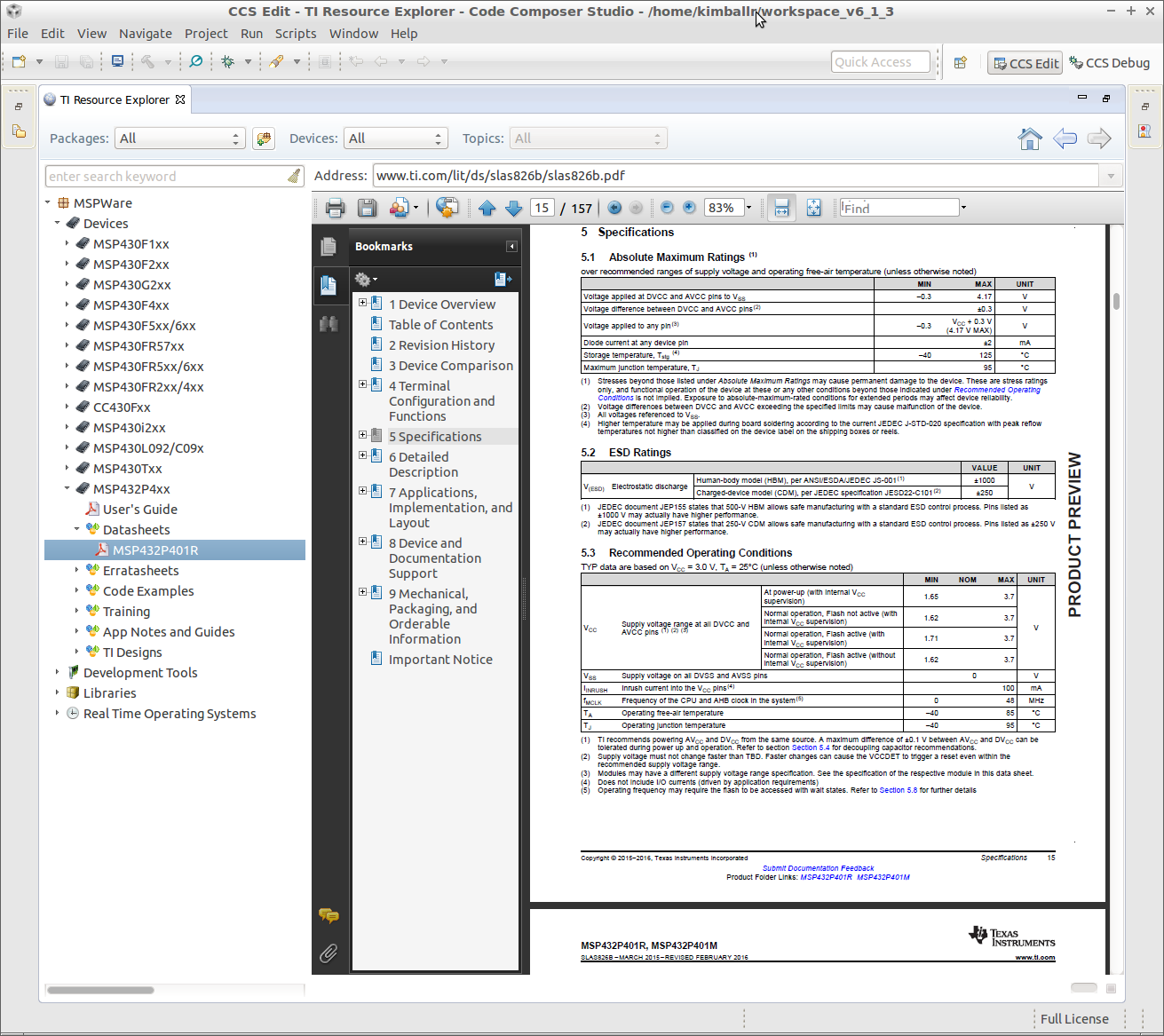
  • I was really trying to figure out why the pdf files are not opening in the browser window of CCS. Instead of displaying them, it asks if I want to save them.
  • Ok, I found a bit more info around the web. Apparently this is coming from Firefox
    askubuntu.com/.../what-is-the-file-c-nppdf32log-debuglog-txt
    bugs.launchpad.net/.../986841

    In this case, let me ask: are you using CCS's internal web browser or the external Firefox browser? To find out where this setting is located, go to menu Window --> Preferences --> General --> Web Browser.

    I suspect this is set to the System browser or explicitly to Firefox - not an uncommon thing users do in Linux due to some connectivity/proxy issues that prevent showing Resource Explorer, App Center, etc.

    I did the setup above in my CCS but I am still unable to hit this issue. I am using Firefox 46.0 on Ubuntu 14.04/64.

    Regards,
    Rafael
  • I haven't changed that setting. I'm using the default internal browser. I don't have any proxy issues it is all direct connect.
  • I did have Adobe Reader 9 installed that had an nppdf.so file. I uninstalled it. Still the same behavior. When I click on the links in the Resource browser that are .pdf files it prompts me to save the file instead of viewing it. I'm going to wait for CCS 6.2 to see what changes that brings. It is supposed to fix PDF viewing problem.

    Thanks for suggesting the source of the problem.
  • So after spending an inordinate amount of time using the strace utility to figure out the missing parts I was able to make it work.  Hopefully when the CCS 6.2 version comes out there will be a better solution than what is being done now:

  • Hi,

    I have been spending a great deal of my day trying to get this to work as well (installed Adobe reader, changed browsers, added mime types, included the nppdf.so, collapsed chromium/CCS a few times, etc.) but to no avail.

    With the risk of being seen as wanting to be "spoon-fed" but with the true intention of helping others in the future, would you mind sharing the solution you found?

    Thank you,

    Rafael

  • Don't you have access to the developer and the test bed they used to release this?