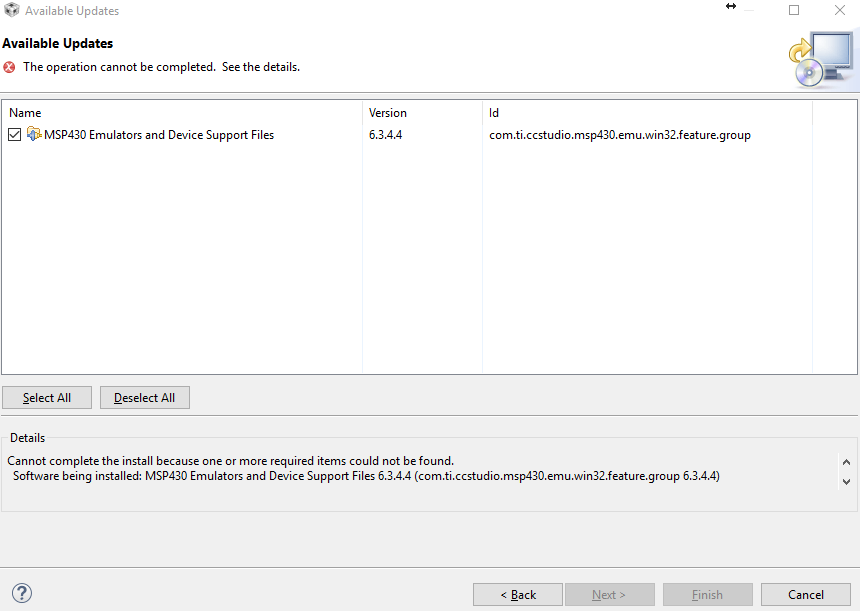
Hi,
I've seen a lot of correspondence about the issue but none of the advice seem to help.
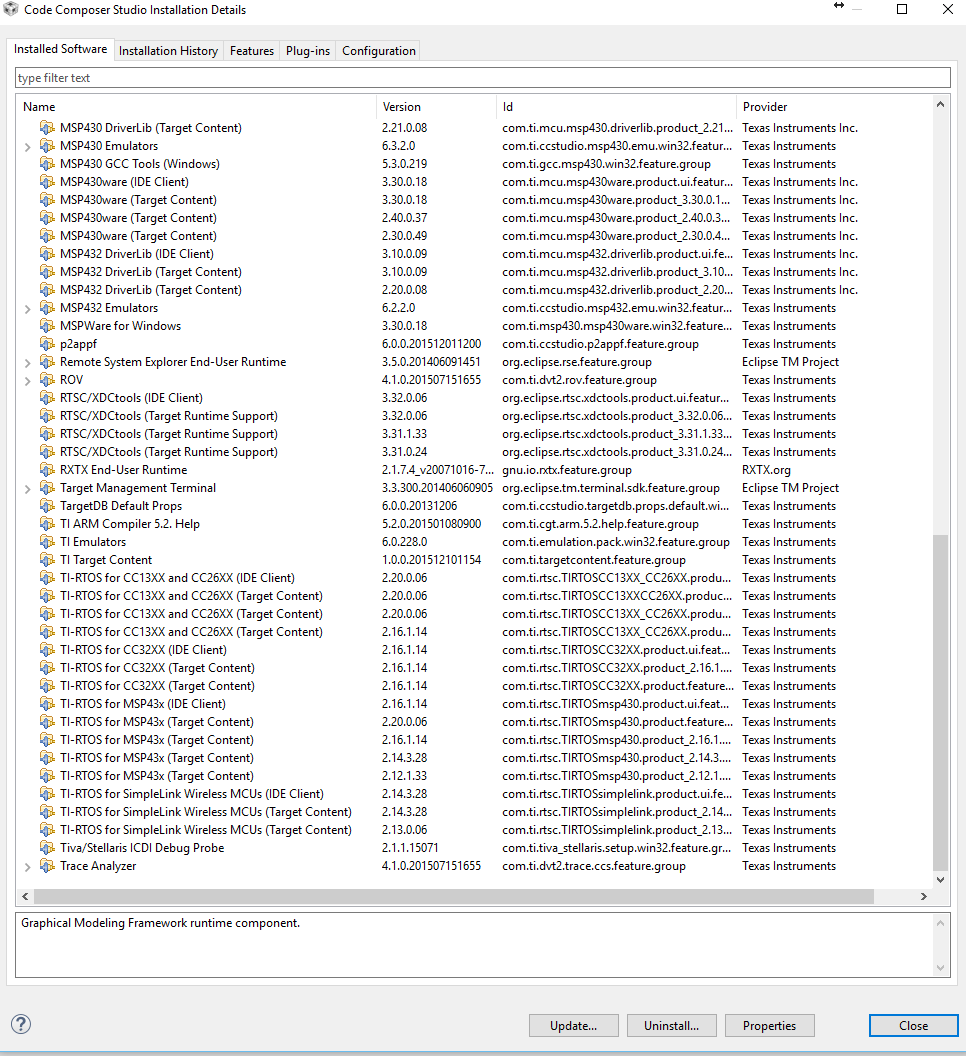
I'm using CCS 6.1.2.00015 on Windows 10 PC.
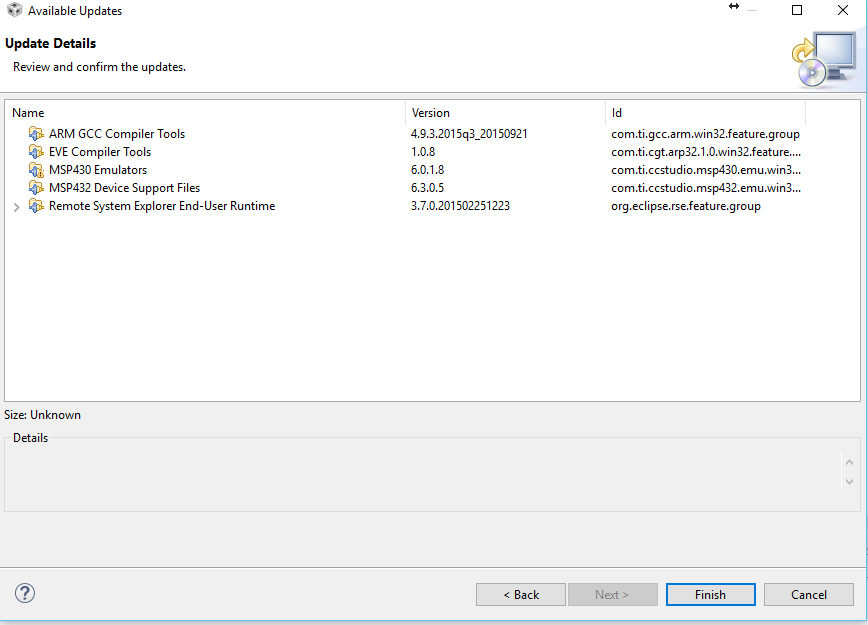
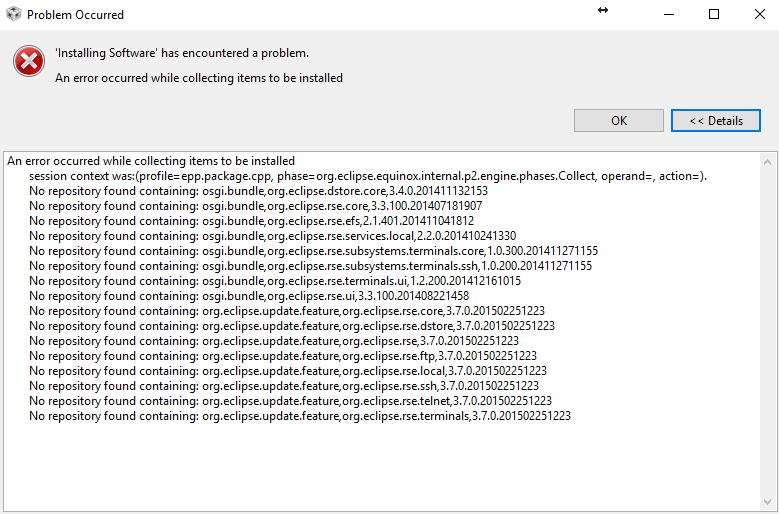
When trying to update I keep getting the following error message
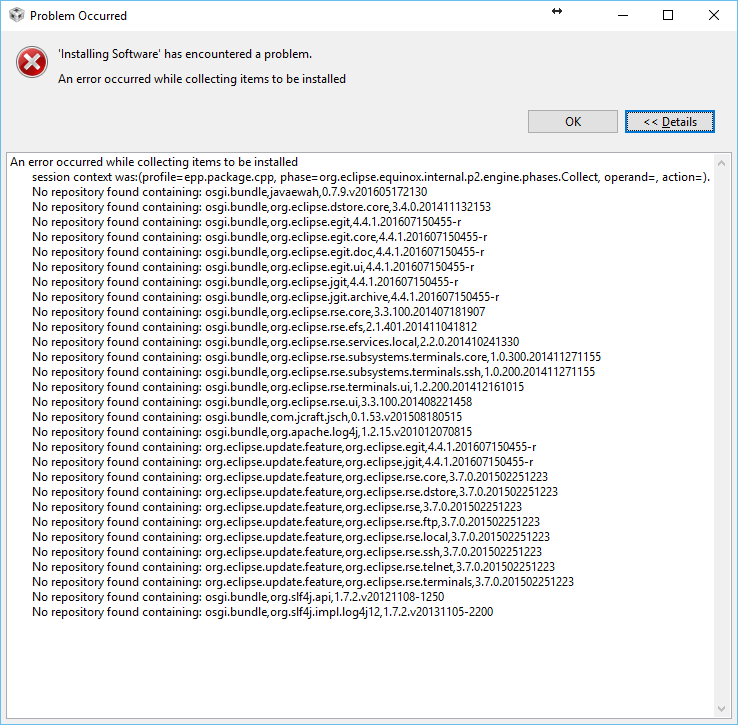
I've tried to erase ccsv6\eclipse\p2\org.eclipse.equinox.p2.core\cahce & ccsv6\eclipse\p2\org.eclipse.equinox.p2.repository\cahce foldes
I've launched CCS with -clean flag
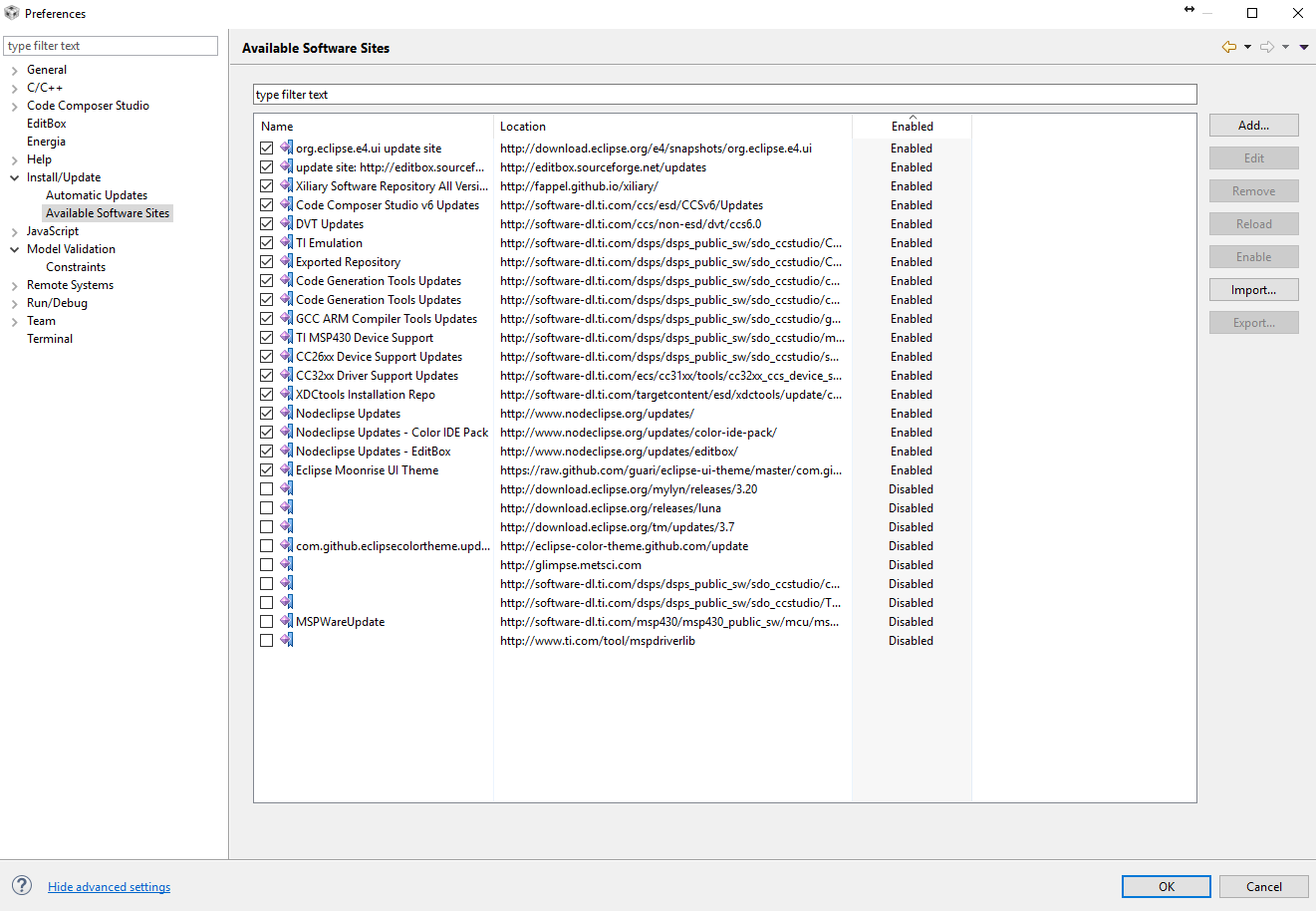
I've unselected 'check all sources' checkbox
but it keeps occurring.
One thing I've noticed along the way is that CCS update is searching for the update files at C:\users\<username>\Downloads\CCS6.1.2.00015_win32 folder while in my case these files are located at D:\[same folder]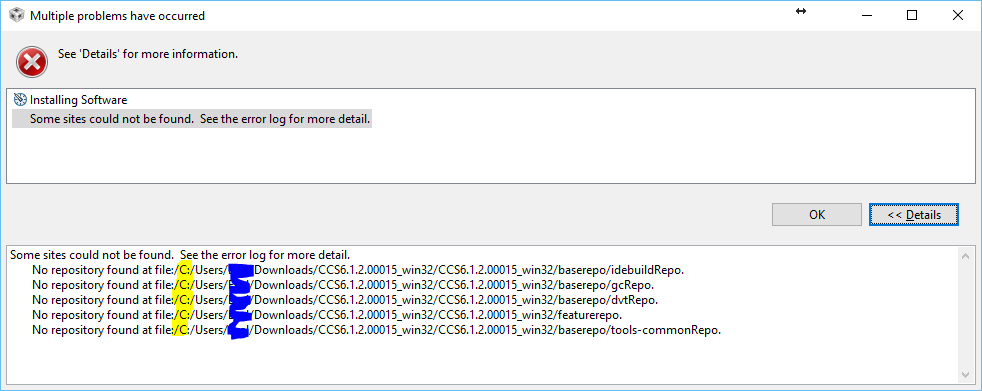
I also tried to copy then from D:\[same folder] to C:\[same folder] with no success.
It keeps on happening.
Any advise will be appreciated here
Thanks