This thread has been locked.

If you have a related question, please click the "Ask a related question" button in the top right corner. The newly created question will be automatically linked to this question.

App Center seems clueless since update to 6.1.3

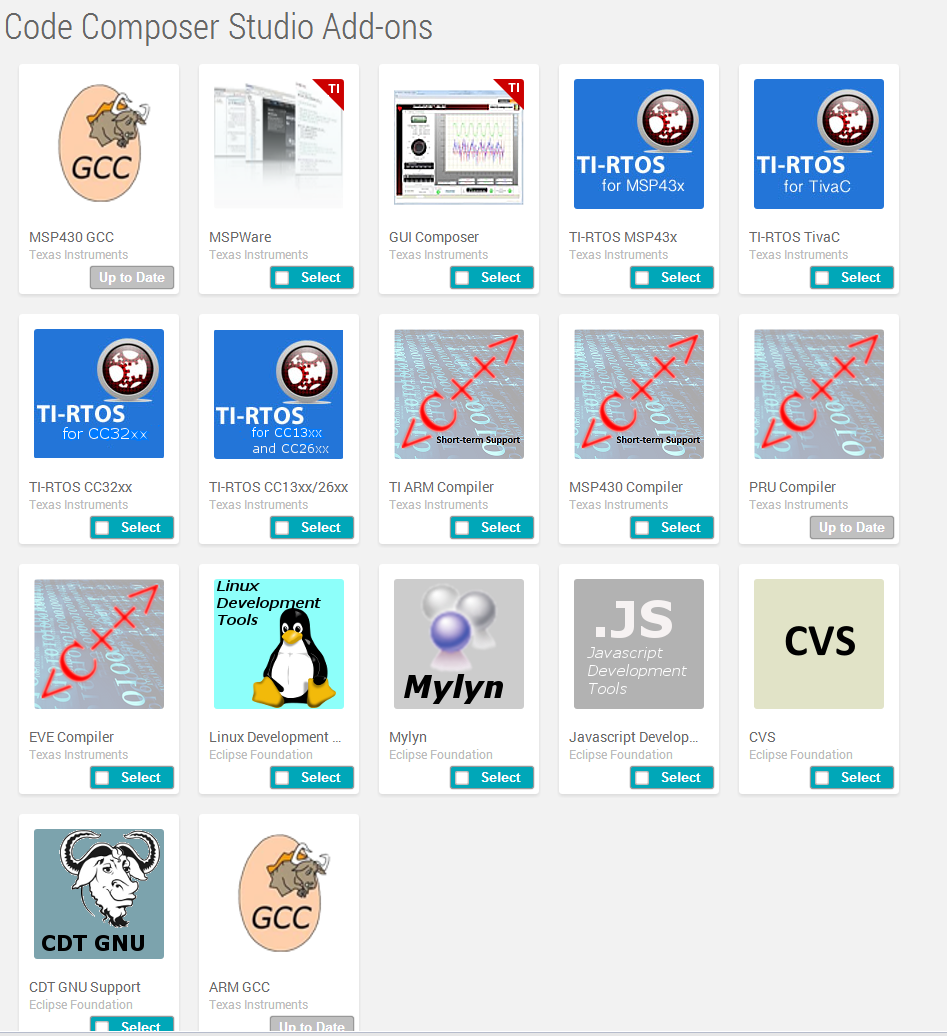
On my machine running Windoze 8.1 I recently had to do a clean install to update CCS to version 6.1.3 from 6.1.1.  Since then the App Center seems to have forgotten most of the add-ons which have been installed.  The only ones that show as up to date are MSP430 GCC, PRU Compiler, and ARM GCC.  Every other add-on previously installled shows only the "Select" checkbox.

Also, even before the "clean update" standalone software (e.g. TivaWare) shows in the App Center whether installed or not.  Is this normal?

Please advise.  Should I reselect and install add-ons even though they are theoretically already installed and it takes hours to do so?

Why does App Center sometimes seem to "stall" (several tiles never stop "spinning")?  Perhaps this is related to the seriously slow website that is ti.com?

  • Clark Leach said:
    On my machine running Windoze 8.1 I recently had to do a clean install to update CCS to version 6.1.3 from 6.1.1.  

    Did you uninstall/delete your 6.1.1 installation prior to installing 6.1.3 (if so, how did you uninstall) or did you install 6.1.3 to a different folder?

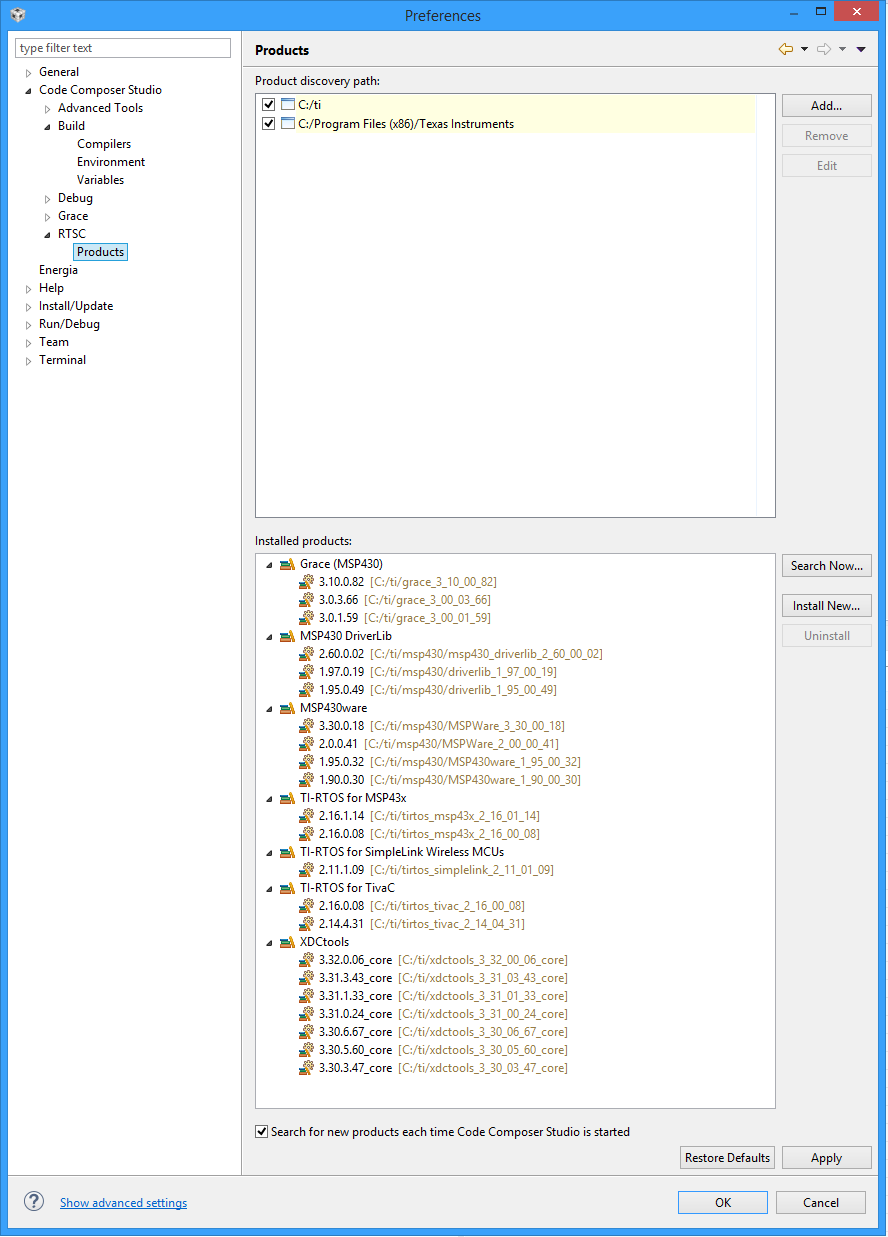
    Add-ons from the App Center get installed to the root folder that is selected for the CCS installation, and that is where CCS will look for the add-on, check its version, and if a newer version is available show it in App Center. If you install another version of CCS to a different folder, then the add-ons installed to the previous directory will not be "known" to the new CCS, so App Center will give you the option to re-install them. You don't have to necessarily re-install them though if you already have an installation in a different folder. You can simply provide the Product Discovery path to CCS (from Window->Preferences->Code Composer Studio->Build->Compilers or Window->Preferences->Code Composer Studio->RTSC->Products). 

    Clark Leach said:
    Also, even before the "clean update" standalone software (e.g. TivaWare) shows in the App Center whether installed or not.  Is this normal?

    Yes. TivaWare is a standalone software, not an add-on, and App Center merely provides a link from where you can download TivaWare. The Standalone Software links always appear in App Center whether they are already installed or not.

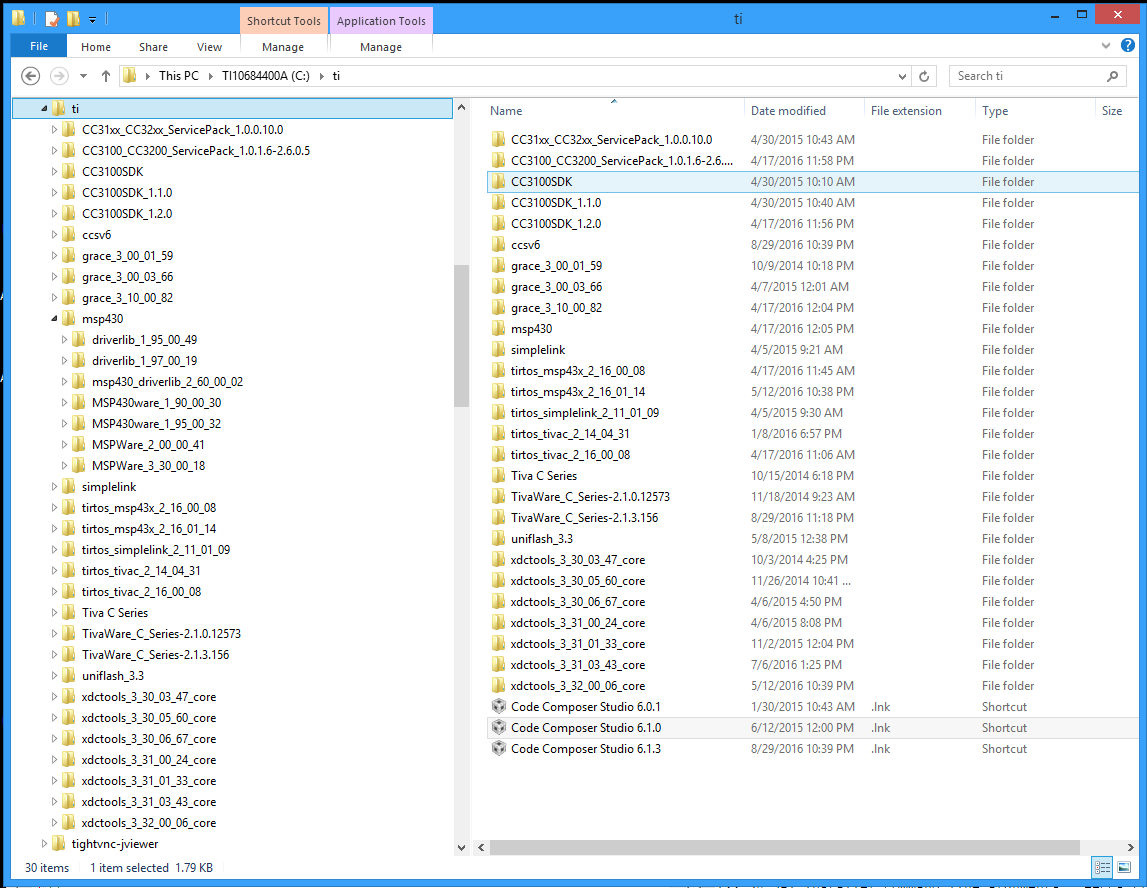
  • My memory is a little foggy regarding the exact steps I took.  The normal process of updating CCS failed miserably several times so I decided to download the installer and run it.  It seems logical that I would have uninstalled the older version first based on past experience; if so, I would have done so through Control Panel. FWIW, the 'C:\ti' directory still has '.lnk' files for versions 6.0.1 and 6.1.0 but they all point to the same executable.  I installed 6.1.3 in the default location 'C:\ti\ccsv6'.

  • The App Center always has the latest version of a software package. Based on your screenshots I can confirm that for all the add-ons that show the "Select" checkbox, there are newer versions of that package available than what is in your installation, which is why it is giving you the option to Select and install the latest available version. You don't have to install them (if you don't have a need for the latest version) and can continue to use the versions you already have, but that is the reason the App Center is displaying them that way.

  • Shouldn't it say "Update" rather than "Select"?
  • Clark Leach said:
    Shouldn't it say "Update" rather than "Select"?

    That would make more logical sense for those that are already installed and for which an update is available. I will pass on the feedback.  

  • Clark Leach said:
    Shouldn't it say "Update" rather than "Select"?

    Actually it does already do that. In my install where I have some of the add-ons already installed, for those where an updated version is available it shows "Update" instead of "Select".

  • It always did. Ever since the last update, as you can see, my install seems to have gone dumb.