This thread has been locked.

If you have a related question, please click the "Ask a related question" button in the top right corner. The newly created question will be automatically linked to this question.

new CCS6.2 install parallel to 6.1.1 but in new folder brakes after running software update


Hi there,

I am trying to install CCS6.2 on a WIN10 x64 machine. CCS6.1 is installed and worked at the end with issues regarding the XDS sources

after install and first check for updates and installing them the following is the result
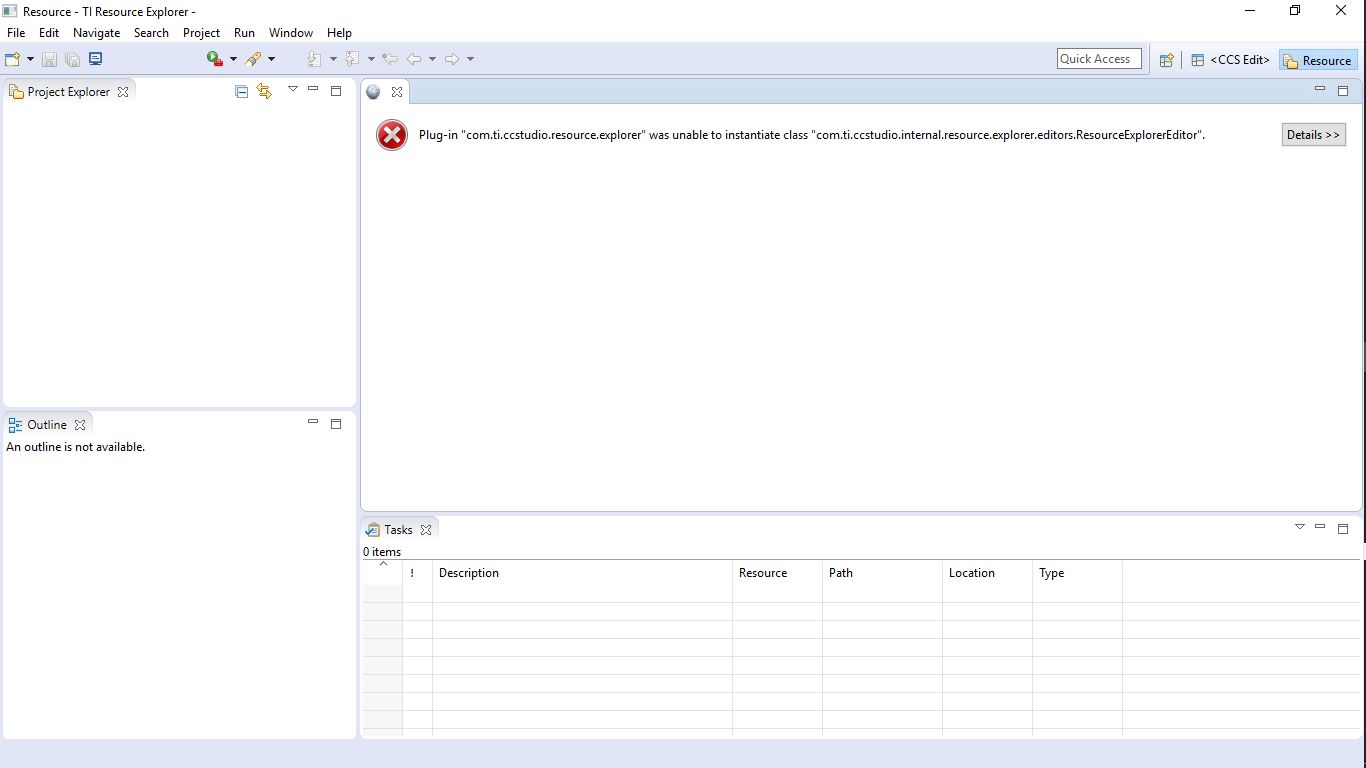
even the View menu is missing

What can be done ?

If I resinstall should I avoid to install any update?

  • Ralph Deffke said:
    after install and first check for updates and installing them the following is the result

    Do you happen to know which updates were installed?

    Ralph Deffke said:
    If I resinstall should I avoid to install any update?

    Although inconvenient, I would suggest trying a reinstall. Be sure to uninstall the previous installation first by deleting the directory completely.Then reinstall CCS 6.2 and verify that the View menu, Resource Explorer etc work as expected before installing any updates. Then install only updates that you believe are required and relevant for your development. Perhaps that will help isolate what, if anything, related to updates is causing a problem.

  • I switched back and reinstalled CCS6.1.3 as the difference is too big for older projects to migrate to 6.2