A related question is a question created from another question. When the related question is created, it will be automatically linked to the original question.
If you have a related question, please click the "Ask a related question" button in the top right corner. The newly created question will be automatically linked to this question.
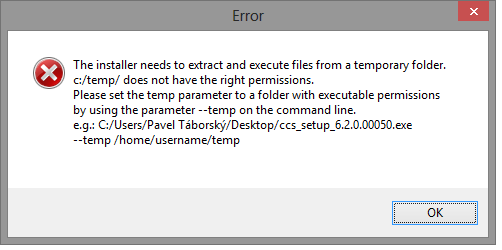
The installer needs to be able to write to a temporary location and execute programs from it. Your system temporary directory is not setup for that. This may be something that your system admin has in place.
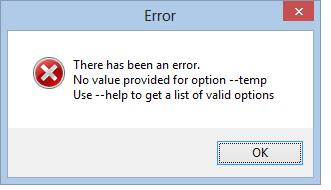
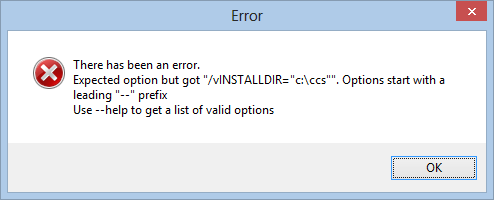
Instead what you can do is run the installer and tell it which location to use for temporary files. You can do this by running the installer with the --temp parameter and specifying a path. You could simply create a folder on your desktop and pass that location to the installer.
Replace <username> with your user name. This folder would be writable. I suspect that if you try to create a folder in the root of C: that you will still have issues with permissions.
Note the name of the executable should be something like ccs_setup_6.2.0.00050.exe and not css.exe