This thread has been locked.

If you have a related question, please click the "Ask a related question" button in the top right corner. The newly created question will be automatically linked to this question.

CCS/SM320F28335-HT: CCS7, change library from newer but unable to fully deleted the old library

Part Number: SM320F28335-HT
Other Parts Discussed in Thread: CONTROLSUITE

Tool/software: Code Composer Studio

Hi 

I have upgraded from CCS6.1.2 to CCS7 (most recent version installed 28/1/17).

I then complies my old project written on CCS6.1.2 and it went well on CCS7 without issue. While back I copied DSP2833x_v133 from the TI source (v133) into project and did modification there. The code worked well on old project.

Now I'm working on new project, I decided it time to update the DSP2833x_v133 to more recent version DSP2833x_v142 (from C:\ti\controlSUITE\device_support\f2833x\v142) and modified them so they have same structure as DSP2833x_v133.

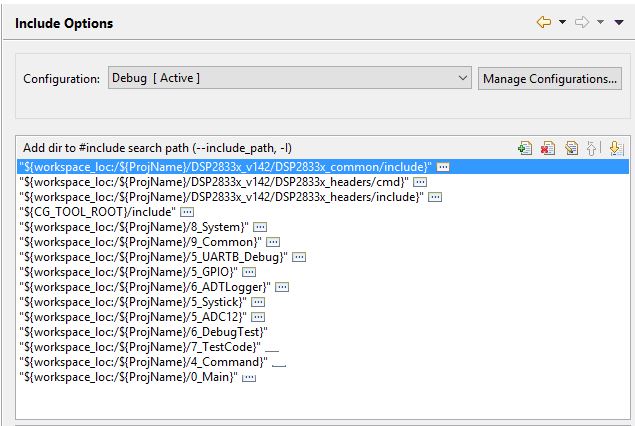
I modified the path in include option and linker search path. I check all properties in the menu (including advanced) and there is no visable DSP2833x_c133 that I can see. 

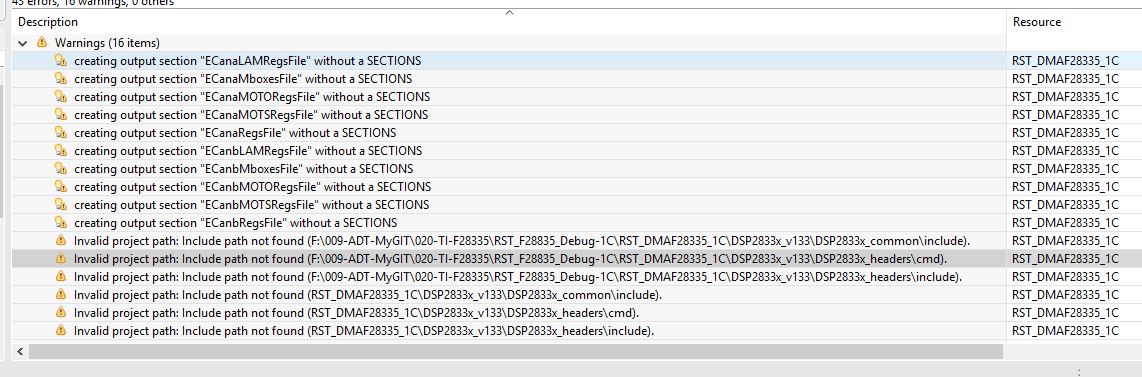
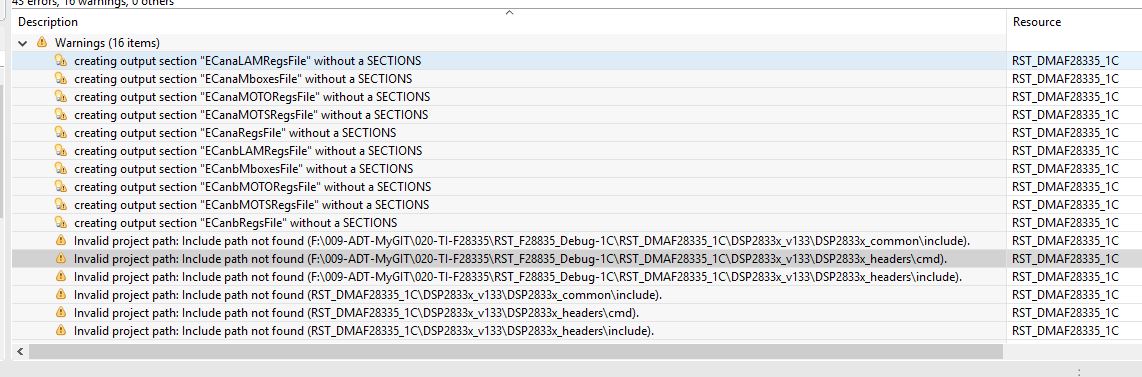
However it generate complier error because for some reason it stuck with DSP2833x_v133

I'm running out of option how to get rid of this residual path so I can complies the code. 
I
I can send you zip file for you to take a look but I cannot tag it on forum since it confidential project. 
  • richard payne said:
    I can send you zip file for you to take a look but I cannot tag it on forum since it confidential project. 

    Can you start a private conversation with me?

    Thanks

    ki

  • Thank for quick reply, I have posted the zip file.
    Please advise how u fix this. Much appericated.
  • BTW, I could not find chat to start private conversation?
  • I got your message and test case. Thanks!

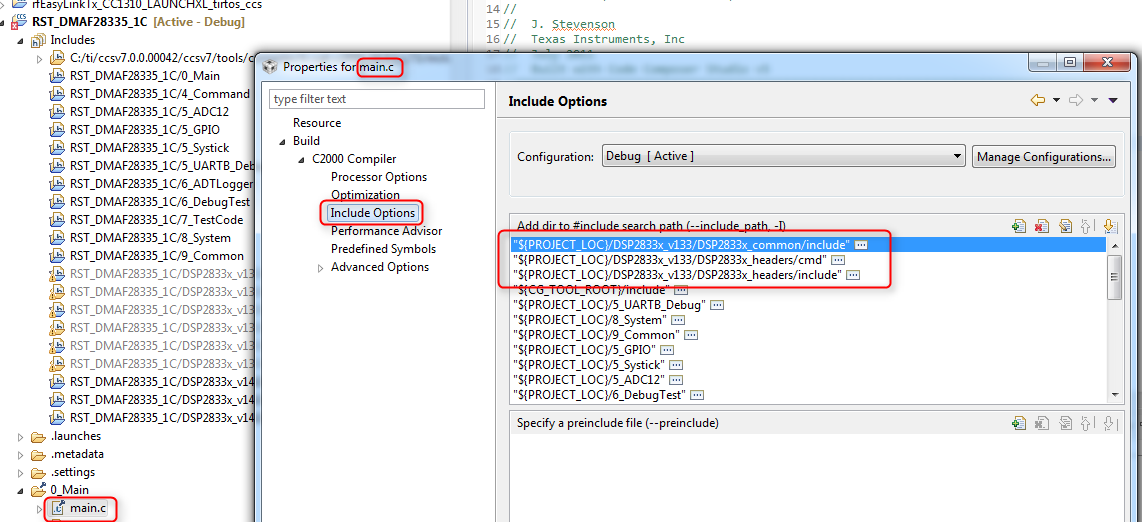
    The paths in question are coming from your main.c file, which has file specific options (note that main.c has a special little icon next to it in the Project Explorer). If you check the properties of that file, you can see the include search paths pointing to the old version:

    Thanks

    ki

  • Thank for look into this case, can u advise how to find this, what methodology you use to isolate this.
    It useful to know is there tutorial or plugin on eclipse to help me to isolate problem. Furthermore why global include option in properties, etc did not change this local properties?
    I have been using eclipse for a while and would like to learn to get smarter with them :-).
  • richard payne said:
    what methodology you use to isolate this.

    If you look under the "Includes" folder under your project in the Project Explorer, you will see all the include search paths for the project. Some are default paths from CCS, others are paths specified in the project include search path. But I also saw several path in grey color. Those paths are grey because they do not exist anymore (invalid). Those are the paths you were trying to remove from the project. Because those paths were not in the project level include search paths for the compiler, then I assumed that the other likely place they are coming from are from some files with file specific options. Knowing that all files with file specific options have the special icon indicator next to it, I looked for any file specific options and saw that main.c was one. When I checked the file specific options for main.c, I saw the include search paths in question.

    This methodology relied on my knowledge of the CCS/Eclipse project management system. I would suggest going through the CCS Project and Build Handbook, which details a lot of this information.

    richard payne said:
    Furthermore why global include option in properties, etc did not change this local properties?

    Because file-specific options ALWAYS override project level build options. It is by design.

    Hope this helps

    ki

  • After further research and found that global properties (includes setting) *does not* override if it has wrench on folder icon, see
    stackoverflow.com/.../what-is-the-meaning-of-this-decorated-folder-icon-in-eclipse-cdt-project-explore
    I simply create new source folder and copies content and delete wrenched folder (althought I have not used restore default).
    It is a case of very poor documentation from eclipse parts, hope this help
  • yes, any file with file-specific options will always override any project level settings. You need to remove the file-specific option if you want your project level settings applied.