Part Number: CC2650
Tool/software: Code Composer Studio
Hello Everyone,
It's been a while since someone asked this question in the forum, so here it goes. I may be doing this the wrong way.
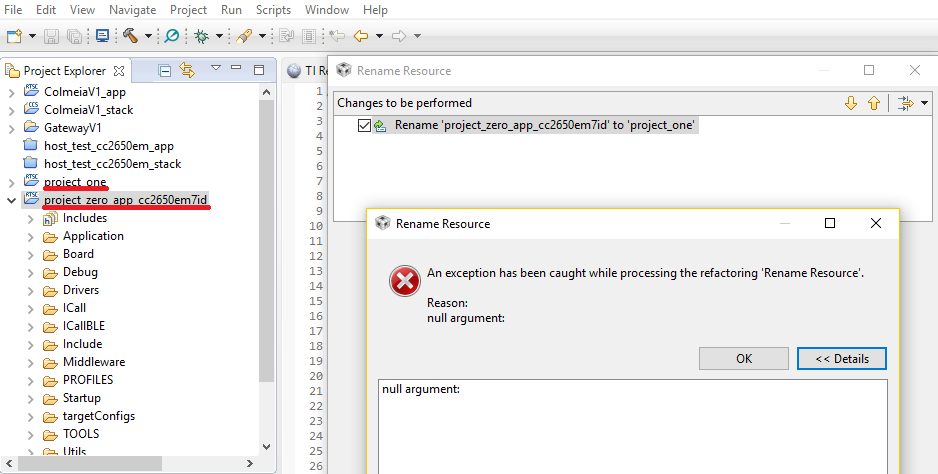
My approach is right click on the project(in project explorer), left click on rename, choose new name, left click ok. Then a s**t storm happens.
CCS creates new project with new name, fails to delete the old one, neither of the projects are complete and project is lost. Errors saying CCS failed to refresh workspace.
"Problems occurred while refreshing local changes
Problems occurred while refreshing local changes
The project description file (.project) for 'project_zero_app_cc2650em7id' is missing. This file contains important information about the project. The project will not function properly until this file is restored."
It is right at this point, neither projects function properly.
Any solutions for this?
Thank you all
BTW I'm using CCS 7