Part Number: TM4C129XNCZAD
Other Parts Discussed in Thread: LMFLASHPROGRAMMER, TM4C1294NCPDT
Tool/software: Code Composer Studio
Hello,
I am attempting to run a debug session using code composer studio but my application is slightly different:
1. I have an existing project with its own series of makefiles used to compile the project on an external linux host machine.
2. I created a new c/c++ make file project with existing code.
3. under project->properties->c/c++ general->paths and symbols->source location, I've created links to all the source files
4. I compile the project externally on the server using the GCC compiler enabling debug compileer options to generate an .elf file which I load onto the processor during debug.
5. I can see that the debug session is running correctly. I can step through the assembly code and the software is behaving as expected when the debug sessoin is running.
6. Target device is a tm4c129xnczad running on external 25Mhz oscillator
7. I am running code composer studio 7.
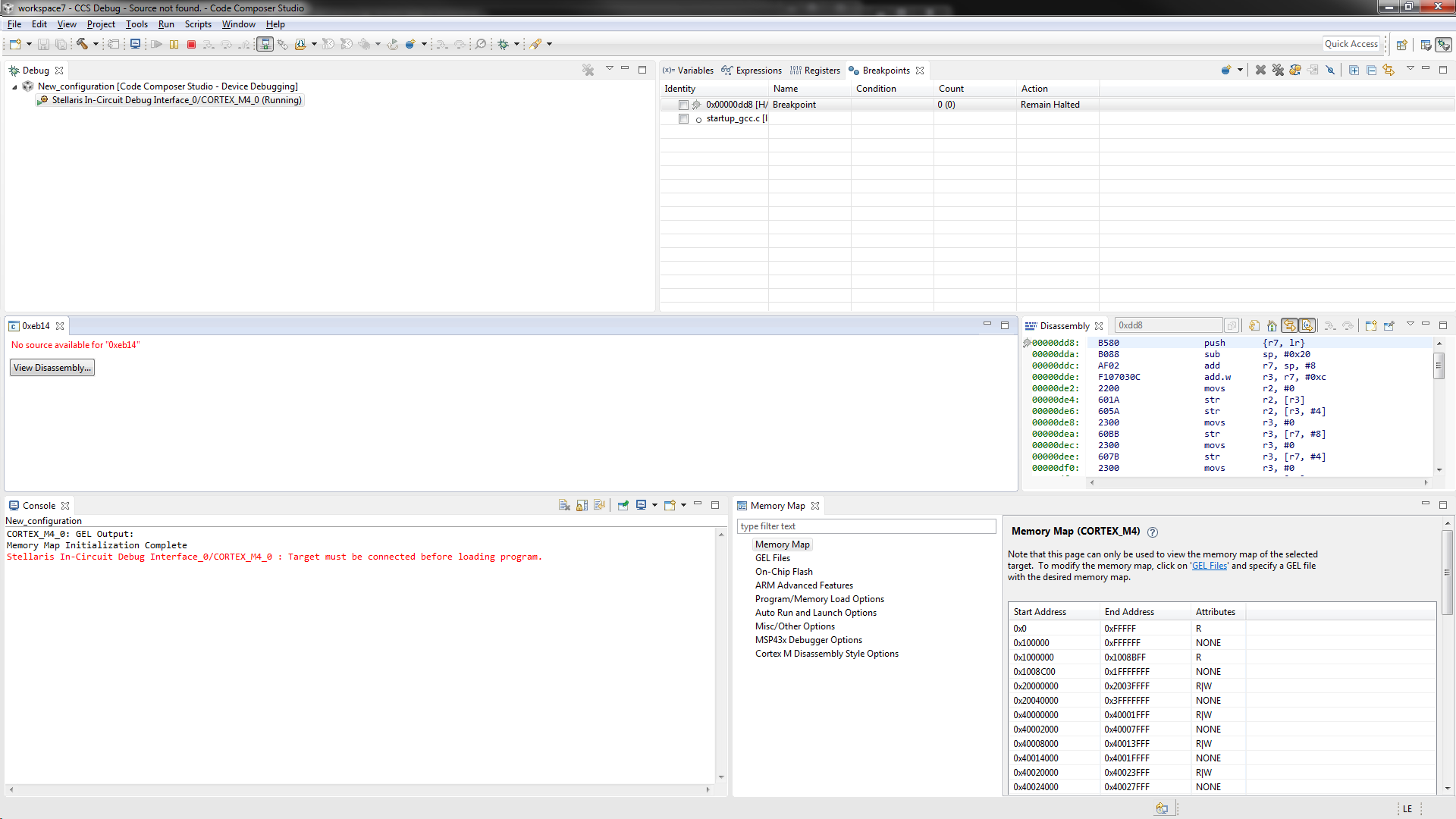
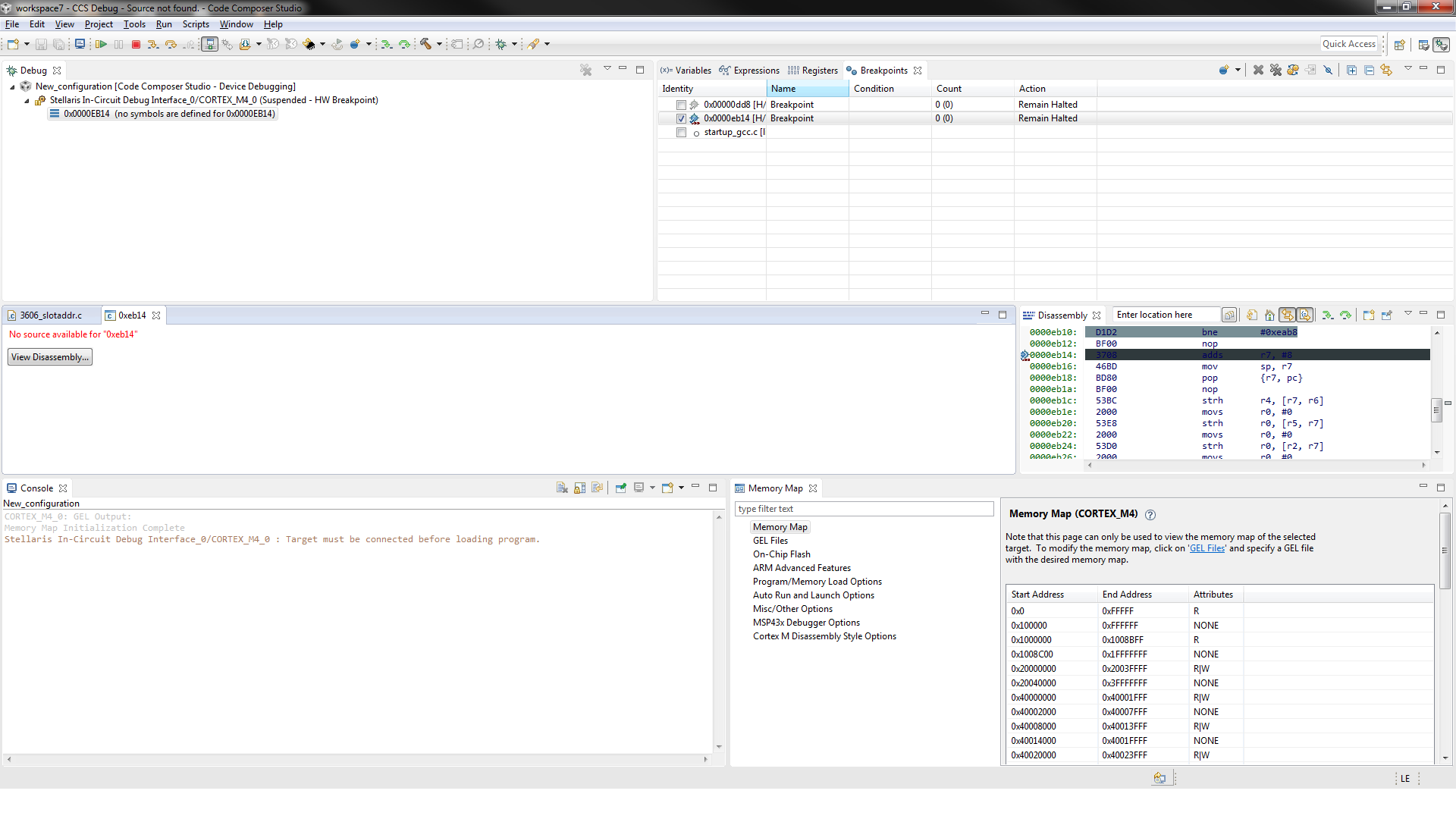
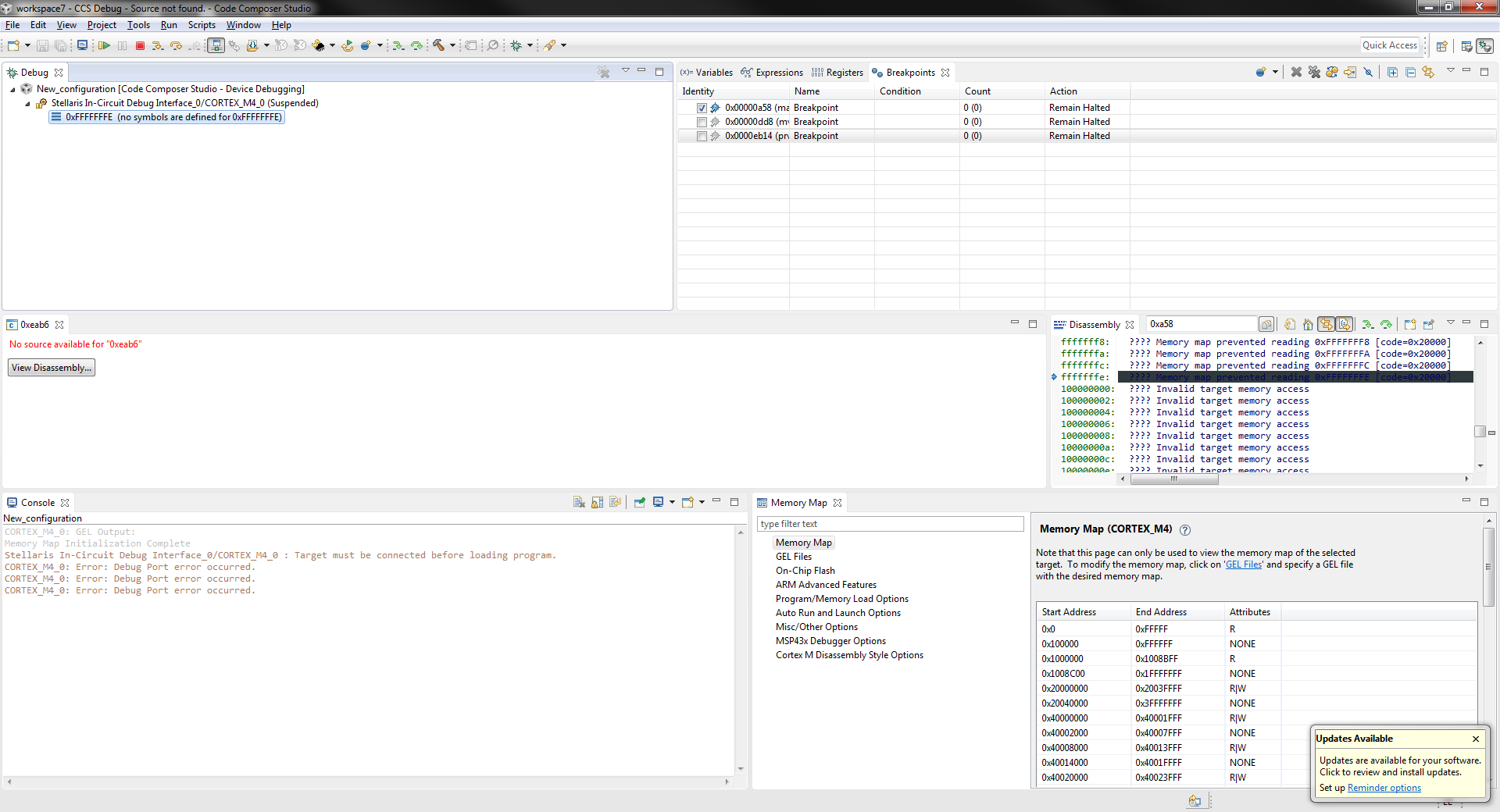
The problem I am facing is that I cannot view the .c or .cpp source code reference by the current program counter when I pause debug (although I am able to view the dissassembled code). Instead, I get the following error "No source available for xx". I believe there is some sort of setting problem with the debug session or project configuration but haven't found any information within the forums to explain this. Below are some useful screen shots. If any other information is required please let me know.
Your suggestions would be appreciated. Thank you.
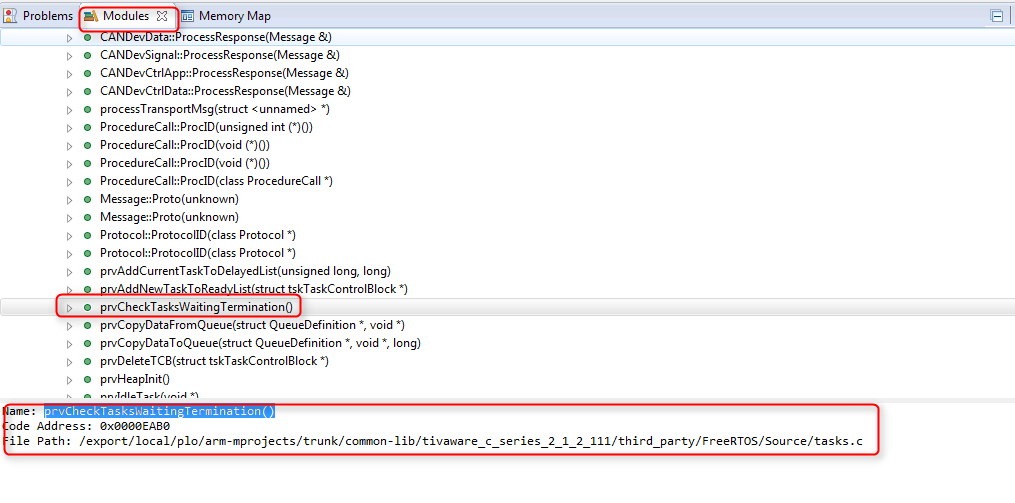
Screen shot of .elf file parsed by code composer.
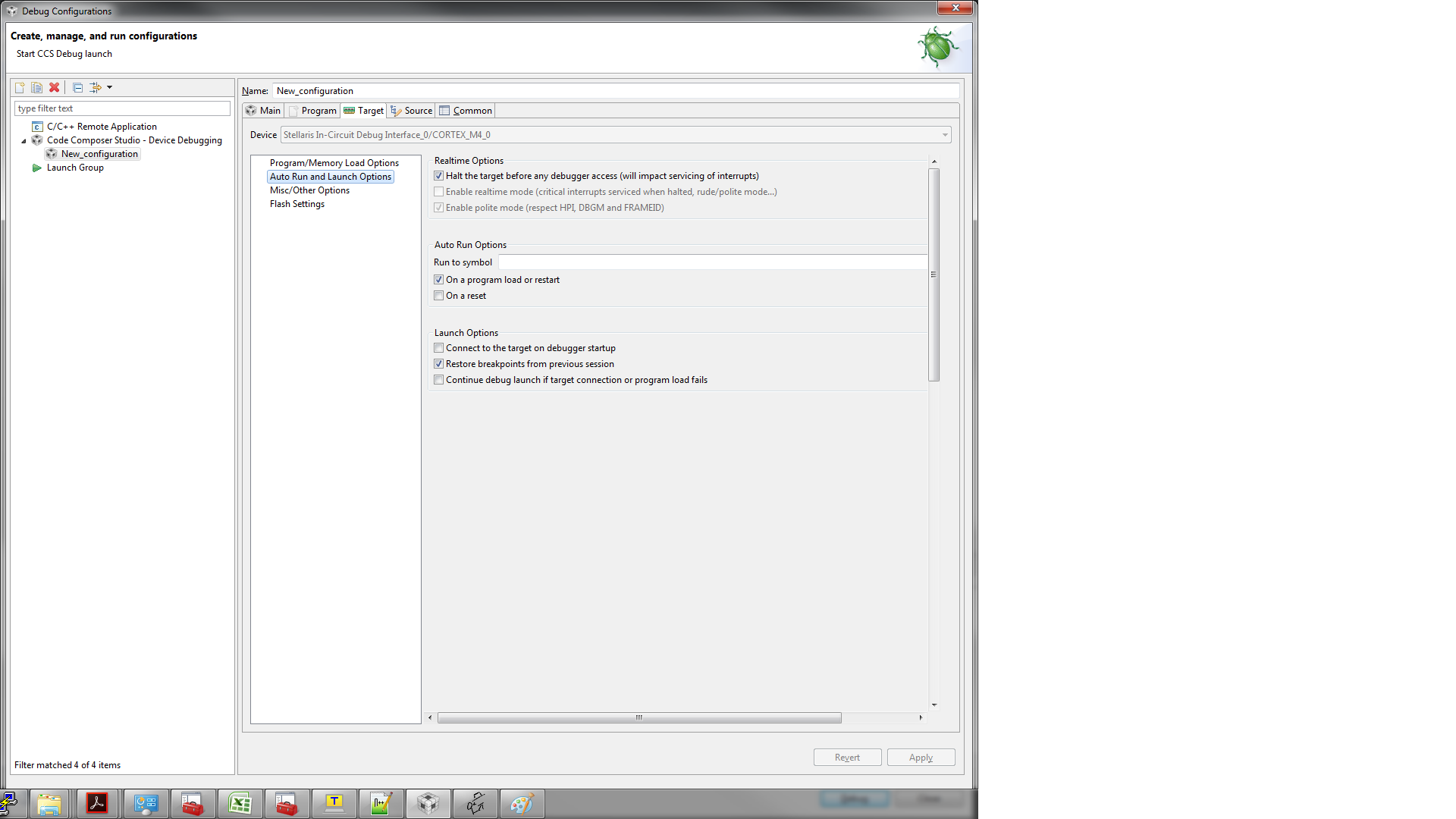
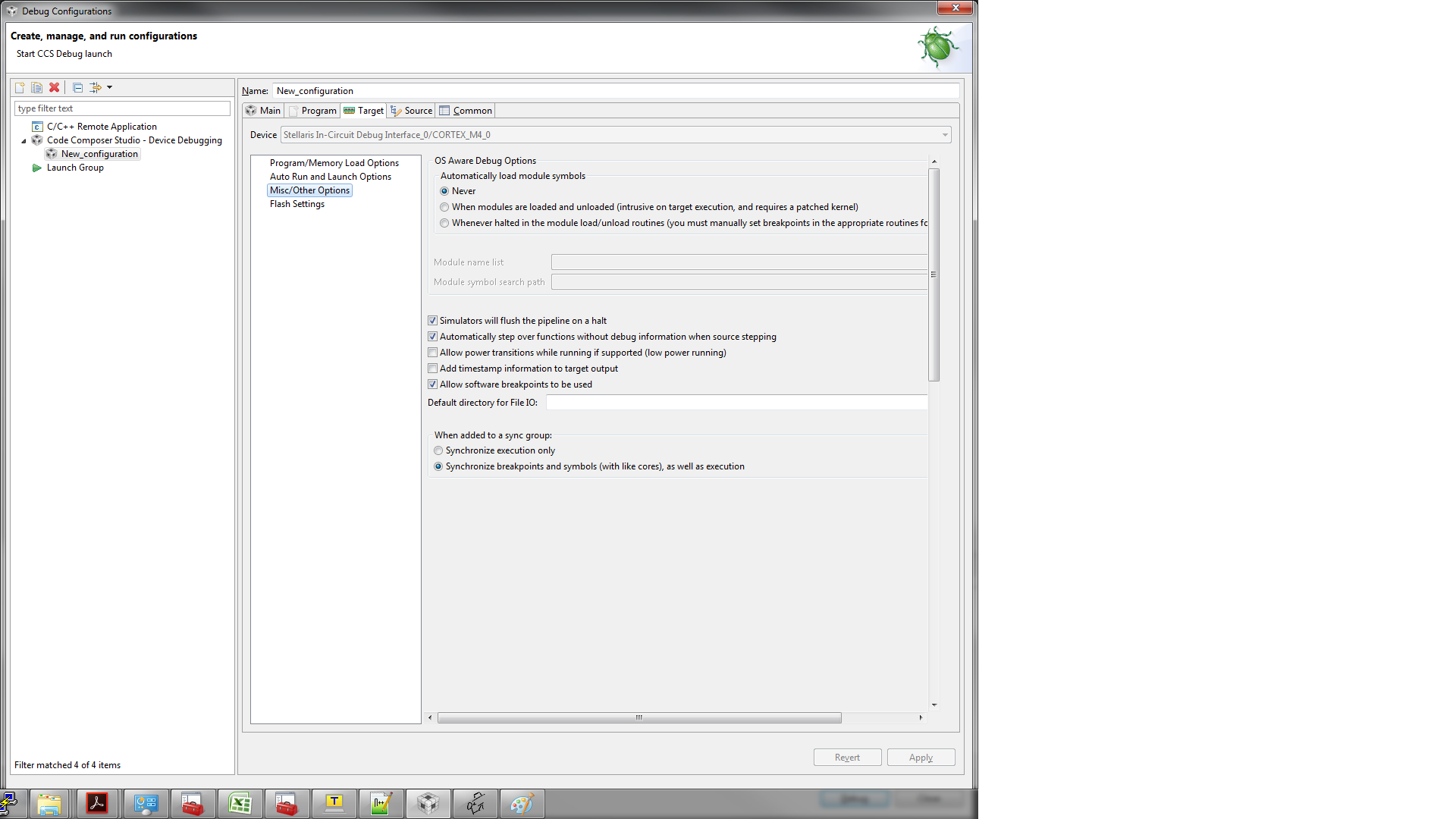
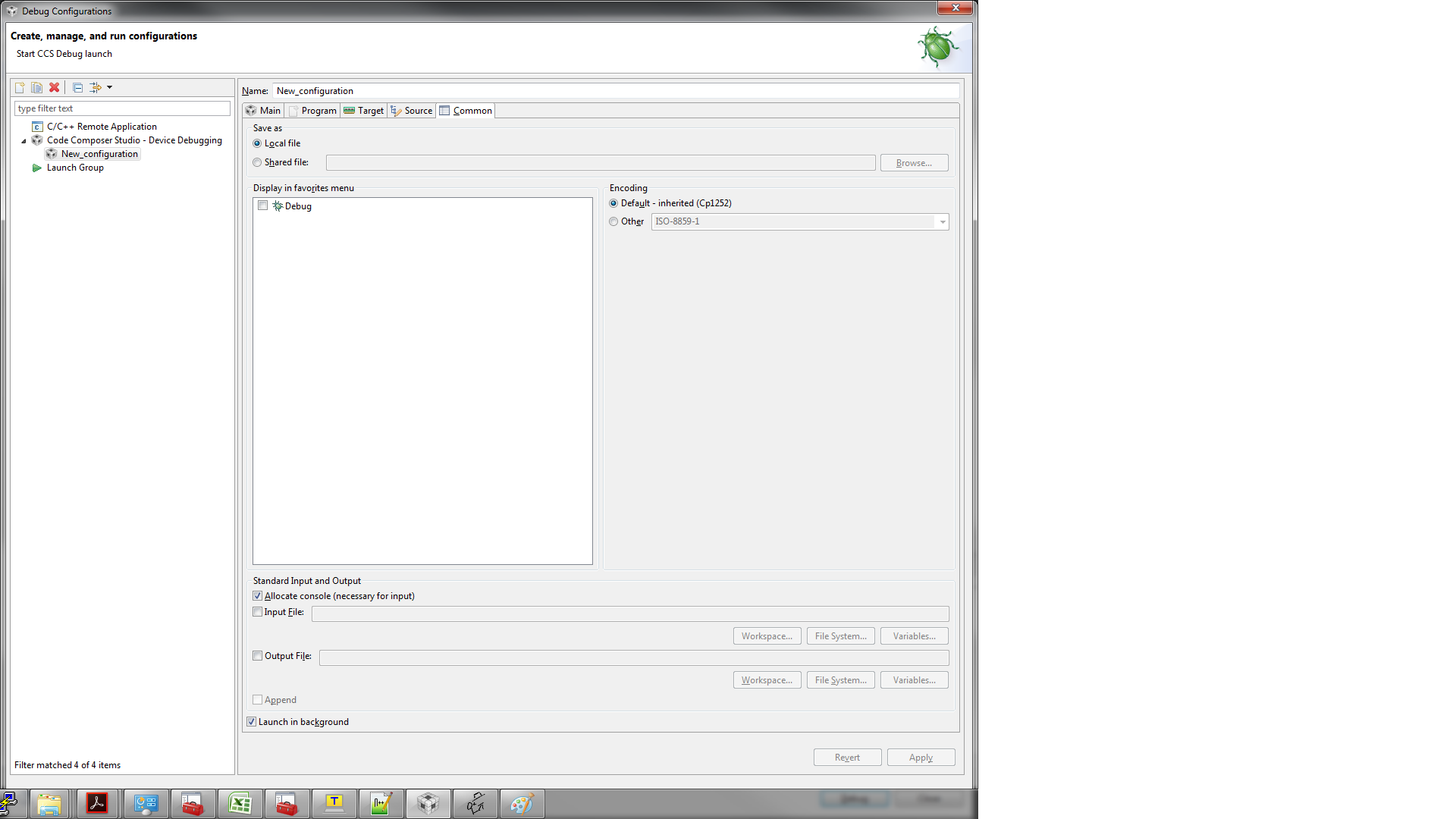
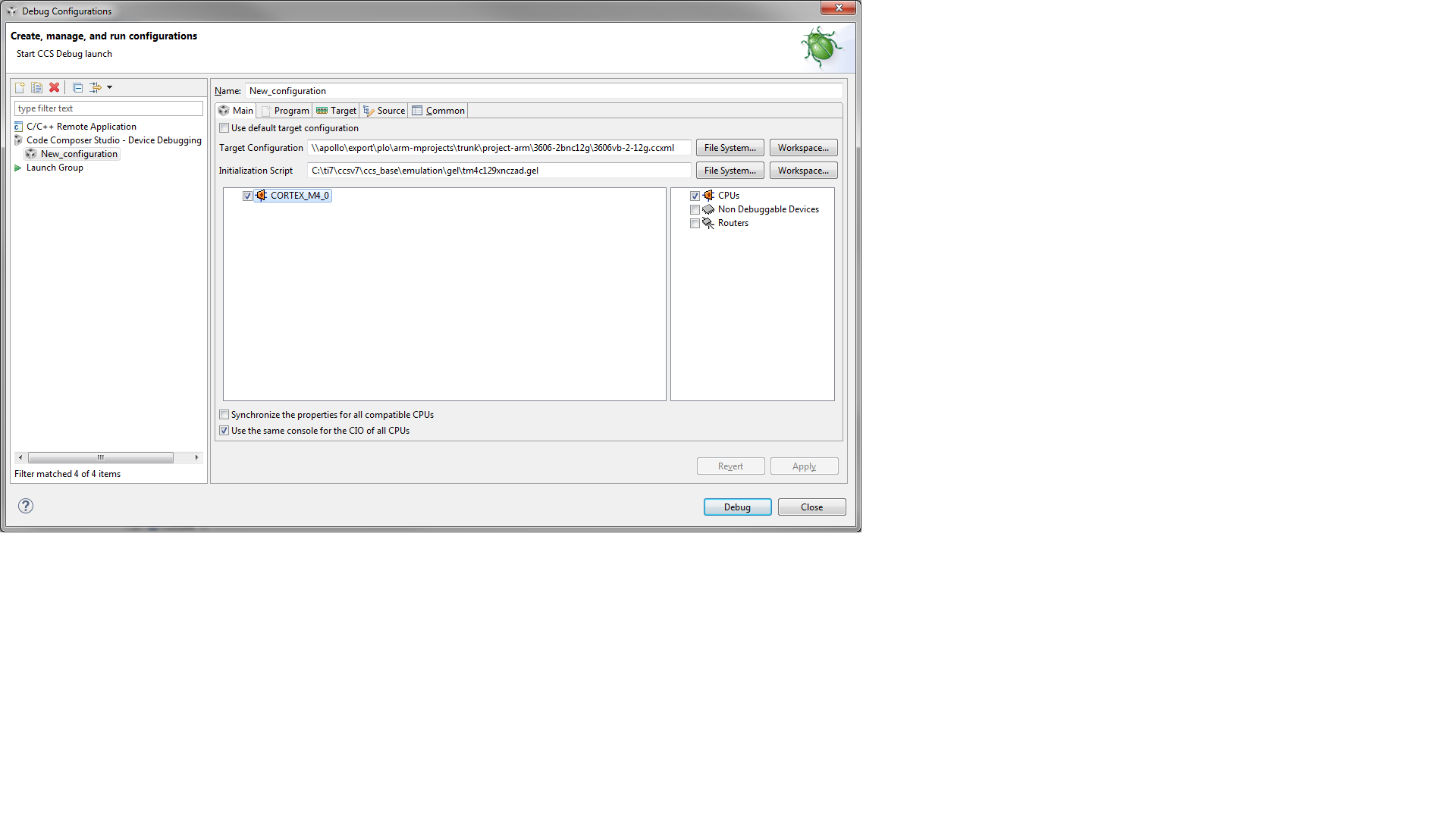
A debug configuration is created with the following settings: