Tool/software: Code Composer Studio
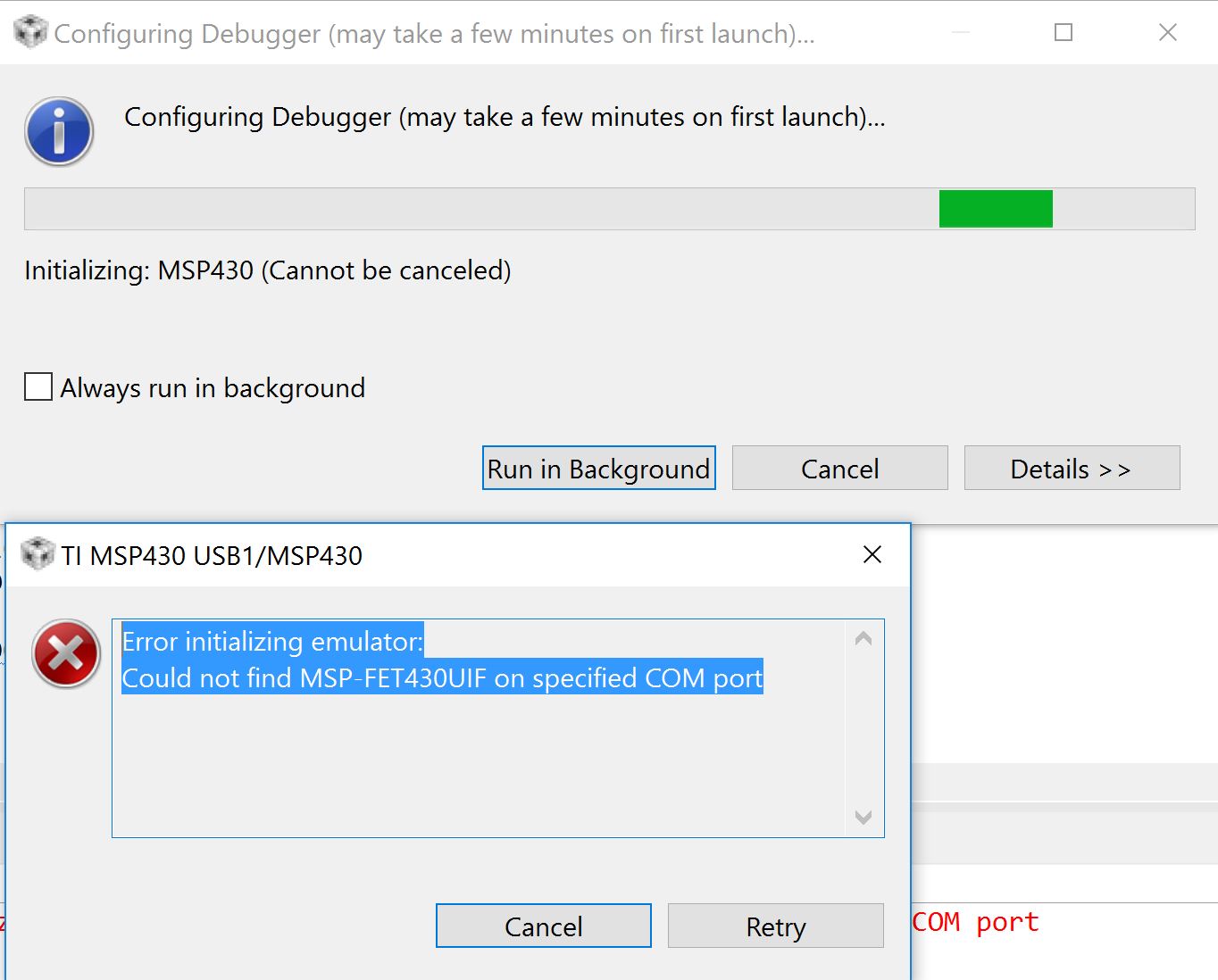
I have a project using a Launchpad and CCS V7 in simple mode. Initially I was able to dubug it as expected, several times. Then, after a another small edit, I hit the debug button as ususal but the "Configuring Debugger" pane popped up an error:
"Error initializing emulator:
Could not find MSP-FET430UIF on specified COM port"
I do not have a FET attached and have never used one on this project. I did test another project, once, with the FET shortly after installing V7 to make sure it worked OK but have not used it since.
I have gone through the steps in Troubleshooting CCSv7, deleting launch config etc but no joy. The only thing that seems to work is setting up a new workspace and importing the project into it but, after a few launches, the debug process insists on looking for the FET again. I think that once upon a time I was able to fix this by going to the getting started tab and making sure that simple mode was selected (even though the top rightof CCS shows a red ball with "CCS Simple" next to it) but that's not working now.
How can I get around this "feature" and use the Launchpad without setting up a new workspace every few launches?