Tool/software: Code Composer Studio
There are two issues with trying to debug in version 7.1
1. I need to update the GEL file to set the configuration for debugging, but when I got the the Tools menu, in the debug perspective, the GEL Files menu option isn't available. Because I can't update the GEL file the debug command fails so I can't load my program. The image below shows what I get for the Tools menu. (The specific issue is that there is code to be loaded into external memory so I need to configure the GPIO for XINTF6).
Potential workarounds to this are simply to edit the gel file outside the context of CCS and/or configure the GPIOs manually in the register interface. Even if those work, I would still like to know what the underlying issue is that causes the Tools menu not to include the GEL Files and other debug related selections.
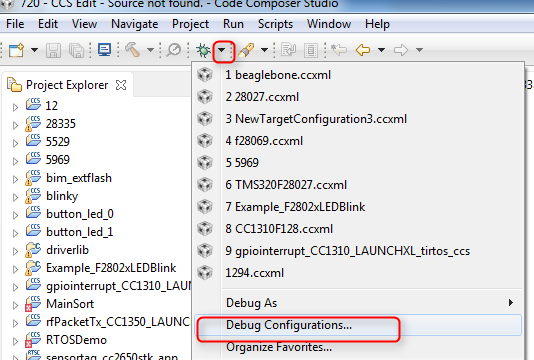
2. I will be customizing the GEL file for this project and want it to be committed as part of the project file. I presume that I will need to modify the debug configuration to do that. When I select Run->Debug Configurations it either does nothing or gives a java null pointer exception. (Similar to e2e.ti.com/.../606397).
The two issues seem related, but if they're not I will spit this up into two posts or move issue # 2 to existing post.