Tool/software: Code Composer Studio
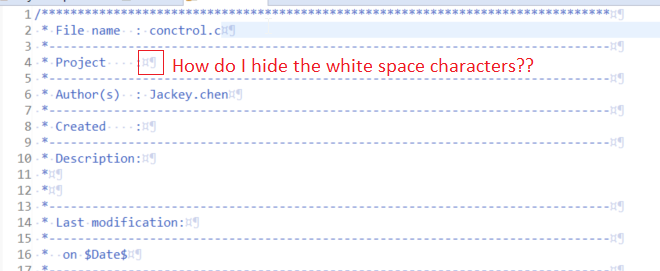
Somehow the white space characters were turned on. How do I hide them?
This thread has been locked.
If you have a related question, please click the "Ask a related question" button in the top right corner. The newly created question will be automatically linked to this question.
Tool/software: Code Composer Studio
Somehow the white space characters were turned on. How do I hide them?
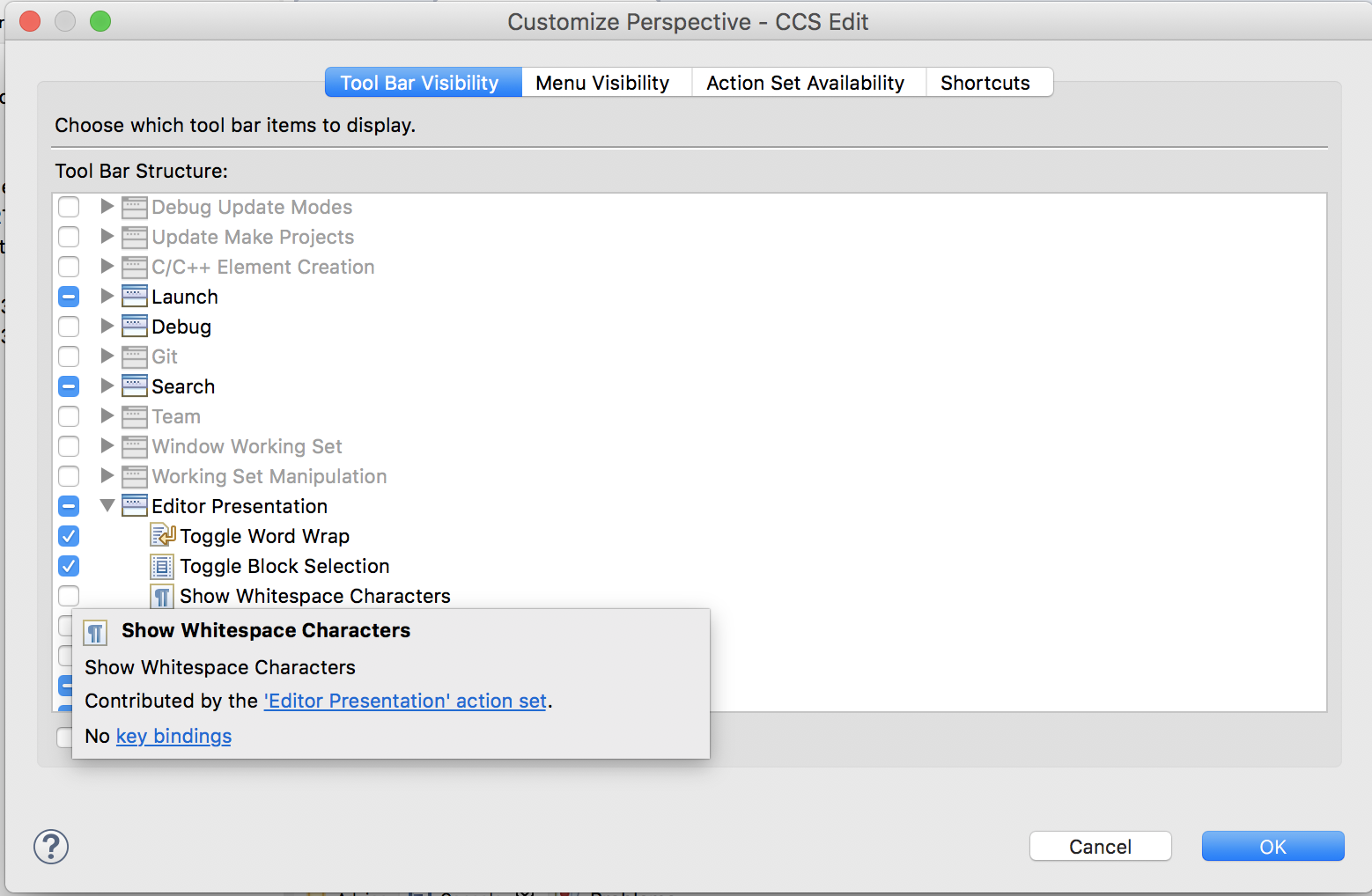
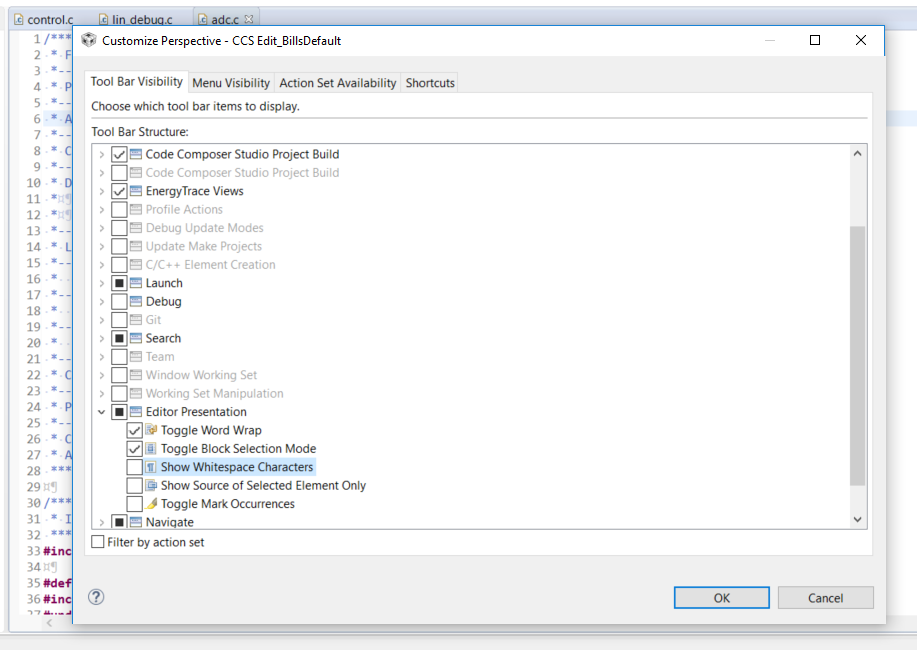
There is a way to add a button to the toolbar that controls that.
Go to Window -> Perspective -> Customize Perspective
Then check the box to add the button for "Show Whitespace Characters"
That button will now be on your CCS toolbar and you can click it to control if the characters are shown or not.
Regards,
John
Hi William,
John was just showing a way to add a button to toggle whitespace display. Your screenshot just shows that you remove the button itself. You can add the button than then press it to toggle the option.
Or you can right-click in the editor, select Preferences in the context-menu and toggle the option yourself:
Thanks
ki