This thread has been locked.

If you have a related question, please click the "Ask a related question" button in the top right corner. The newly created question will be automatically linked to this question.

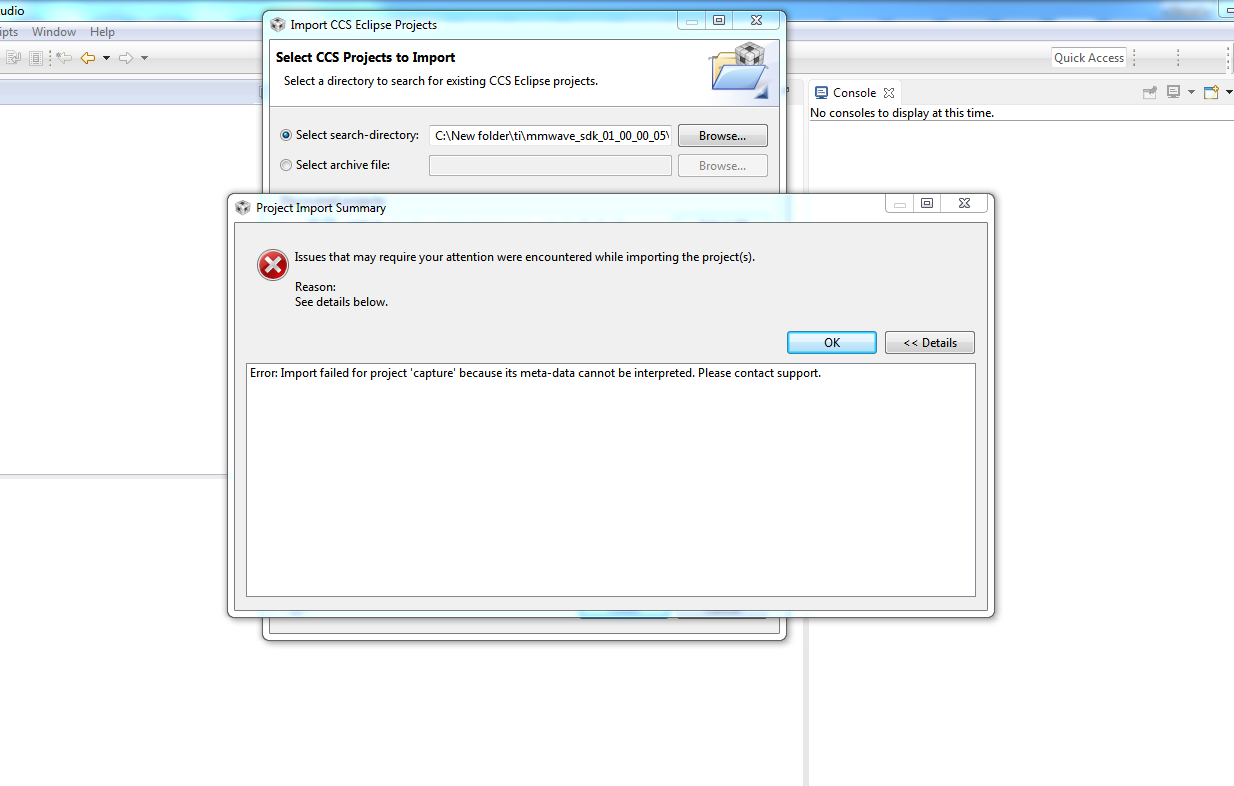
CCS/AWR1642BOOST: Throwing error as meta dat cannot be interpreted while importing capture demo code

Part Number: AWR1642BOOST


Tool/software: Code Composer Studio

Hi,

  I'm unable to import the capture demo to CCS. Last week i captured data on this using same capture demo code, but today its throwing error as  meta data cannot be interpreted. Snapshot of error attached down.
Thanks,

Vinayak

  • Vinayak,

    I assume the CCS demo project you are trying to import was provided to you as a separate package/add-on, since the default mmWave SDK package does not come with CCS projects. As a result I am unable to immediately check if I can reproduce this error or not. If you can provide details about where this specific project can be obtained from, I could try to reproduce the error.

    However, since you mentioned that this same project worked earlier, I suspect that either the project or your workspace is corrupted. I would first try cleaning the workspace or importing  the project into a new workspace. If that does not help, then try extracting the project again from its original package (in case it was somehow modified or corrupted since it was originally used).