This thread has been locked.

If you have a related question, please click the "Ask a related question" button in the top right corner. The newly created question will be automatically linked to this question.

CCS/TMS320F28379D: TMS320F28379D Drivers

Part Number: TMS320F28379D

Tool/software: Code Composer Studio

Hi,

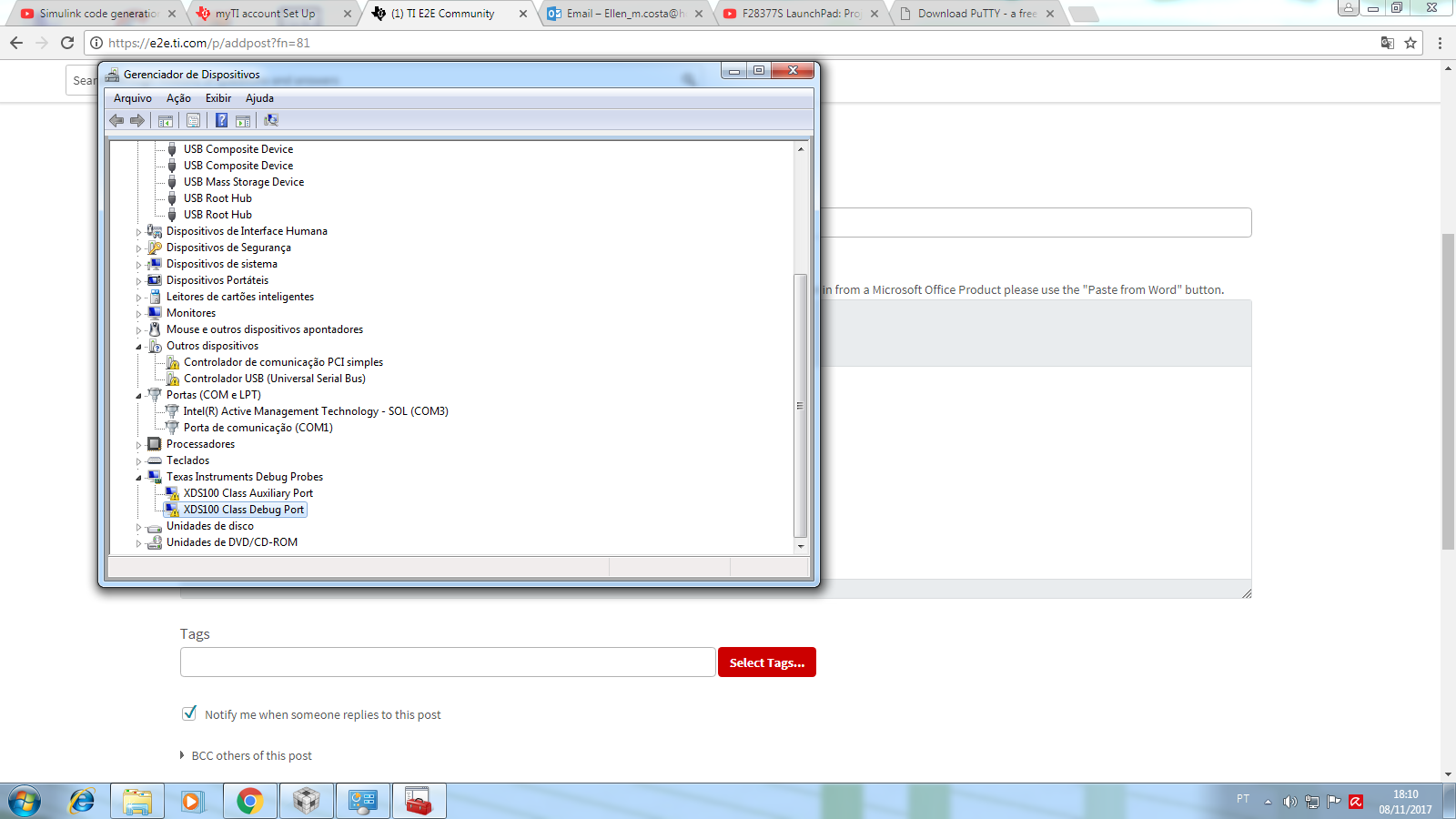
I'm struggling trying to install the TMS320F28379D Drivers. They can't be recognized from the CCS 7.3. I had downloaded the xds100 and installed DPInst64, however I haven't had sucess. 

I attached sreenshots.

Does someone can help me pls :(
    

  • Hi,

    I am not entirely sure what board you are using, but there is a possibility that either your hardware is faulty, the Windows somehow is picking up faulty drivers or the PC itself is not properly working together with the board.

    I would first try to connect the board to a different USB port or a PC. That sometimes helps isolate the issue to a specific combination of factors.

    As for hardware, please check the reference below - especially item number 7, which can be rooted in issues such as ground loops or transients (in general F28x devices run alongside high power systems)
    software-dl.ti.com/.../ccsv7_debugging_jtag_connectivity_issues.html

    You can try to follow the procedure shown in the reference below to fully uninstall and reinstall the drivers for Windows.
    e2e.ti.com/.../2342016

    If that does not work, I would suspect the hardware itself may be at fault. If you have another board or a different Debug Probe, I would try to use that and see how the whole system behaves.

    Hope this helps,
    Rafael