Other Parts Discussed in Thread: CCSTUDIO
Tool/software: Code Composer Studio
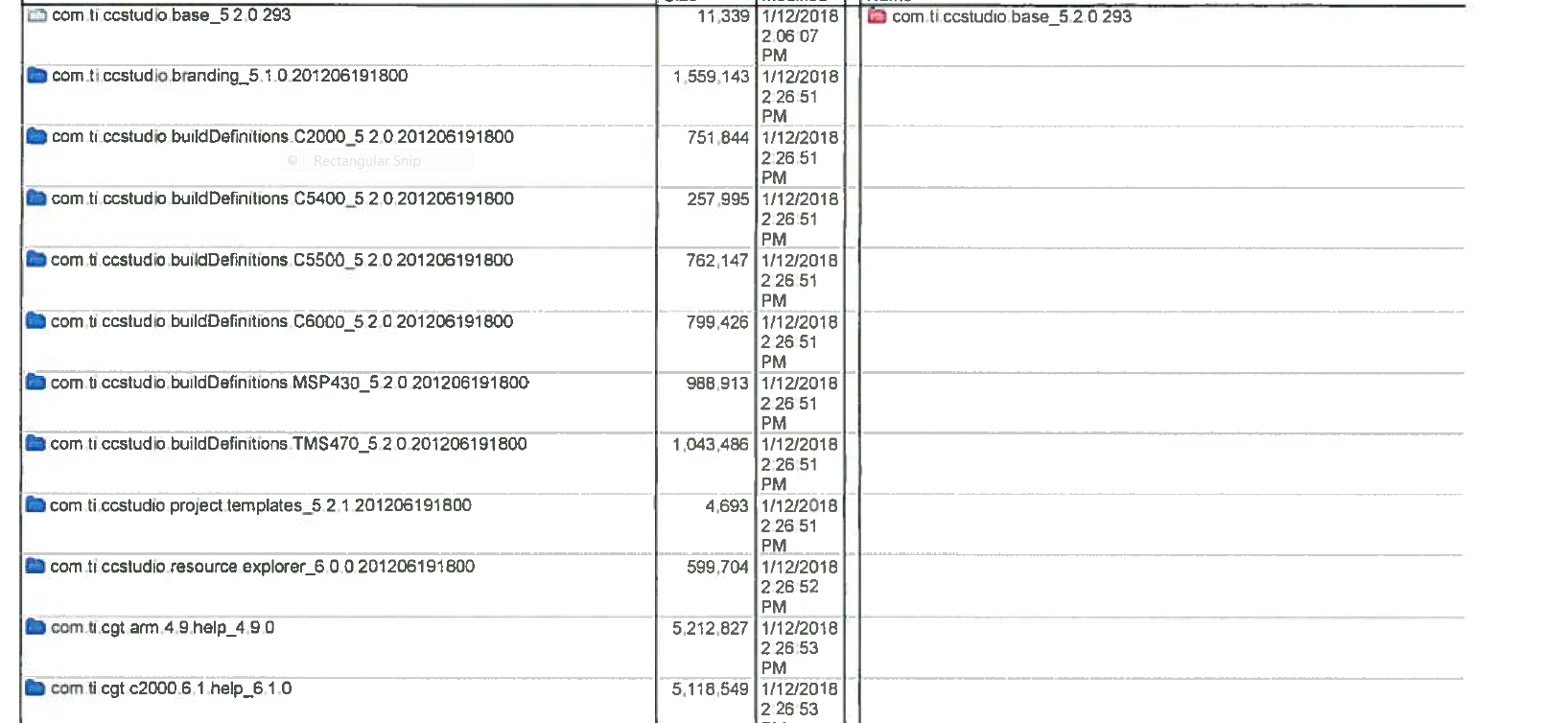
I am writing an install script that will update some RTSC packages at the end. However, when I run the CCS install from the command-line, I noticed a whole bunch of folders missing, which prompts the Eclipse environment to run instead of the Code Composer Studio (eclipse) IDE to run. I believe the ccsv5\eclipse\plugins folder was missing necessary folders which tells Eclipse to run Code Composer Studio plug-ins.
I can
(a) run a full install, and be done with it.
(b) copy an existing (working) plug-ins folder into the install directory, and play dice (with the possibility I might be missing other important stuff.)
Can you help me with option (a)? I think I'm missing the setup file, but I can't find an xml template (ccs_installini.xml) to start with.
C:\CodeComposer5.2.1>ccs_setup_5.2.1.00018.exe /mode silent /temp c:\temp /response-file c:\temp\install.txt /setupfile [arg]
Thanks,
Will
Windows 7. Professional, users don't have any rights; admin is a single user.
Code Composer 5.2.1
C6457 DSP