This thread has been locked.

If you have a related question, please click the "Ask a related question" button in the top right corner. The newly created question will be automatically linked to this question.

CCS/CODECOMPOSER: Possible bug in copy function

Part Number: CODECOMPOSER


Tool/software: Code Composer Studio

Hi,
I'm using the CCS7.4.0 with the CC13x2 SDK. As shown in quick start guide to rename an example project is better copy it. But when I follow these procedure i retrieve a corrupted project which cannot be compiled. In particular I figured out that the preprocessor symbols and the include path are wrong.
Trying to fixt it manually I'm not able to get any results.

Indeed, when I rename an example project (and its related config files) all works well.

best regards,

Tommaso

  • Tommaso,

    Can you point me to the section in the Quick Start Guide that you are following along with the example you are using. Are you importing the example using Resource Explorer or the Import Wizard in CCS?

    Regards,
    John
  • Hi John,

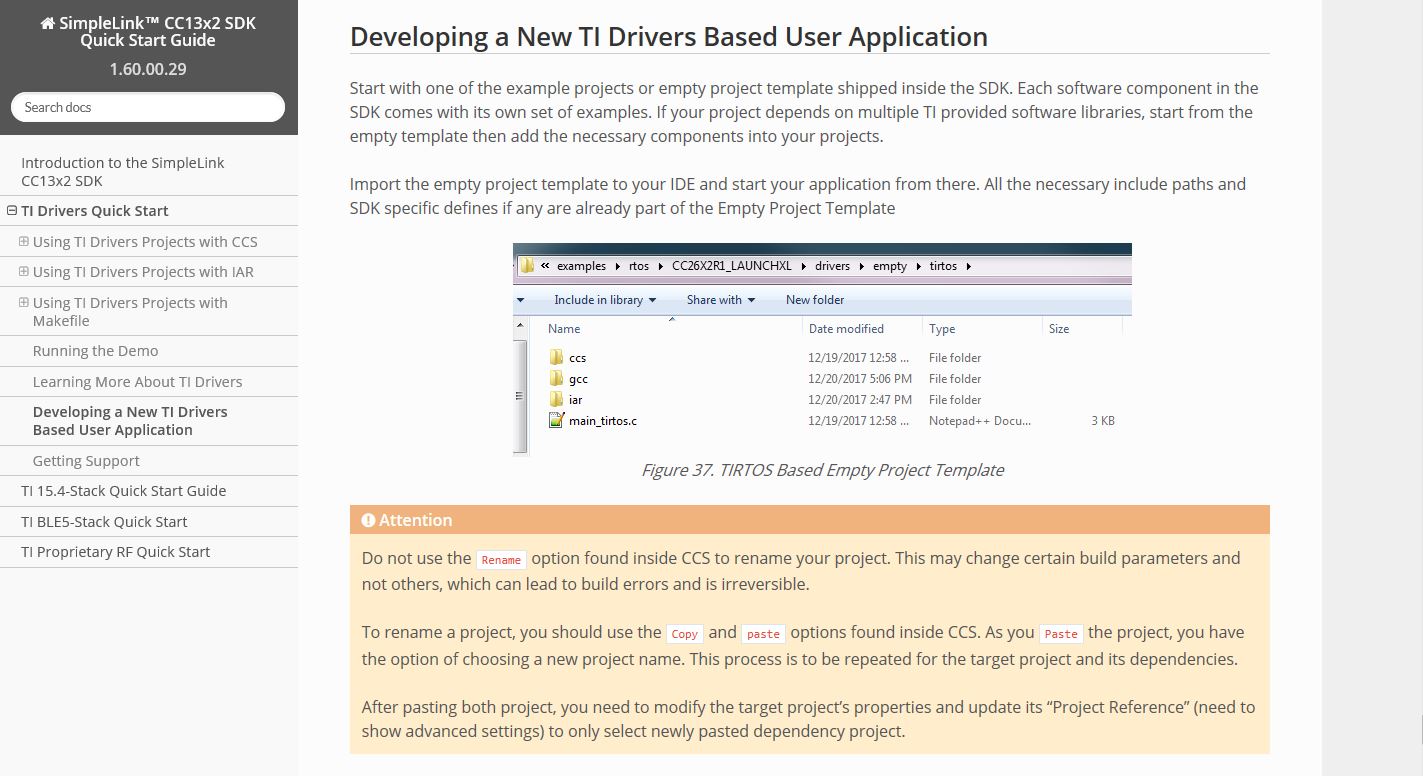
    here an immage of the user guide.

    Yes I'm using resource explorer

  • Thanks. I will setup a CC1352 tomorrow with the same version of the SDK and give it a try. Generally speaking renaming a project is fine. However with a lot of the SimpleLink SDK projects they have a dependent "kernel" project that you need to be careful of.

    Often I just combine them like shown here:
    dev.ti.com/.../

    The advantage of keeping them separate is if you will have multiple project sharing the same RTOS configuration the kernel project helps with that.

    This article also covers renaming projects. I used a copy here as I wanted to keep the original one:
    dev.ti.com/.../

    dev.ti.com/.../

    Regards,
    John
  • Tommaso,

    I am not having any issues with Copy / Paste. I have imported the Empty TI Drivers example for CC1352. I built it and everything was fine. I then copied the project and pasted. I let it use the default name of "Copy of empty_CC1352R1_LAUNCHXL_tirtos_ccs". I was able to build this project fine.

    I then copied again and gave it a name "John Test". This one also built fine.

    One thing that may be different is that I built before copying. Because of this I end up with a bunch of extra files in my \Debug folder that matches the old names. So I went back and deleted on my projects. I imported empty again. Then without building I did the copy/paste. This still works ok for me.

    When I do the copy paste I am right clicking on the project in Project Explorer inside CCS. Selecting copy and then right clicking in the open area in Project Explorer and selecting paste. This then prompts me for the new name and I give it one. Note that I did not check the box to specify an alternative location. Did you do that?

    What error did you get when you do the copy and paste? Note that I am renaming the "empty" project and not the dependent kernel project "tirtos_builds_CC1352R1_LAUNCHXL_release_ccs".

    As far as I know there is little difference between copying and renaming when it comes to the resulting project. One is making a copy and then running the Eclipse rename function. The first one just goes straight to rename. I will follow up with the SDK team to see why they ask people to avoid rename. Maybe they renamed the kernel project and ran into issues with the references in the application projects and figured something was wrong with the rename function. The links in the previous post have info on how to rename the kernel project.


    Regards,
    John