Part Number: TMS320F28069
Tool/software: TI C/C++ Compiler
Hi,
I need to set the compiler options for CCS8 project. They are:
-c -pden -O1 -on2 -mn -ms --symdebug:dwarf -d"DEBUG" -d"LARGE_MODEL" -ml -mt -mv -v28 -pdv –me
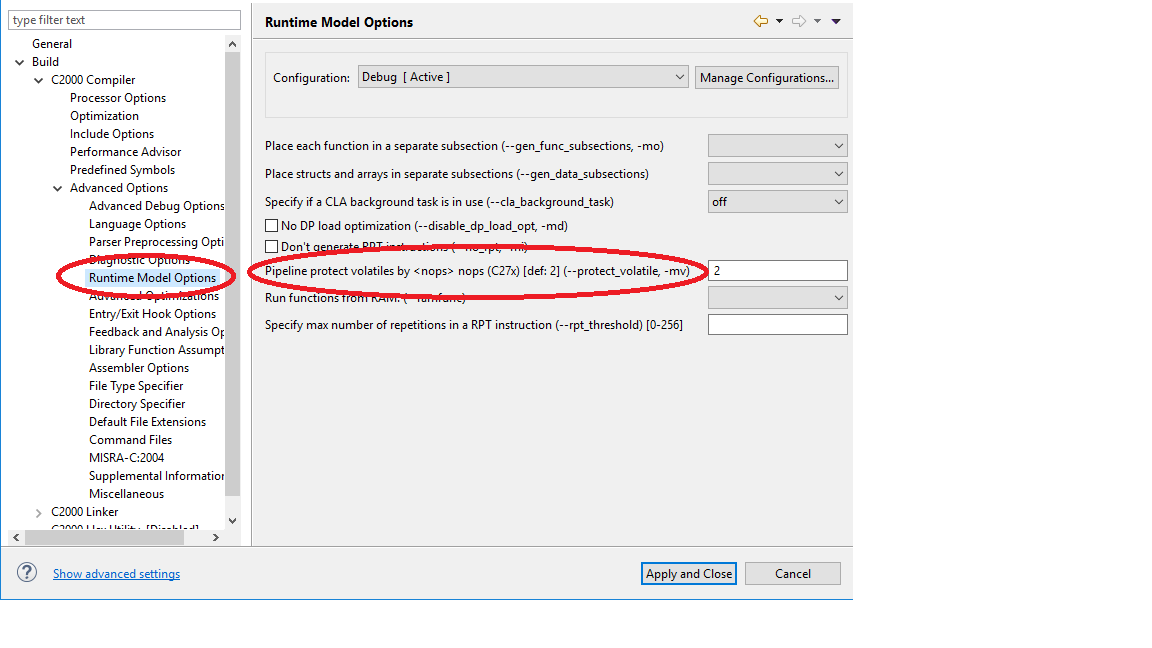
I cannot find some of them in CCS8 user interface. So I try to set the options in “Edit build flags” window.

However the changes I made (-mv option) do not come to the project properties and do not have any effect. After “OK” I have:
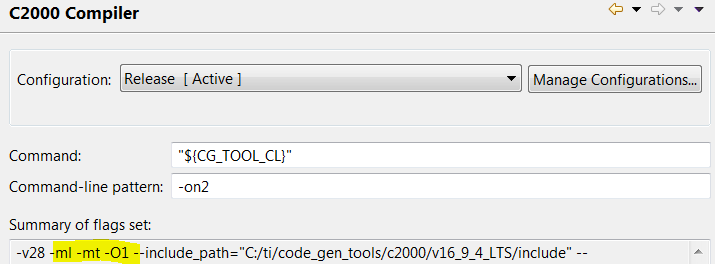
Please advise me how to edit and save compiler options.
I found the article http://processors.wiki.ti.com/index.php/Projects_and_Build_Handbook_for_CCS#Build_Properties
It confirms that
Additional compiler and linker flags can also be set directly to the build command via the "Set Additional Flags" button. Note, however, that once set, the flags cannot be removed or edited using the same dialog box.
Compiler options are stored in .project file. The syntax of .project file is too complex to edit it manually
Thanks!
Blake