This thread has been locked.

If you have a related question, please click the "Ask a related question" button in the top right corner. The newly created question will be automatically linked to this question.

CCS/AM3359: Installation of ARM compiler tools version V5.0.x not possible

Part Number: AM3359

Tool/software: Code Composer Studio

For one of my projects I need the ARM compiler tools version v 5.0. X.
When I open the properties from the project it reports that this version is not installed.
If I try to build this project, this mismatch is listed in tab "problems".
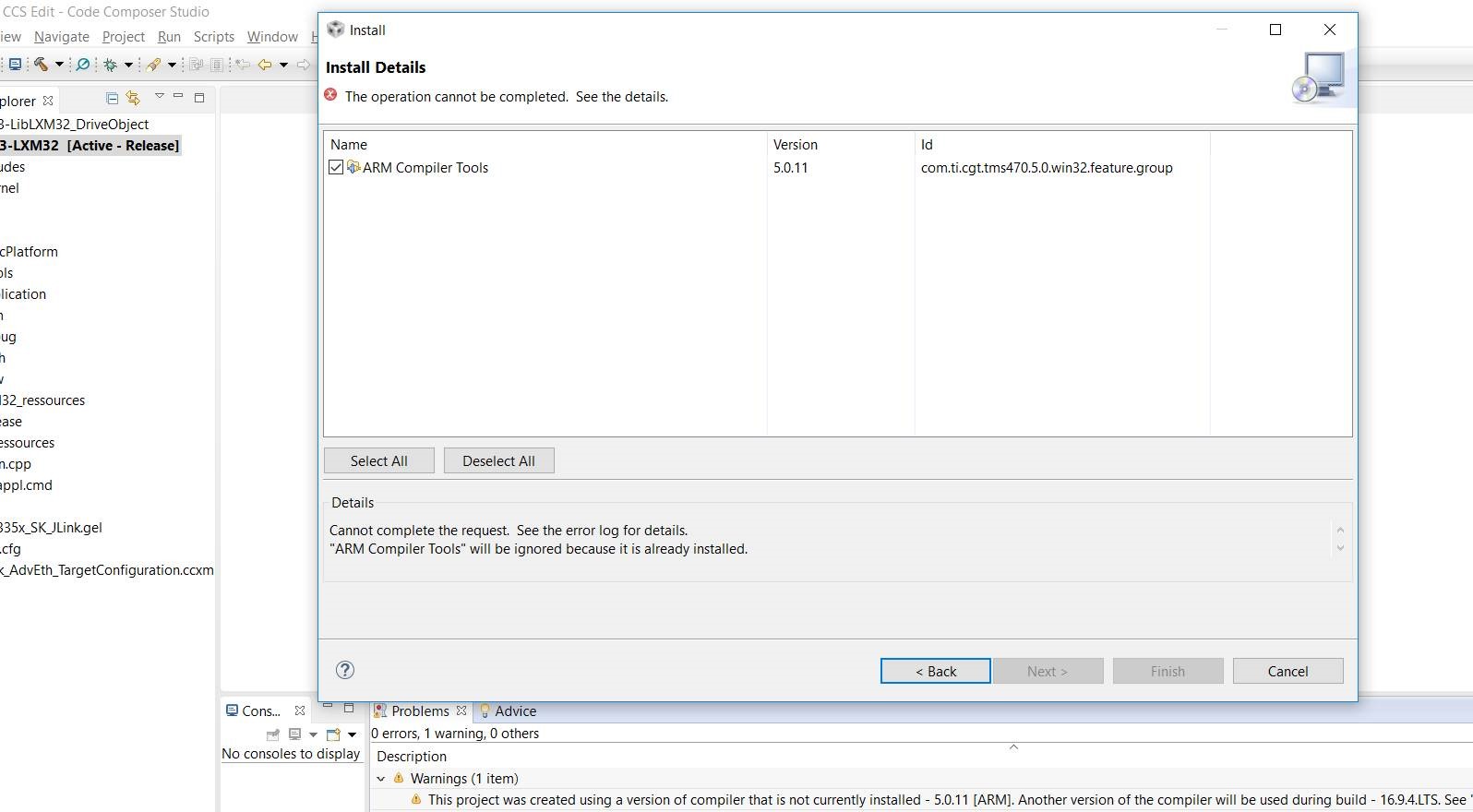
However, when I try to install this version from the compiler, it reports that it is supposedly already installed.
  • Peter,

    Which version of CCS are you using?

    Could you check which ARM compiler versions are listed under Discovered Tools? Also which ones are listed in Help->About->Installation Details. 
    Is it possible this version is already installed (or at least that CCS thinks o) or is this the first time you are attempting to install this version?

    If this or a newer version of the same feature name is already installed, then CCS will not allow you install an older version as described in this article.
    However this may not be the case here as 5.0.11 appears to be the latest version in its stream. 

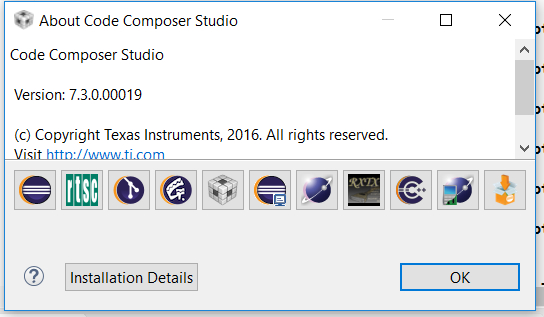
  • I use the Version V7.3.0.00019

  • Now here the Information about the installed ARM Compilers:

    And the list of discovered Tools:

  • >>AIf this or a newer version of the same feature name is already installed, then CCS will not allow you install an older version as described in this article.

    I already needed a newer Version of the ARM Compiler for another project. But for this Project it is a must to have the Version V5.0.11. And the behavior that this version can't be installed if a newer one is already installed is not acceptable for me.
  • Peter,

    I see that version 5.0.11 is listed as installed in the "Installed Software" list, however it is not discovered by CCS. Not sure how that happened, but could you try the following:

    In the Installed Software, select ARM Compiler Tools 5.0.11 and click Uninstall. Then after the CCS restart, go to Help->Install New Software, select 5.0.11 compiler and install it again. 

    Let us know if that helps.

    Peter Rittmann said:
    And the behavior that this version can't be installed if a newer one is already installed is not acceptable for me.

    That is just the default behavior for Eclipse. There is a way around it as described in the link I sent, which is to "uninstall" a newer version before installing an older version. Note that the uninstall does not physically delete the tools it just removes the Eclipse feature to trick Eclipse into letting you install an older version. Also note that this restriction only applies to versions that have the same feature name (so for example, versions within a 5.0.x stream) rather than between different feature names.

  • First I deinstalled the ARM Compiler Tools 5.0.x and after a restart I installed it again (I also started CCS with admin rights).

    After the restart of the PC - the version 5.0.11 is listed in the list of installed tools - but nevertheless not really installed on the PC.
    It will not listed within the list of discovered tools and it is not like the other compiler versions within the folder c:\ti\ccs7\tools\compiler\.

  • Could you please check in the folder C:/ti/ccsv7/eclipse/downloads and see if there is an installer executable for the 5.0.11 ARM compiler there? It will be named something like ti_cgt_tms470_5.0.11_windows_installer.exe.

    If there is an installer file there try running it manually as administrator. You can tell it to install into the ccsv7/tools/compiler/arm_5.0.11 directory. 

    If this still fails or the installer is not there in the /downloads folder, please start a private conversation with me (you can do this by hovering over my forum username) so I can find a way to get you the installer for that version.