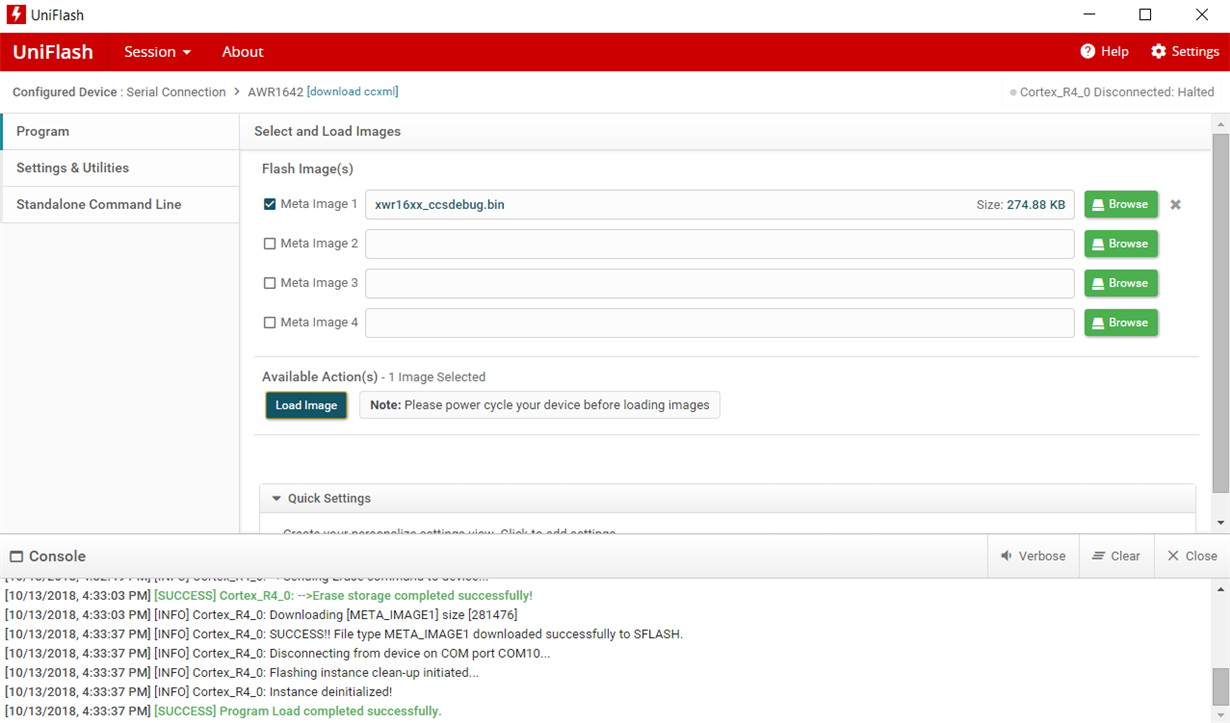
Other Parts Discussed in Thread: UNIFLASH, AWR1642BOOST
Tool/software: Code Composer Studio
This issue is present with all pre-compiled binaries that I try to upload.
This thread has been locked.
If you have a related question, please click the "Ask a related question" button in the top right corner. The newly created question will be automatically linked to this question.
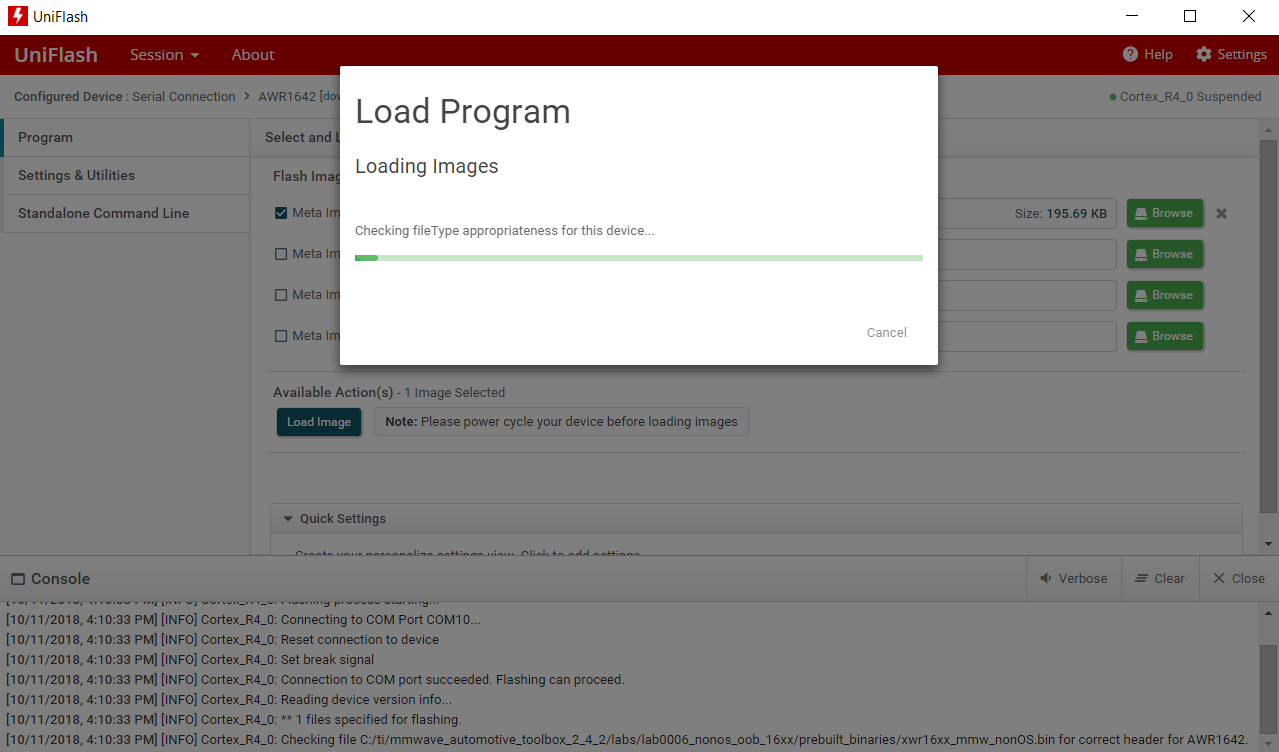
Other Parts Discussed in Thread: UNIFLASH, AWR1642BOOST
Tool/software: Code Composer Studio
This issue is present with all pre-compiled binaries that I try to upload.
I seem to be having the exact same problem. It seems to persist on both Windows 10 and Ubuntu 16.04 from what I can see. Also, I tried UniFlash 4.4 and seem to be having the same issue.
Thank you both for getting back to me!
I've attached the current .bin file that is hanging. They all do hang however. Out of curiosity, I managed to successfully erase the non-os program loaded default on to my board. When I tried re-loading that pre-compiled non-os demo binary it didn't work either. I am trying to upload the CCS debug bin to the board per the driver vital signs developer's guide where you need to flash a binary onto the board so it can be used in debug mode.
Also, I can't seem to find VER 4.4. Only 3.something and 4.5 are links that exist.
Kindly,
-Conrad
P.S. I can't upload the binary directly (the forum doesn't like the file type), so it's in the zip file. xwr16xx_ccsdebug.zip
Downgraded to 4.4 after uninstalling two versions of uniflash. Maybe having two versions installed (but only one running) has something messed up. I don't know what the other version I had installed that wasn't 4.4 was. My issue is now resolved. Hopefully Peter gets his error solved!