This thread has been locked.

If you have a related question, please click the "Ask a related question" button in the top right corner. The newly created question will be automatically linked to this question.

CCS/IWR1642: CCS Cloud not showing Project explorer files

Part Number: IWR1642


Tool/software: Code Composer Studio

Hello TI,

i fail to access my cloud environment

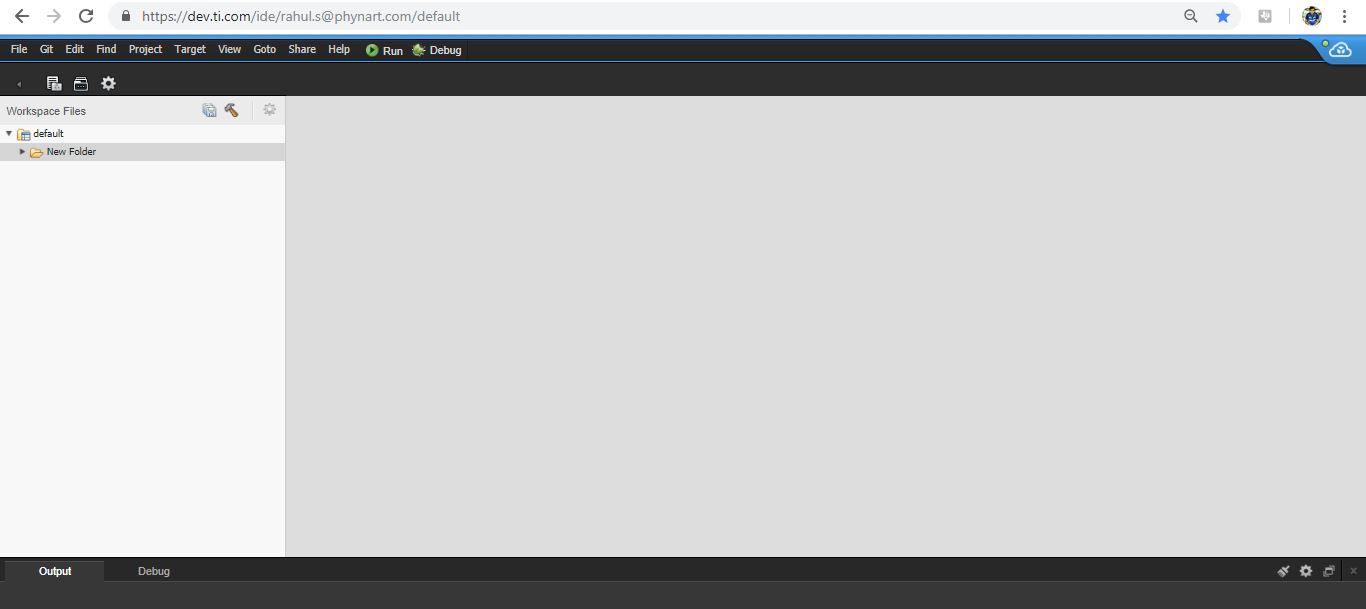
when i try to import any project from Project explorer CCS cloud window shows blank workspace 

How to set My cloud environment as default ..  
  • Hi Rahul,
    Could you clarify what is not working and what specific steps/actions you are performing?

    e.g. (I fail to access cloud environment -> Your picture shows that you have successfully started Cloud IDE, thus I am not sure what failed)
    Project explorer : to me, project explorer is the area with "default ->New Folder" nodes on the left side of above picture, Do you mean Resource Explorer?

    Thanks,
    martin
  • Hello Martin,
    Actually Resource Explorer not open MSS/DSS project file in Cloud IDE

    Now it's work Fine

    Best Regard,
    Rahul