Part Number: CCSTUDIO-C2000
Tool/software: Code Composer Studio
Hello,
I have been using CCS6 with XDS100 v1 and v2 boards for some time now, and have recently run into a launching issue.
On Friday of last week, I run the CCS Check for Updates and some software update, just in case they would help with my attempts as getting DSS and Console Scripting to work (I'm a beginner, and was unable to get the examples fully working).
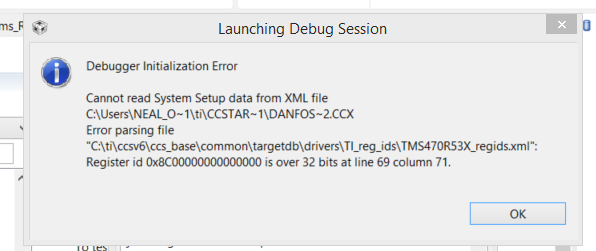
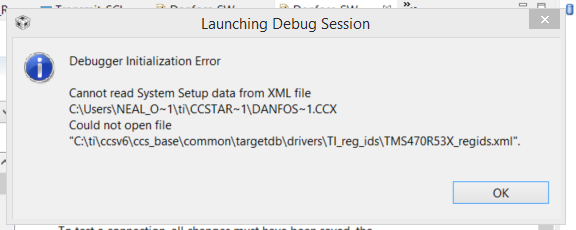
Now, on Monday, I am unable to get my debugger to launch, even in manual mode, with either type of debugger board, even to just the basic connect level. See image for exact error.
My target configuration has not changed, and has nothing to do with the TMS470 stuff, so I don't understand why that file is being accessed.
I have quickly rerun the CCS6 installer I use, but it didn't indicate there was any issue or corruption with the current install at all.
I have tried uninstalling the attached debugger in Device manager and letting it reconnect, and no change occurs there either.
I am attaching the image of the error, the install log zip files I can find, and my ccxml file (which is unchanged as far as I can tell).
Many of the help forum post with similar issue to this seem to end up with no contact from poster, so I am not finding a full solution to this issue, and would like assistance.
Thank you