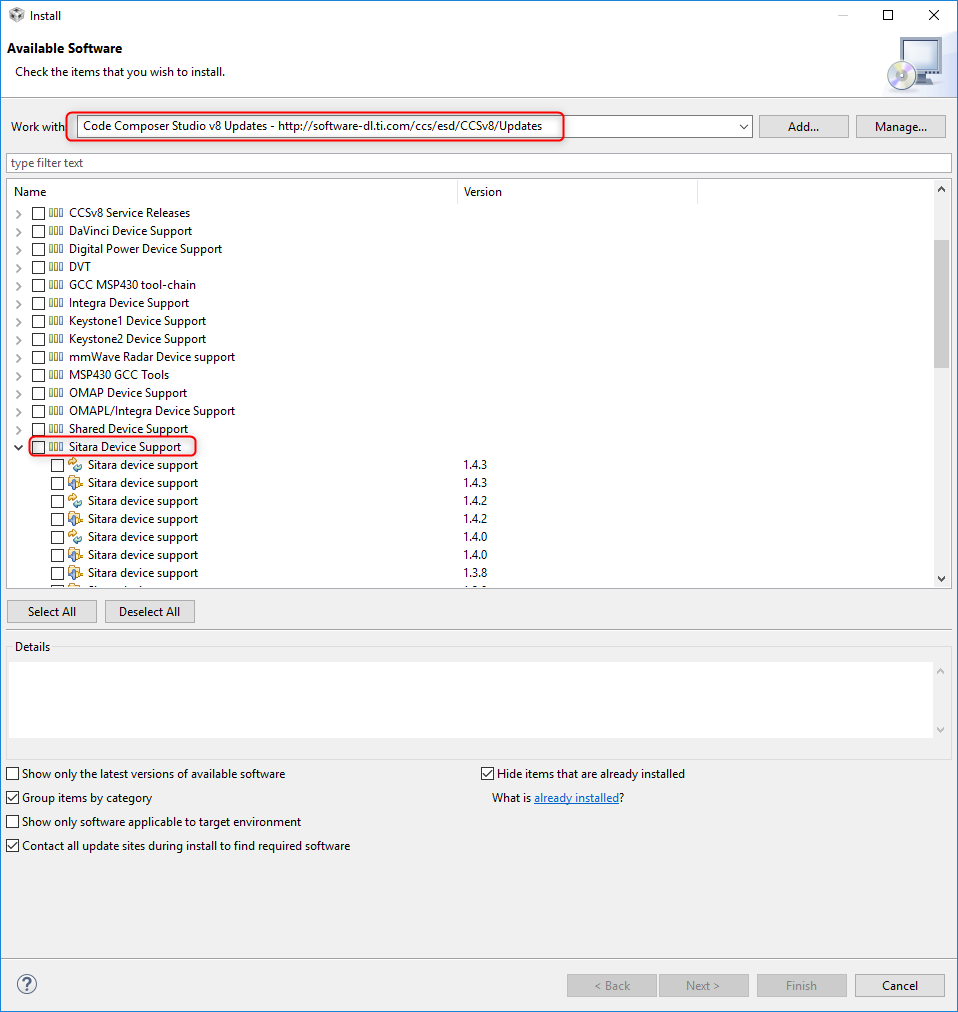
Tool/software: Code Composer Studio
I just installed CCS V8.1.0 on Windows and it installed V 1.3.9 of Sitara Device Support. I need to upgrade to at least V1.4.2.
- Help/Check Updates does not show any newer version of Sitara Device Support available.
- Doing Help/Install New Software, Display Installed Software indicates Ver 1.3.9 is installed. If I right click to update it does not find anything newer.
- I tried to manually update to V1.4.4 following instructions here http://processors.wiki.ti.com/index.php/Device_support_files#Sitara_AMxxxx but nothing changed
- I reran the CCS V8.1.0 installer and nothing changed (still V1.3.7 of Sitara Device Support)
Please advise,
Thanks,
David