This thread has been locked.

If you have a related question, please click the "Ask a related question" button in the top right corner. The newly created question will be automatically linked to this question.

CCS: Code composer runtime 6.2.0.1 setup issue for DRV8881 GUI

Other Parts Discussed in Thread: DRV8881

Tool/software: Code Composer Studio

Hello,

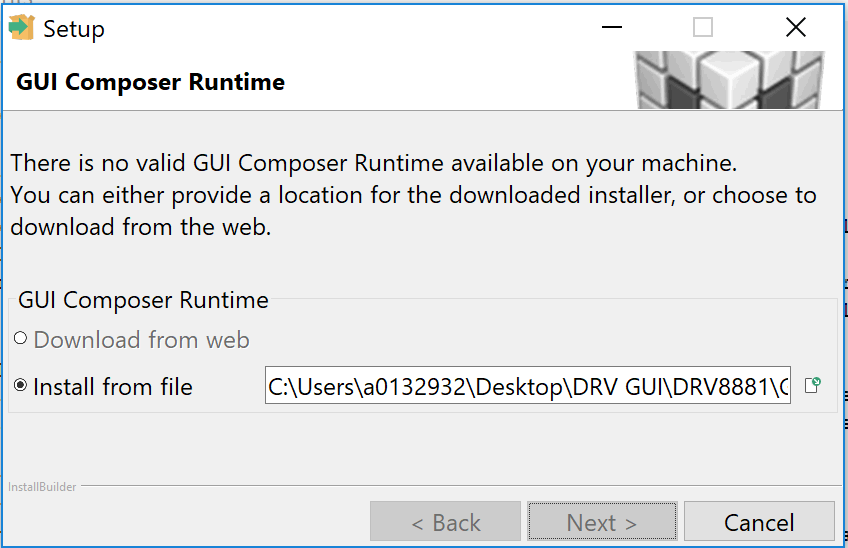
I am trying to help a customer for DRV8881 GUI installation. During the installation, DRV8881 GUI requests code composer runtime installation. I can select "download from web" option to finish the DRV8881 installation correctly. But, if customer selects "download from web" option. It always pop up window to tell "Download error"

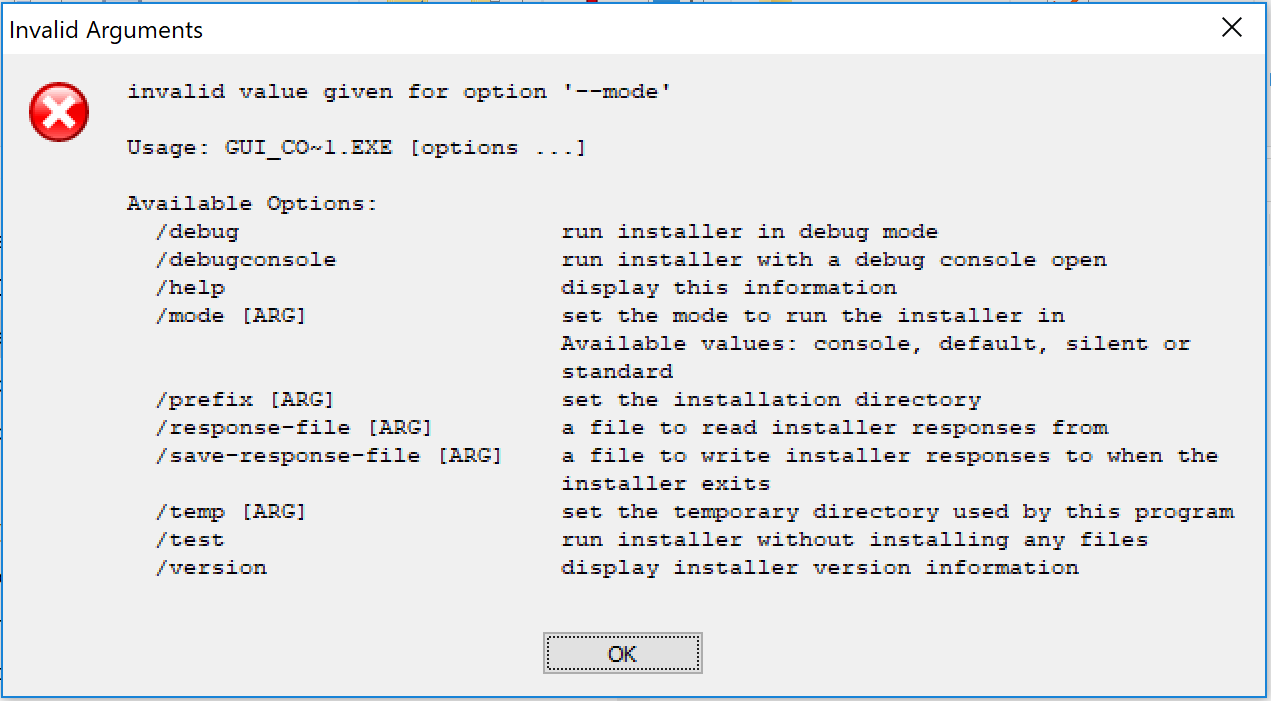
So, we downloaded GUI composer runtime 6.2.0.1 to local drive and select "Install from file" option. But, I get an invalid value message. Would you tell me which code composer runtime should I download? Or, would you tell me which web page does the GUI installation visit when I select "download from web" option?
  • Wang5577 said:
    So, we downloaded GUI composer runtime 6.2.0.1 to local drive and select "Install from file" option. But, I get an invalid value message. Would you tell me which code composer runtime should I download?

    Wang,

    I was also able to install the GUI Composer runtime from the web but I'm not sure which file to point to when selecting "Install from file" option in the installer. I'll have to check with some GUI Composer experts on whether there is another way to get the runtime installed for this GUI. Unfortunately due to the holidays I doubt we will get an answer before end of next week. Sorry about the delay.

  • Aarti,

    Thank you for your reply and waiting for the further support.
  • Wang,

    Sorry about the delayed reply, I just returned today after the holidays.

    From the DRV8881 GUI Application installer file name, the developer was able to figure out that the GUI runtime version is 2.0.3. The installer for this version of runtime can be downloaded from here.

    Let us know if that helps resolve the issue.

  • Thanks, I will work with the customer to install it.

    Wang