This thread has been locked.

If you have a related question, please click the "Ask a related question" button in the top right corner. The newly created question will be automatically linked to this question.

CCS/TMDXIDK5718: U-Boot Debug issue - No source available

Part Number: TMDXIDK5718
Other Parts Discussed in Thread: AM5708

Tool/software: Code Composer Studio

Hello Experts,

We are doing U-Boot debugging on AM571x IDK and custom board based on AM5708.

We followed instructions as per 

https://training.ti.com/linux-board-porting-series-module-7-debugging-u-boot-jtag-ccs?cu=399066


But after loading binaries u-boot-spl.bin and u-boot-spl immediately prompting "No source available for do_board_detect" even before setting break points and resuming debug session.
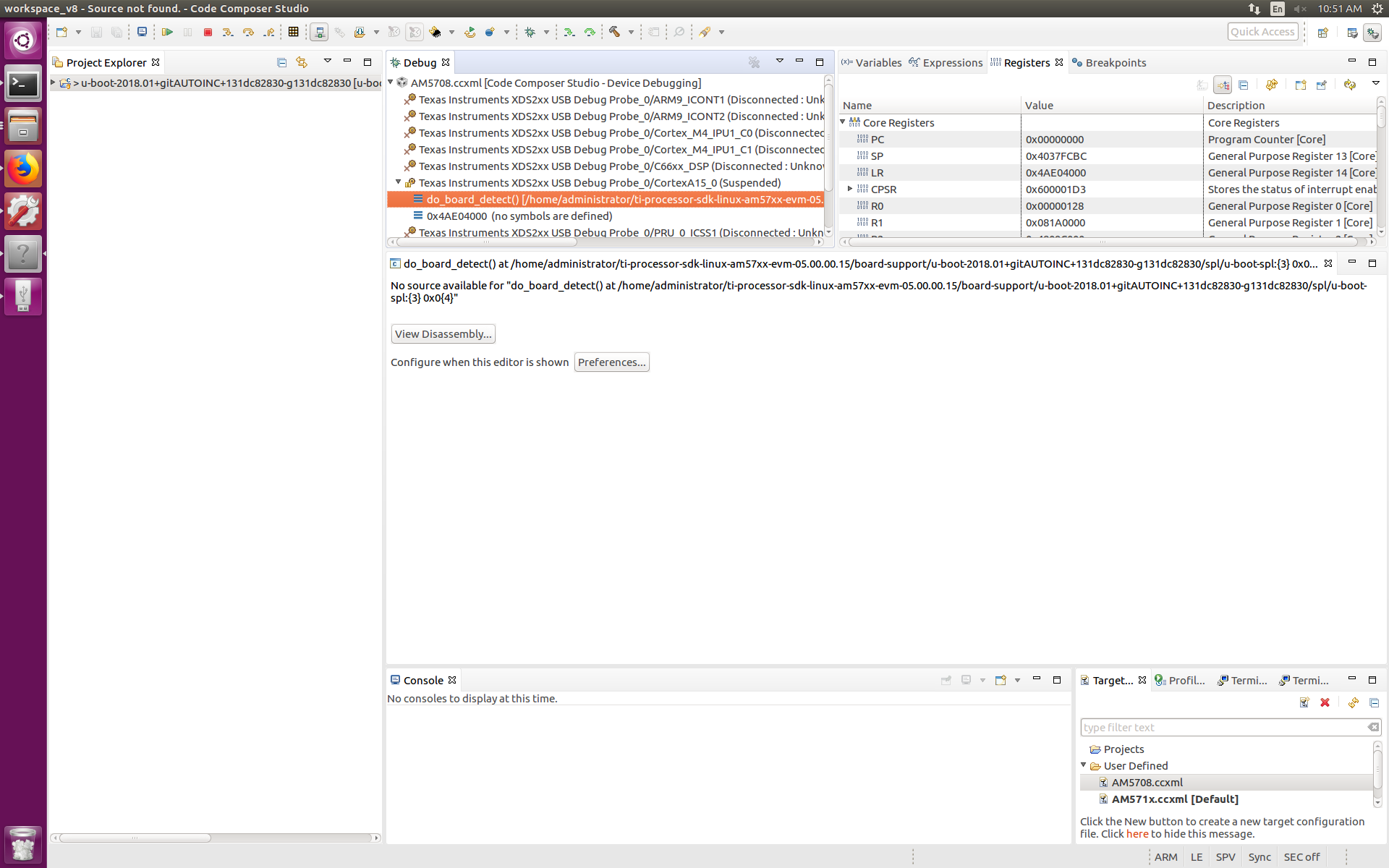
And i am not able to see the logs on serial console. Is there any way to check logs on CCS with the JTAG?

Thanks,

Gourav

  • Gourav,

    The behaviour you are seeing is consistent with the u-boot being built without debug symbols, which prevents proper source code correlation. In this case you need to be sure the u-boot ELF executable (the file u-boot-spl) was built with the -g option.

    Even still, at certain points of the execution you may have optimized or inlined functions, which can also confuse the debugger when trying to find the corresponding source code. In this last case, you can open the Disassembly View and step through a few instructions to see if the debugger is able to "return" to a function inside a source file.

    One remark: if you see some strange or invalid instructions in the Disassembly View, it is possible the debugger is not displaying the correct mode (either ARM or Thumb). You can right-click and select "Thumb only". This is a known issue in CSv8 releases.

    Regarding the console display, I suspect you are referring to the "Terminal View", is that so? If so, you need to double-check first if the u-boot is actually running (it is possible the .bin file was incorrectly loaded) and the UART configuration/connections between the target board and the PC. To test the terminal connection, I would first disconnect the CCS debugger and re-boot the board with a working SD card. Then I would proceed to try to debug the u-boot itself.

    Hope this helps,
    Rafael
  • Rafael,

    We are able to overcome "No source available" issue and able to debug the u-boot code with "Run to Line" option.

    We are trying to bring up custom board based on AM5708. First tried with sd card image but not able to see any logs, at least U-Boot initial banner on console. So decided to debug u-boot with CCS-JTAG.

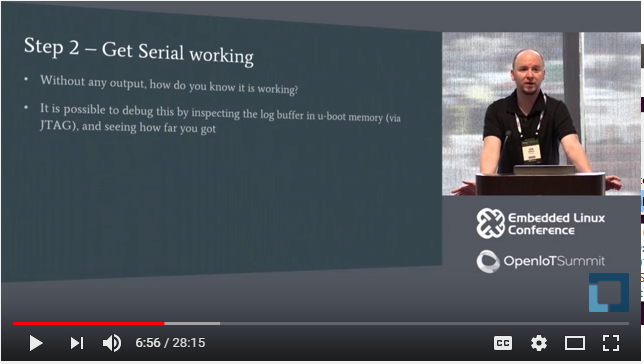
    In the below link video mentioned that we can able to see log buffer in u-boot memory with JTAG but unfortunately we not able find the location.

    Thanks,

    Gourav


  • Gourav,

    I didn't yet have a chance to look at the video, but the second bullet in the slide above (inspect memory) can be done via the Memory Browser view (menu View ==> Memory Browser).

    In other words, you can open the Memory Browser and point its Address parameter to the beginning of the console log buffer. You can even change the format the data is displayed to show ASCII characters instead of hex values.

    However, the exact location of the console log buffer is very specific to the Linux distribution in use - for that I would have to ask you to check with the Sitara Linux experts in the device forum.

    Hope this helps,
    Rafael