This thread has been locked.

If you have a related question, please click the "Ask a related question" button in the top right corner. The newly created question will be automatically linked to this question.

CCS/AM3359: how to flash in CCS?

Part Number: AM3359
Other Parts Discussed in Thread: TMDSICE3359, , UNIFLASH

Tool/software: Code Composer Studio

Hi.

I have AM3359ICE (TMDSICE3359) and J-Link Debugger.

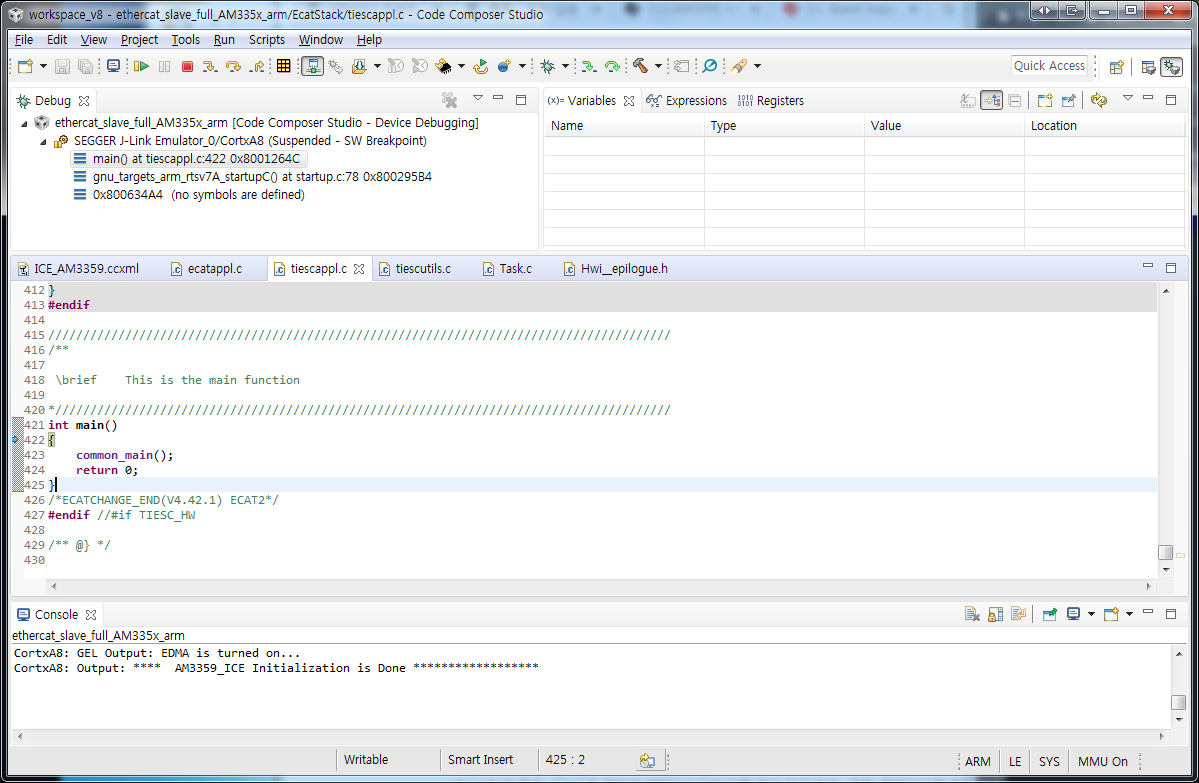
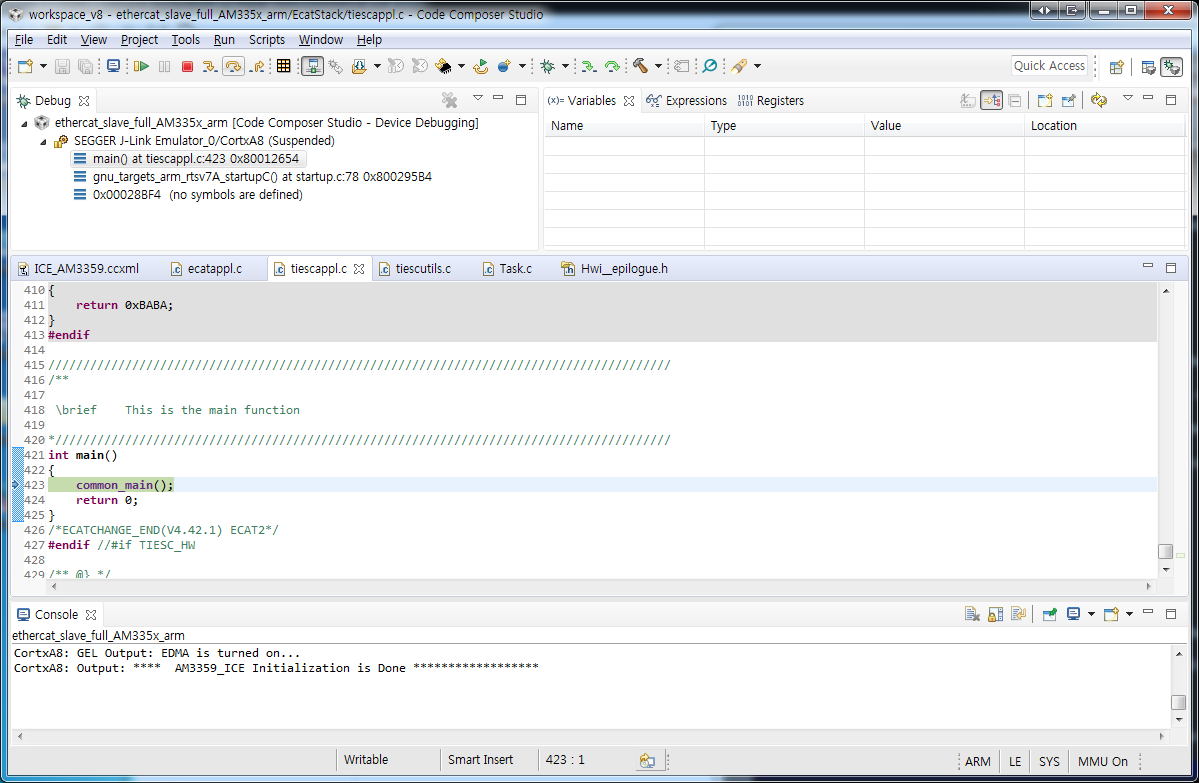
Debugging the AM3359 from CCS was successful.
I would like to flash .out files to the AM3359 from CCS.

How do I flash in CCS?

Thank you in advance.

  • Hi Simon, this is an old wiki, but still should apply. Main idea is to use a CCS flasher application to flash your binary file... In the meantime I will try to find a newer document =)

    processors.wiki.ti.com/.../AM335x_ICEv2_flash_erase

    thank you,
    Paula
  • Simon,

    The AM335x ICEv2 boards can be booted using CCS for booting from SPI flash using the instructions that are archived here:
    software-dl.ti.com/.../index_Foundational_Components.html

    The flash writer and the bootloader images for this platform are provided in the Processor SDK RTOS package.

    More recently, we have also introduced support for a Uniflash tool that can copy the image over UART and program the flash. If you prefer to use this approach the notes are provided here:
    software-dl.ti.com/.../index_board.html

    Regards,
    Rahul
  • Hi. Rahul

    Thank you for your reply.

    I have additional questions.

    I installed uniflash, but uniflash can not find the my device.

    settings-device database - The Re-sync Database has already been executed.

    I also used detect-devices.bat, but I can not find my device.

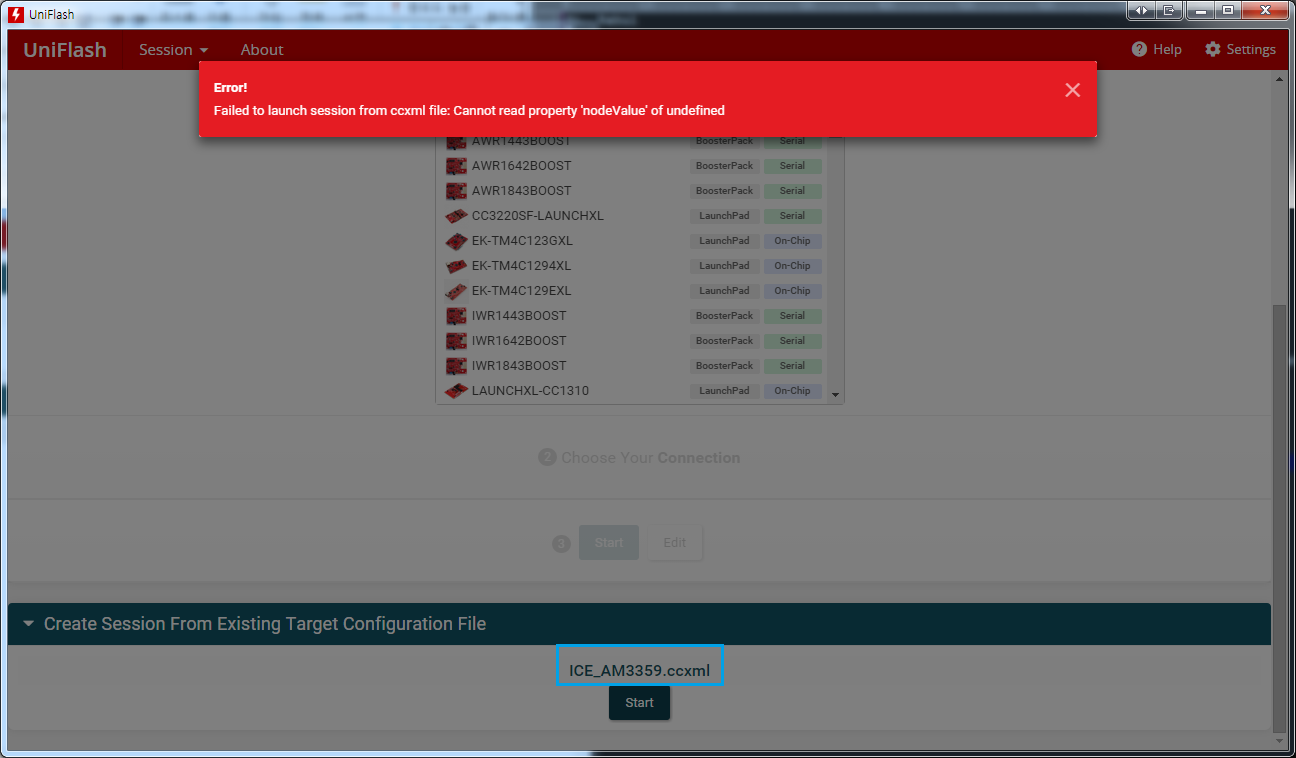
    Using ICE_AM3359.ccxml causes the following error:

    The AM3359ECE2 and J-Link are connected as shown in the following screenshot.

    Env : AM3359ICE2 Board Setting - Pin 2 & 3 shorted on J5.

    Q1. The uniflash I install is not web-based. Is not it a problem?

    Q2. How can uniflash detect AM3359Ice2?

    Q3. When the device is detected, Can I flash using the following dslite.bat command?

    dslite.bat --mode load --config=C:\ti\PRU-ICSS-EtherCAT_Slave_01.00.07.02\protocols\ethercat_slave\projects\ethercat_slave_full_AM335x_arm\targetConfigs\ICE_AM3359.ccxml -f C:\ti\PRU-ICSS-EtherCAT_Slave_01.00.07.02\protocols\ethercat_slave\projects\ethercat_slave_full_AM335x_arm\AM335x_debug\ethercat_slave_full_AM335x_arm.out -n 1

    Regards,

    Simon

  • Simon,

    The uniflash GUI tool doesn`t support processor platforms yet. AM335x is still being integrated inside the GUI similar to TI MCU platforms. You need to flash using command line option , there is no option available in current 4.6 to use Uniflash GUI for this device.

    You don`t need to use web/cloud based version of uniflash. The GUI tool currently doesn`t detect processor platforms, please use dslite from command line and provide path to the .ccxml file. Just ensure that your target configuration works from the CCS GUI before launching from commandline.

    Regards,
    Rahul