Part Number: CC1352R
Tool/software: Code Composer Studio
Hi guys,
I have a problem with my new CC1352R. I bugun following the SimpleLink Academy v2.40 and v2.30, but there were several different problems.
First CCS said that examples from v2.30 have some errors in the code, so is impossible tu build them
Then i tried with v2.40, building and flashing project0, or other simple projects, such as turn on a led and it doesn't work
Then I asked to a friend of mine to use his own pc, on wich a SimpleLink Academy is installed, and everything works. So I download and installed SIMPLELINK-CC13X2-SDK_2.20.00.71 in order to try to use that version. When i look for it in Window > Preferences > Code Composer Studio > Products it shows this window:
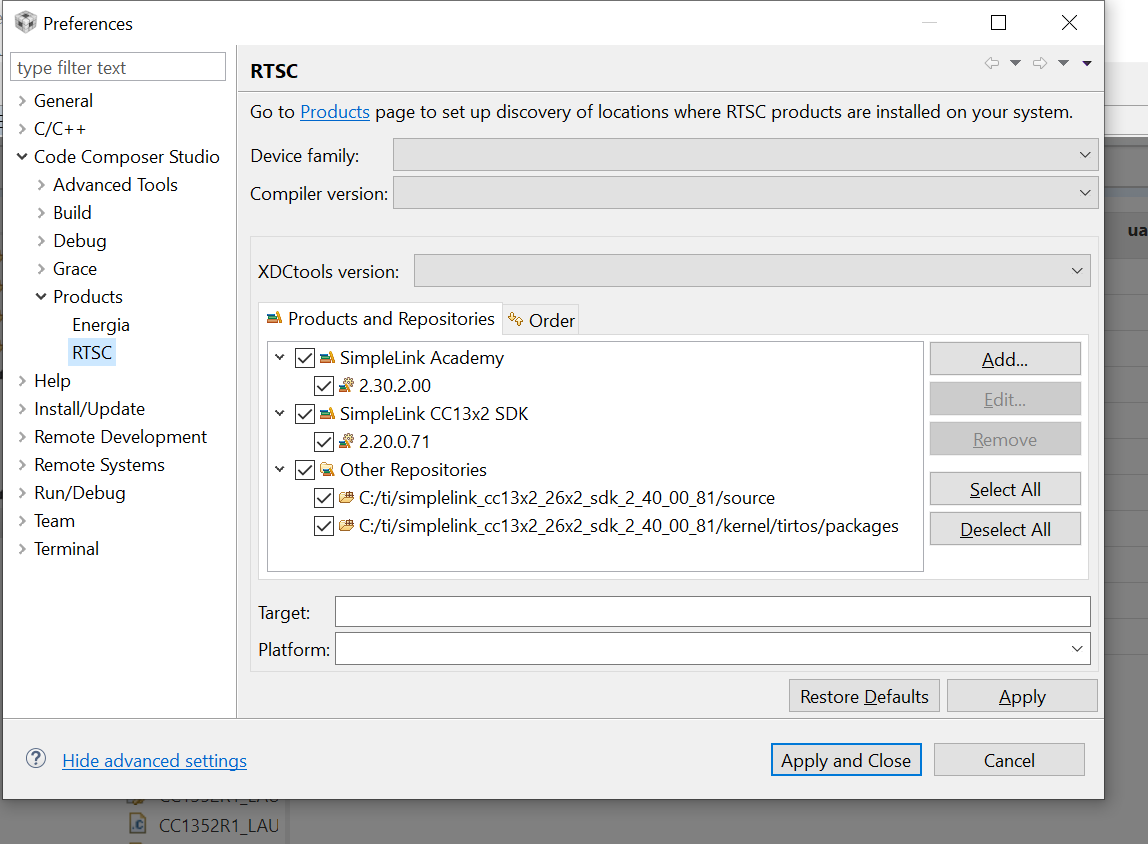
But when i try to use resource explorer it only shows me SIMPLELINK-CC13X2-SDK_2.30 and 2.20
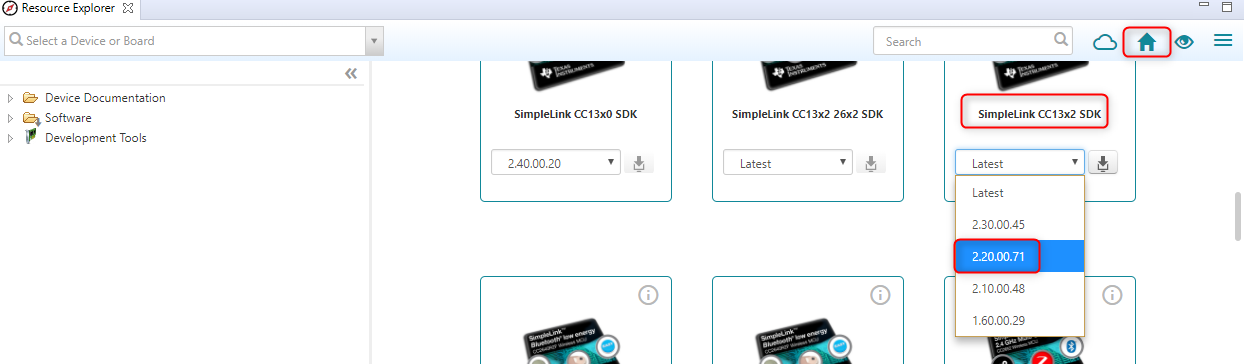
How can i use from resource explorer SIMPLELINK-CC13X2-SDK_2.20.00.71?
And why the newest version doesn't work?
Thank you