This thread has been locked.

If you have a related question, please click the "Ask a related question" button in the top right corner. The newly created question will be automatically linked to this question.

Compiler: Build is finished for project, but with problems.

Other Parts Discussed in Thread: AM3359, AM3352

Tool/software: TI C/C++ Compiler

CCS:  Version: 8.3.0.00009

Compiler: TI v5.2.5

I have a project named uOS-III.

I want to compile it to a library, so first I clean it, but CCS shows Finished clean as well as problems.

Problem shows because of cleaning project is the first time I met. Does it matter?

On the top of that, detecting problem is Compiler's responsibility. Why does action "clean project" activate Compiler? 

Also, this library is for chip AM3352. Will problems occur if I choose AM3359 in CCS General?

Then, I restart CCS.

Build it again, and clean it again. Without changing any settings, problems are gone.

Why? Is this counted as CCS bug?
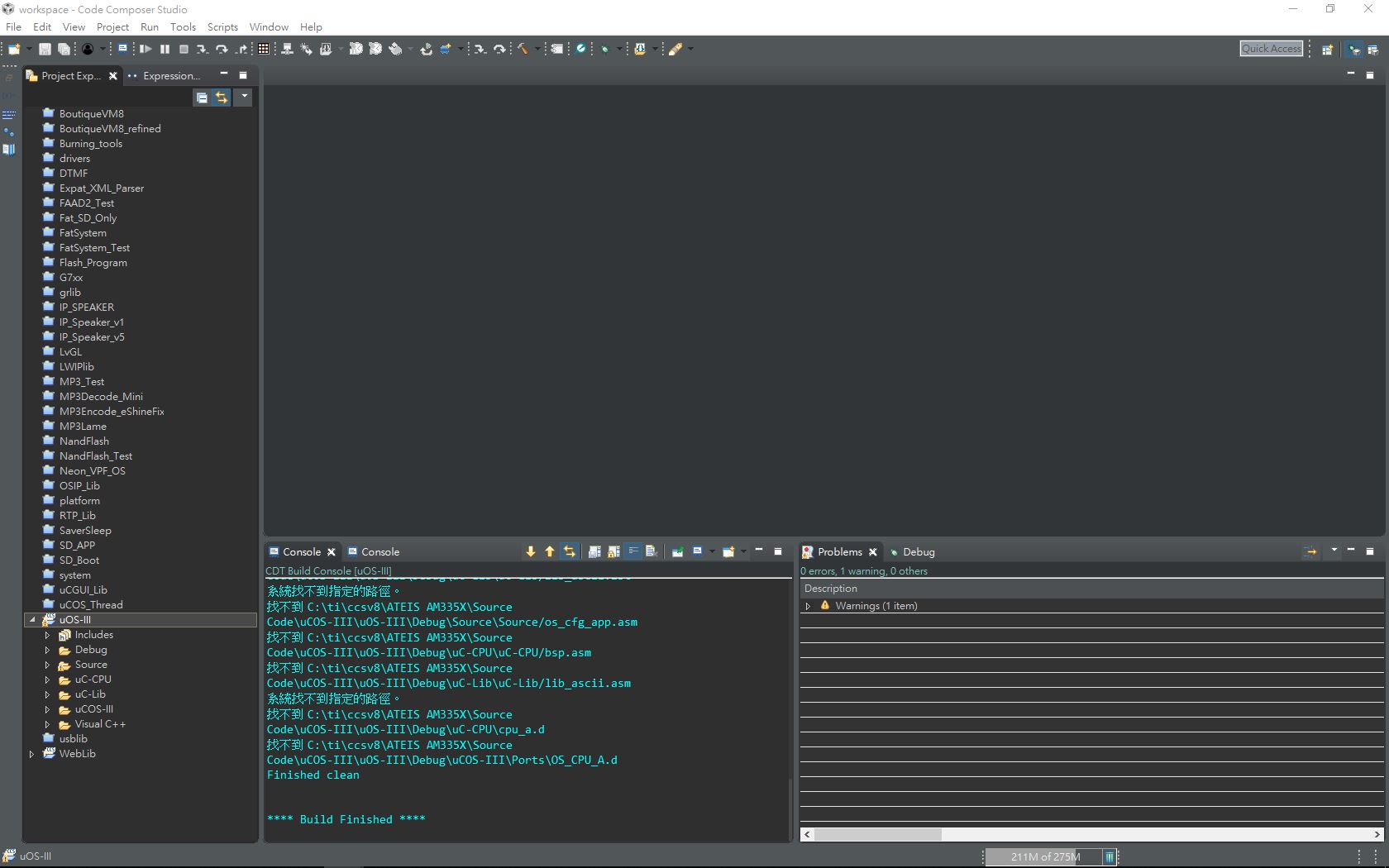
  • The errors shown in the Problems view are not coming from the TI compiler tools, but rather from the built-in static code analyzer that comes with Eclipse. Normally this is disabled for CCS projects and you should not see these types of errors. But perhaps the code analyzer somehow got inadvertently turned on in your project and triggered those errors to be displayed. When you restarted CCS, it likely reset that setting and the errors did not appear again.

    More details on the code analyzer are in this page: http://software-dl.ti.com/ccs/esd/documents/users_guide/ccs_project-management.html#code-analysis

    Andy Lin94 said:
    Also, this library is for chip AM3352. Will problems occur if I choose AM3359 in CCS General?

    It depends on the project set up, but in general that should not be an issue. In some projects, it may default to selecting a linker command file based on the device variant selected in the Project properties. Since this specific project is a library project that may not be an issue. However, I would still advise a quick check of the build options and settings to ensure that they all still apply to the AM3359.

  • Thanks, very clearly