This thread has been locked.

If you have a related question, please click the "Ask a related question" button in the top right corner. The newly created question will be automatically linked to this question.

CCS: GUI of Power Suite is not working

Other Parts Discussed in Thread: POWERSUITE

Tool/software: Code Composer Studio

Hello folks,

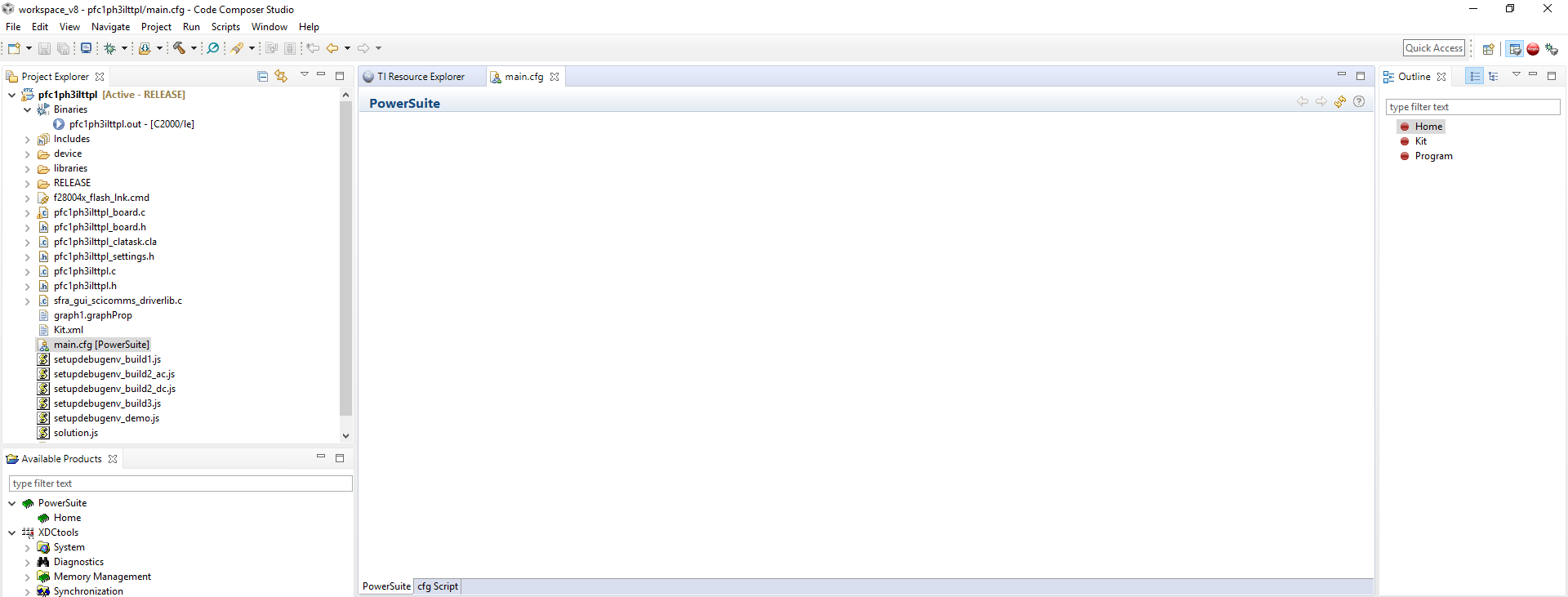
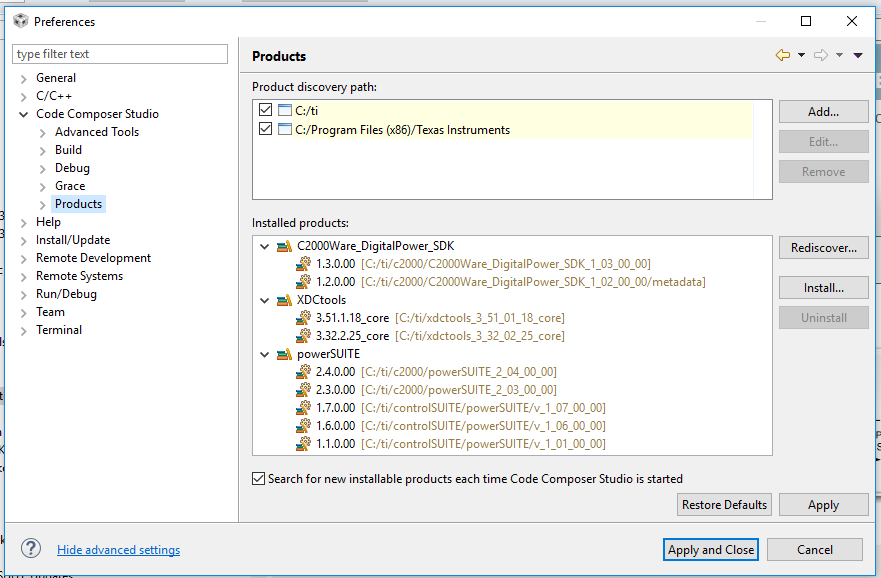
I tried to reach GUI of the solution in code composer 8. Although I managed to obtain script of the main.cfg, powersuite interface is a blank page. I search in the questions and answers, but any of them solved my problem. My configuration and problem pictures are added.
  • sarper sertel said:
    I search in the questions and answers, but any of them solved my problem.

    This question has come up a few times on the forum and the issue is usually caused by a few reasons that are mentioned in those posts. Could you explain what steps you have tried already?

    The first thing I would suggest is to confirm that GUI Composer v1 Runtime is installed. You can install this from CCS App Center. If it is installed, it should say "Up to Date" for the GCv1 runtime component as shown in this post.

  • Since I haven’t heard back from you, I’m assuming you were able to move past this issue. If not, please feel free to post a reply with an update and requested details. Thanks!
  • Thank you for your replay, my problem is that I'm using an offline computer, so I need to install GUI Composer v1 Runtime without using app center. At this point, I could not find any link that provide for this app.
  • sarper sertel said:
    my problem is that I'm using an offline computer, so I need to install GUI Composer v1 Runtime without using app center. At this point, I could not find any link that provide for this app.

    Currently there isn't an offline installer for the GUI Composer Runtime. It needs to be installed from CCS App Center. Please try to make temporary arrangements with your IT administrator to access the App Center. Sorry for the inconvenience.